On this page you can check all the IP channel status and the status of alarm occurred including:
motion detect, video mask, and video lost.
4.4.1.4 Record
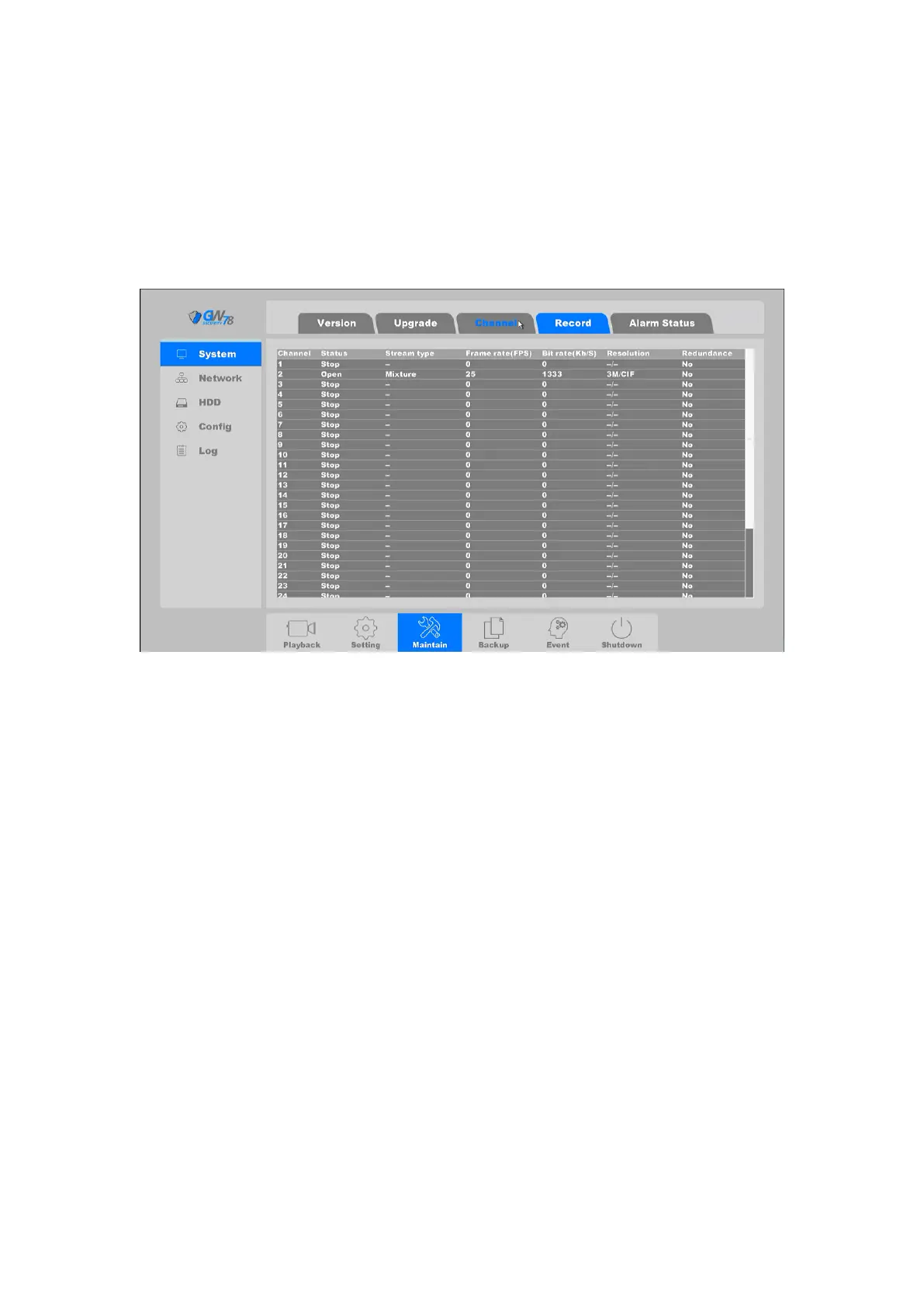
Click on the "Maintain --> System -> Record" as shown in figure 4-68.
Figure 4-68 Channel Record Status
On this page you can check all the channels recording status, open or stop, stream type, video or
mixture (video and audio), frame/bite rate of channels stream, main/sub resolution of IP channel,
and whether to open the redundancy function or not.
4.4.1.5 Alarm Status
Click on the "Maintain --> System -> Alarm status”, as shown in figure 4-69.
Input/Output



 To Next Page