address or allow some trusted IP.
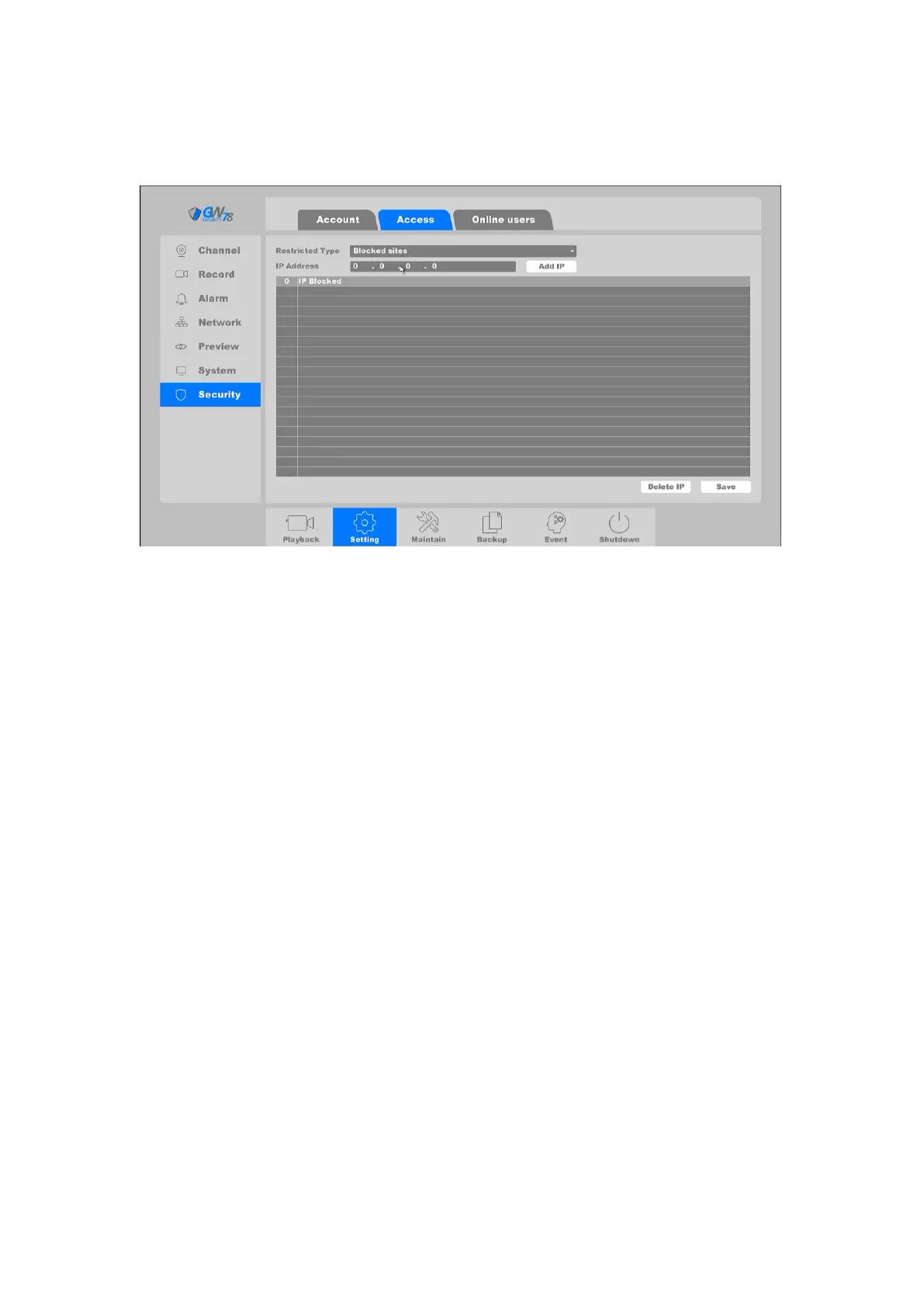
Click on "Setting -> Network ->Access", as shown in figure 4-23.
Figure 4-27 Access
Blocked Sites: The IP Addresses which are added to blocked sites are not allowed to
login NVR.
Trusted Sites: Only the IP Addresses which are added to trusted sites are allowed to
login NVR.
You can add IP or delete IP by clicking Add IP and Delete IP buttons. After the operation is
finished click the Save button.
4.3.2.3 Online Users
Click on the "Maintain --> System -> Online Users", as shown in figure 4-24.



 To Next Page