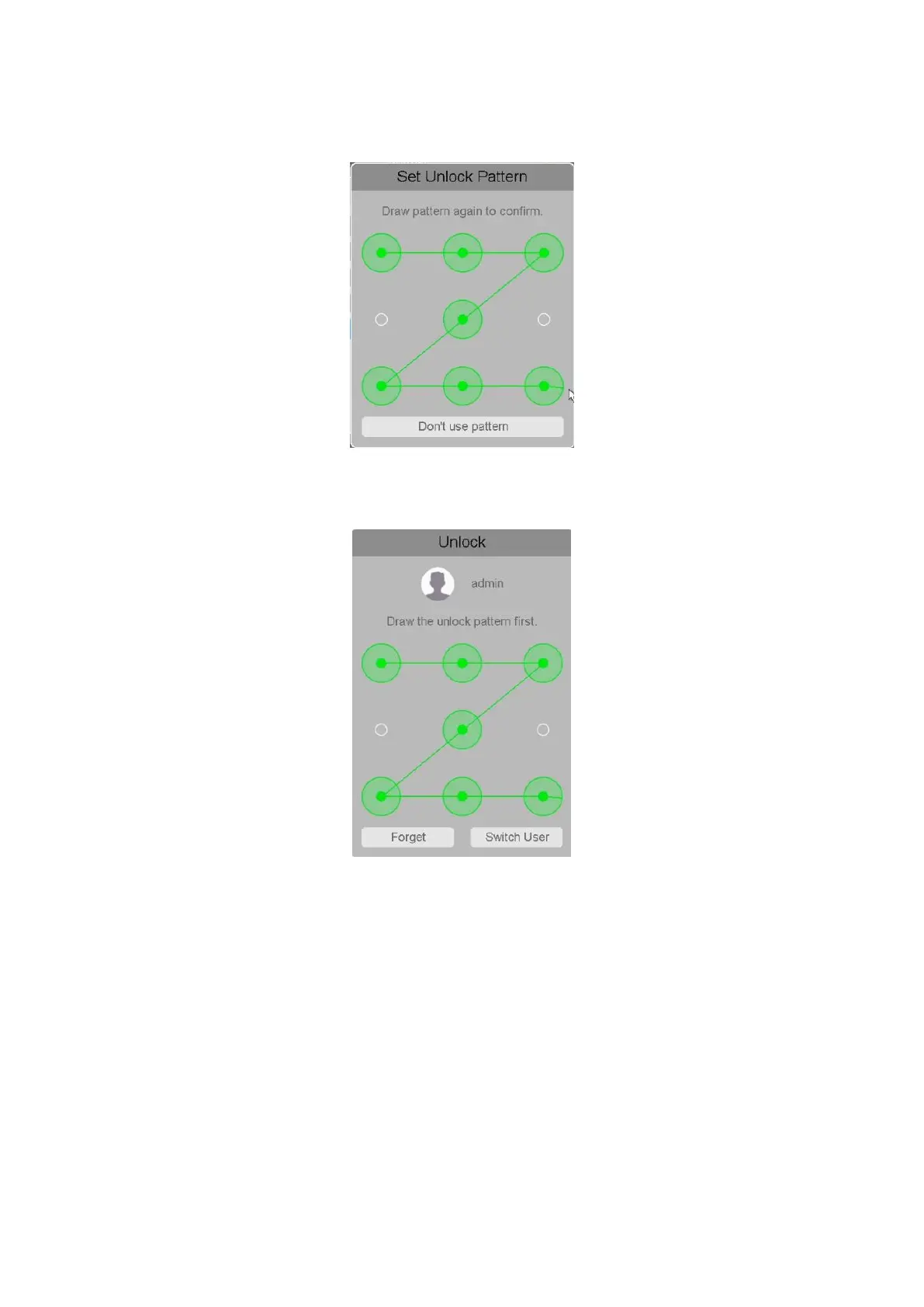
Then draw the pattern again to confirm your pattern:
Figure 4-25 Confirm Unlock Pattern
Then click save and your Pattern will be saved into system, next time when a login needed you
can use Pattern to unlock, shown as below:
Figure 4-26 Unlock NVR by Pattern
Note:
The user who possess the user control permission can modify his/her own or other
users‘ password.
This “Z” Pattern is for reference, you can set your own private one.
If user forget the Pattern, he can click “Forget” button to switch to the original way
“Username + Password” to login system.
4.3.2.2 Access
In this chapter by setting the IP address to be blocked and trusted, you can block specific IP



 To Next Page