5.6.7.3.10 Parking Detection
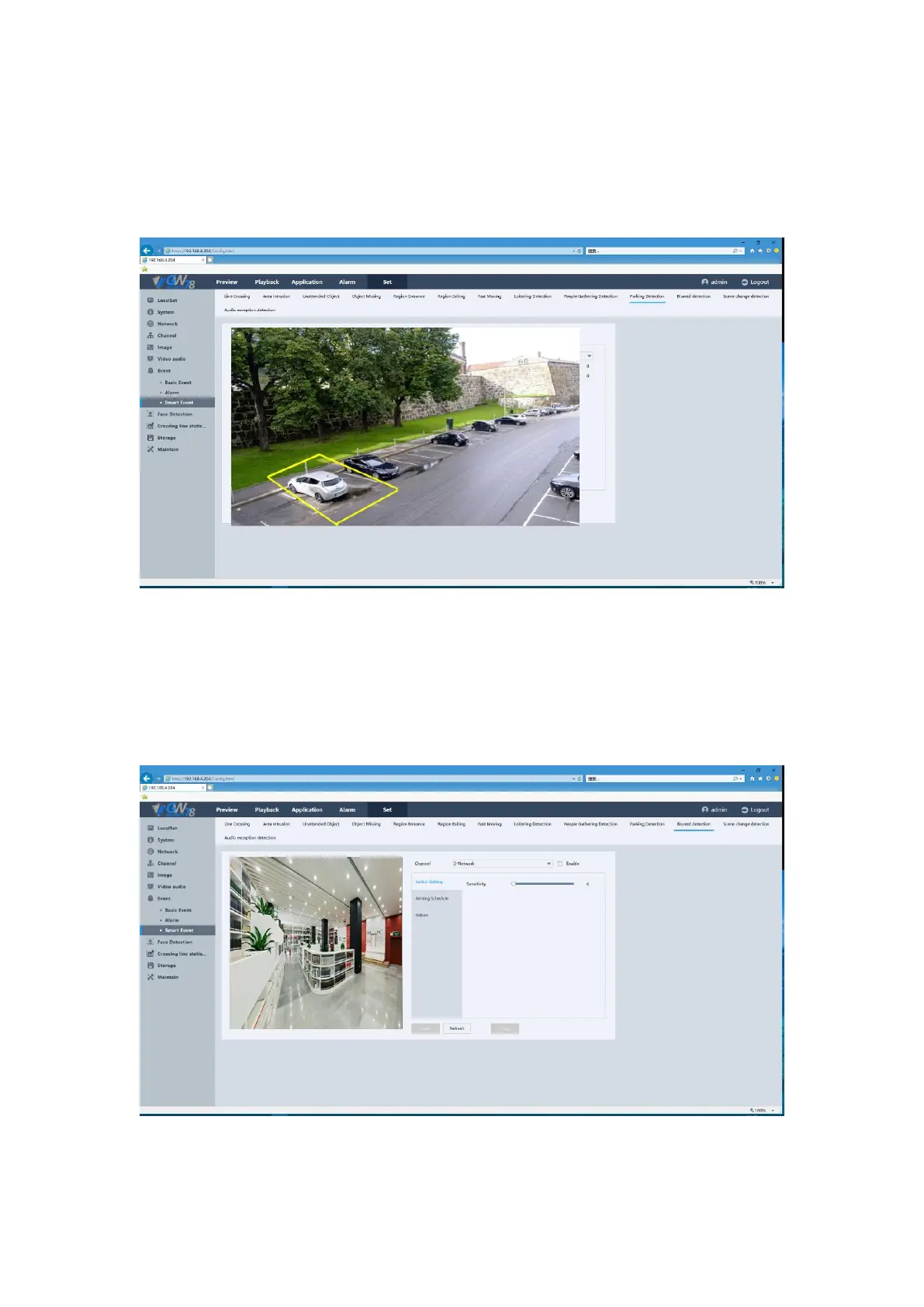
Click the Set ->Event -> Smart Event -> Parking Detection. As show in figure 5-48.
Please refer 4.6.1.10 for detailed information.
Figure 5-48 Parking Detection Setting
5.6.7.3.11 Blurred Detection
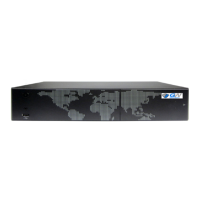
Click the Set ->Event -> Smart Event -> Blurred Detection. As show in figure 5-49.
Please refer 4.6.2.1.1 for detailed information.
Figure 5-49 Blurred Detection Setting



 To Next Page