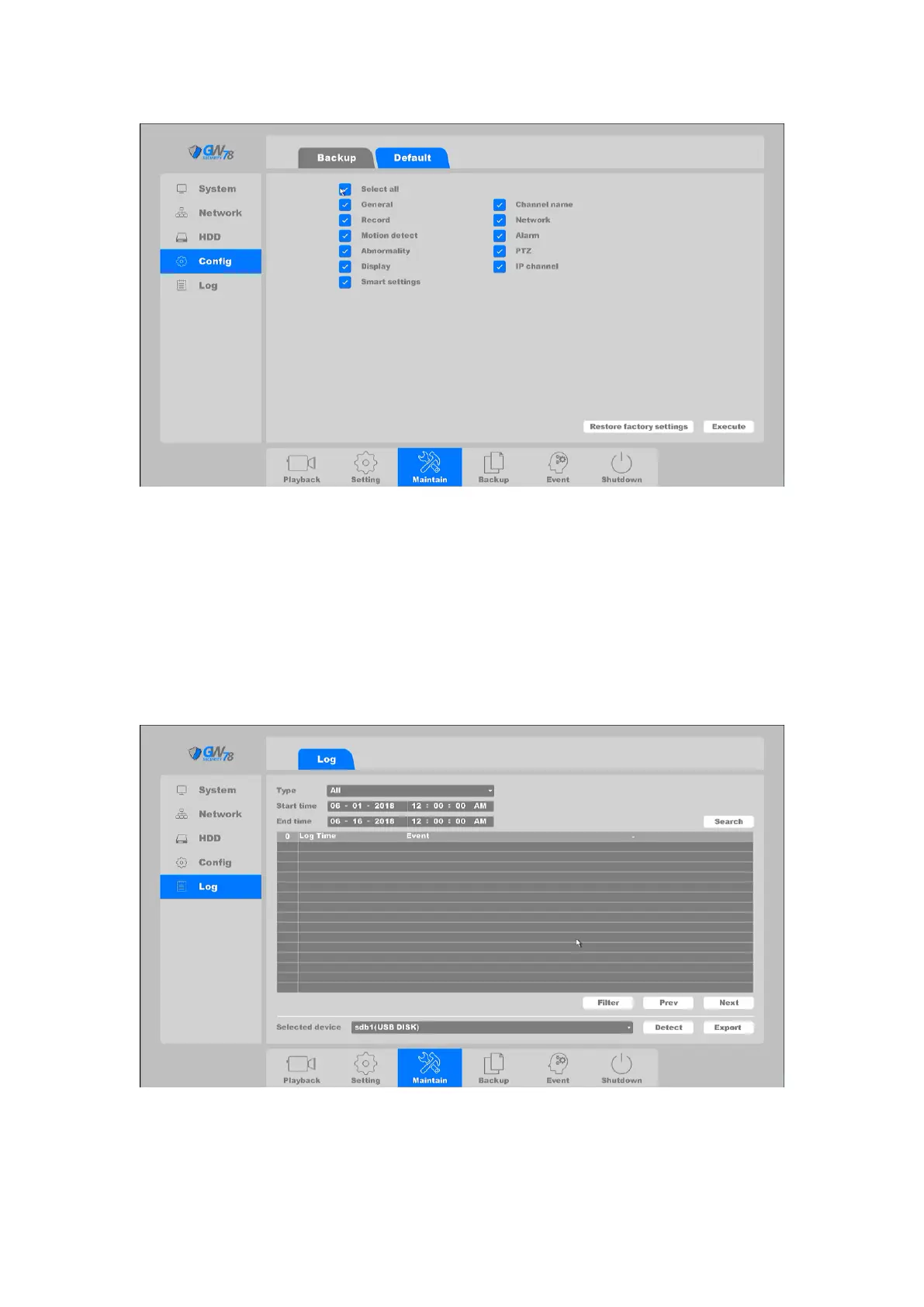
Figure 4-81 Default
On this page you can choose the function items displayed above and after when the execute
button is clicked, the item(s) what you chosen will restore to factory defaults. Checking the
“select all” button will restore all parameters to default settings.
4.4.5 Log
Click on the "Maintain --> Log”, as shown in figure 4-82.
Figure 4-82 Search System Log
You can check device the operation log on this page: all system events are archived here.



 To Next Page