User Manual
Page 14
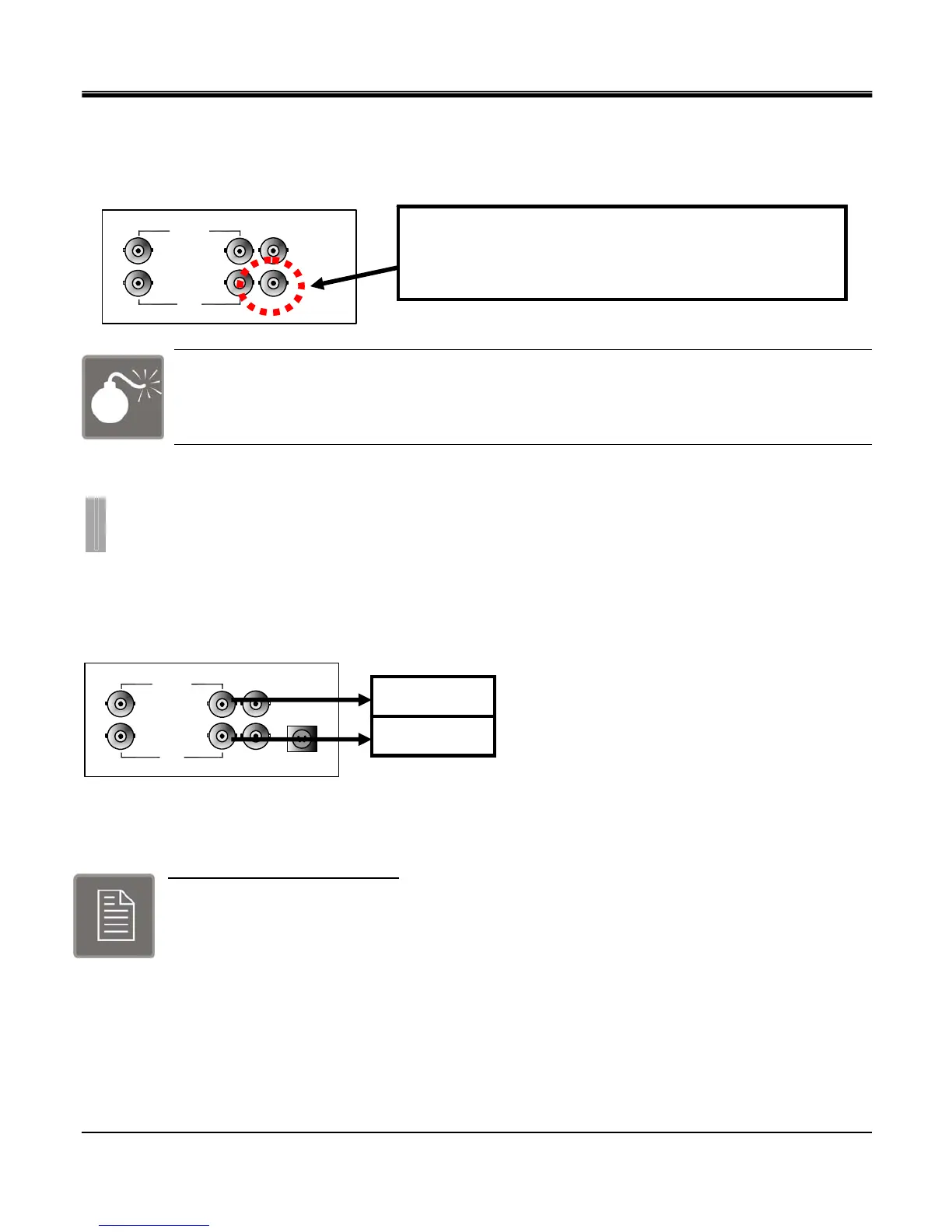
z Analog SPOT
The analog SPOT is a SPOT monitor output connection that provides single channel view in sequencing mode.
Sequencing interval may be defined to regulate the channel switching time.
Check this before connecting monitor
There is BNC connector that is not being used.
It is reserved for future development.
Connect the cameras to the Video In ports located on the rear panel of the DVR using the proper cables and connectors
(BNC Twist Lock). The corresponding video channels can be “looped” out using the “loop out” ports located beneath each
video input port. Terminators are not required. DVR will detect the system format (NTSC and PAL) automatically. Please
refer to the figure below..
The loop out ports may be used to display the video signal from each individual channel to any desired display output
device such as a monitor, or it can be used to provide a video signal to another DVR system. The type of connection of the
loop out ports use is BNC Twist Lock type.
Video Input Signals Specification
1 Vpp / 75 ohm
PAL / NTSC Auto Detect
BNC Inputs with Loop Out
CHAPTER 2. HARDWARE CONFIGURATION
5. Camera Connections
LOOP
……
CH1
CH16
MONITOR
CAMERA IN
DC12V
SPOT
LOOP
……
CH1
CH16
MONITOR
CAMERA IN
SPOT
Analog Spot Out (BNC Twist Lock Type Connector)
You can use any display device that supports BNC Twist
Lock type inputs, adapter may be used.
Camera inputs
Loop out



 To Next Page