User Manual
Page 36
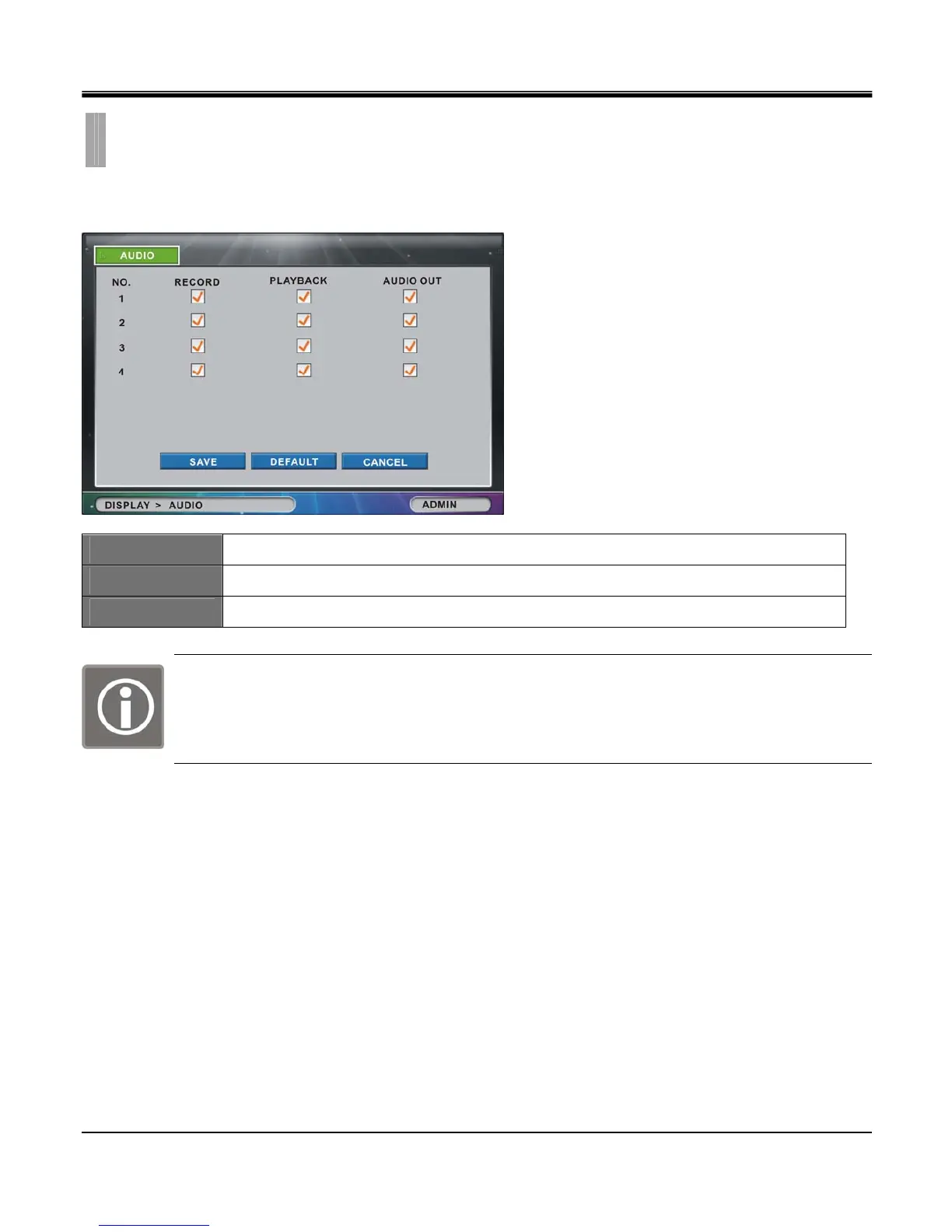
The “AUDIO" list option item is selectable from “DISPLAY" group icon.
By selecting “AUDIO" list option item, window with “AUDIO" tab appears.
RECORD
Select appropriate checkbox to record audio.
PLAYBACK
Select appropriate checkbox to playback audio.
AUDIO OUT
Select appropriate checkbox to turn on audio in Live mode.
One available audio channel for the 4 channel model.
Two available audio channels for both 8 and 16 channel models.
CHAPTER 5. DISPLAY
3.AUDIO



 To Next Page