User Manual
Page 52
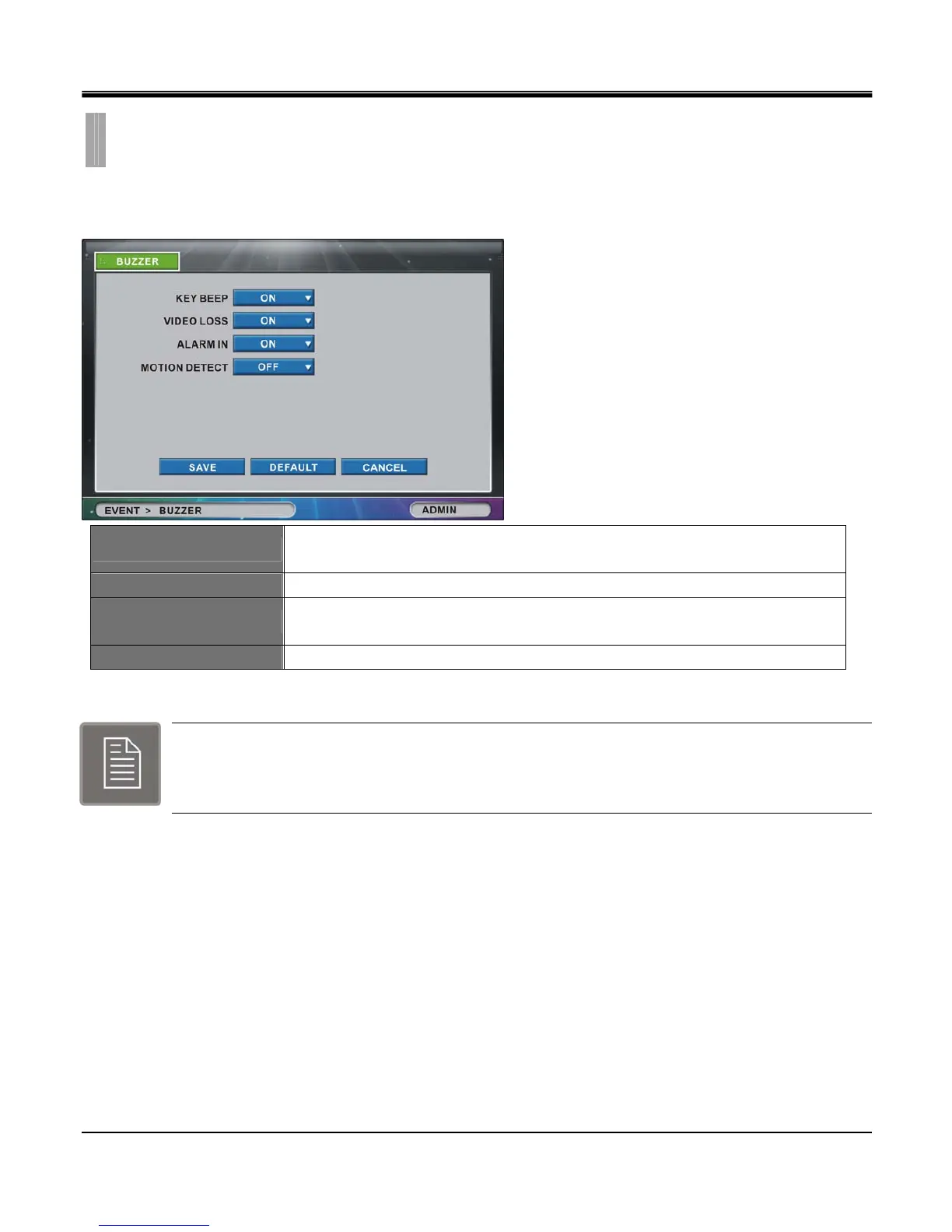
The “BUZZER” list option item is selectable from “EVENT” group icon.
By selecting “BUZZER” list option item, window with “BUZZER” tab appears.
KEY BEEP
Set “ON” or “OFF” to enable and disable audible beep for mouse, frontal key pad or
remote controller entry.
VIDEO LOSS Set “ON” or “OFF” to enable and disable audible beep for Camera Loss.
ALARM IN
Set “ON” or “OFF” to enable and disable audible beep for detection of external sensor
input.
MOTION DETECT Set “ON” or “OFF” to enable and disable audible beep when motion is detected.
Note:
If Buzzer Menus are set to Off, the buzzer will not be activated even Alarm/Motion/Loss Menus are
On.
CHAPTER 7. EVENT
5.BUZZER



 To Next Page