User Manual
Page 73
User who has authority to playback can playback recorded data.
Set authority from [Menu]Æ[System]Æ[User]Æ[Authority].
While in Live mode, user can playback from Monitoring popup menu, or by clicking Playback button from Search menu
Left arrow button Backward playback
Right arrow button Forward playback
Up arrow button
Increase forward playback speed.
Decrease backward playback speed.
Down arrow button
Increase backward playback speed.
Decrease forward playback speed.
SEARCH/STOP
Pressing the [STOP] button from Playback mode will switch screen to Live mode.
Pressing the [SEARCH] button from Live mode will switch screen to Search mode.
CHANNEL BUTTON
Press camera channel button, and the associated camera screen will display in full screen
mode.
MODE
Pressing the [MODE] button will cycle the display modes through 1, 4, 6, 8, 9, 13, and 16
split screen modes.
(4ch DVR – 1, 4 split screen mode, 8ch DVR – 1, 4, 6, 8 split screen mode).
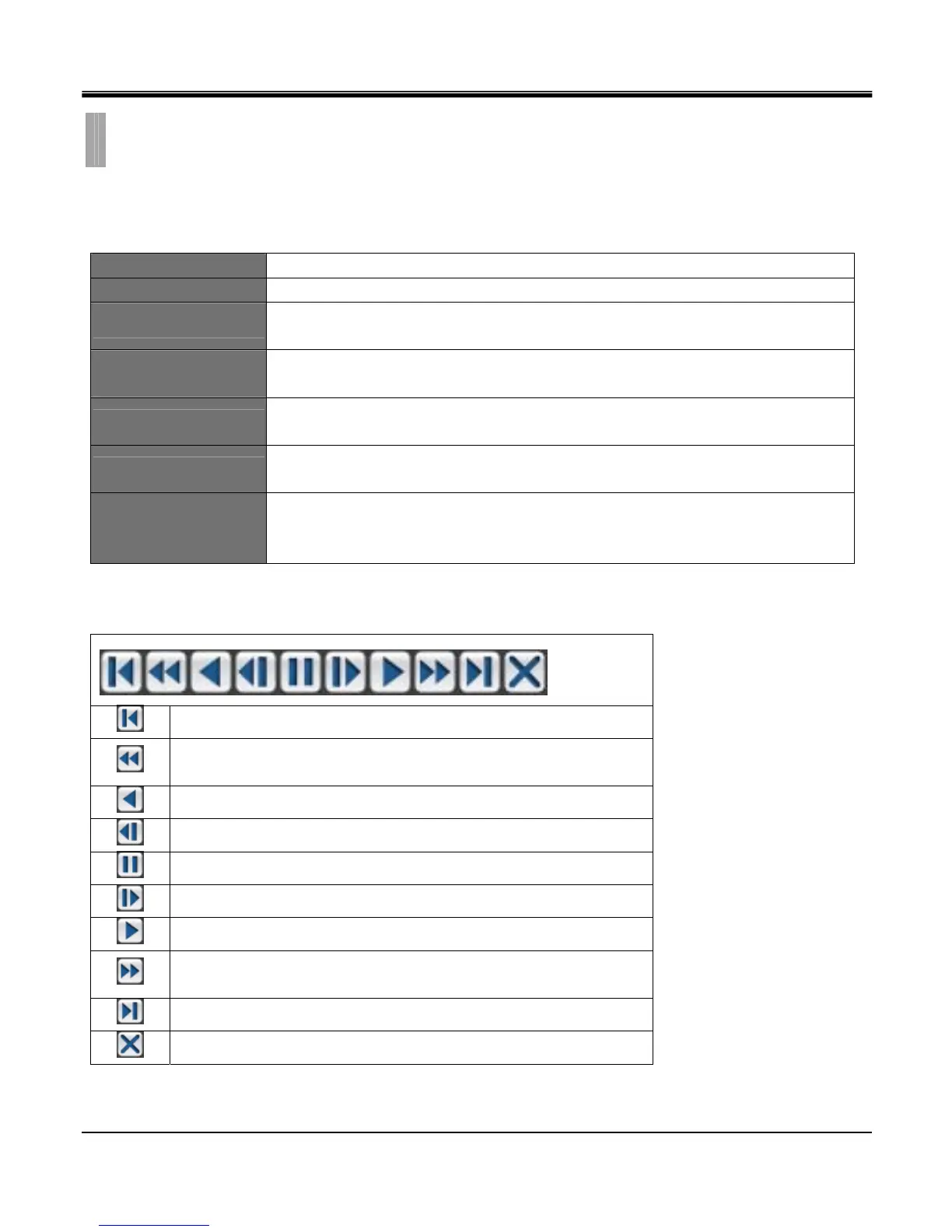
In playback mode, place the mouse pointer at the edge of the screen, and the control toolbar appears as below:
Goto the first image and begin forward playback.
In forward playback, decrease playback speed.
In backward playback, increase playback speed
Backward playback
Previous image
Pause
Next image
Forward playback
In forward playback, increase playback speed
In backward playback, decrease playback speed
Goto the last image and begin backward playback
Exit playback mode, and return to live mode.
Playback speed range: (1/32x, 1/16x, 1/8x, 1/4x, 1/2x ,1x, 2x ,4x ,8x,16x, 32x)
CHAPTER 10. SEARCH & PLAYBACK
4.PLAYBACK



 To Next Page