User Manual
Page 74
See minimum and recommended system requirements below.
Contents Min. Spec Recommended Spec
CPU Intel Pentium 4 3.0GHz Intel Core2Duo 1.8 or higher
Main memory 512MB 1GB or Higher
Video memory 128MB 512MB or higher
HDD 80GB 120GB or higher
Network Cable/DSL Fast Ethernet
OS Windows XP, Vista
Monitor 1024 X 768 (24bit color)
Others Direct X 9.0 or higher
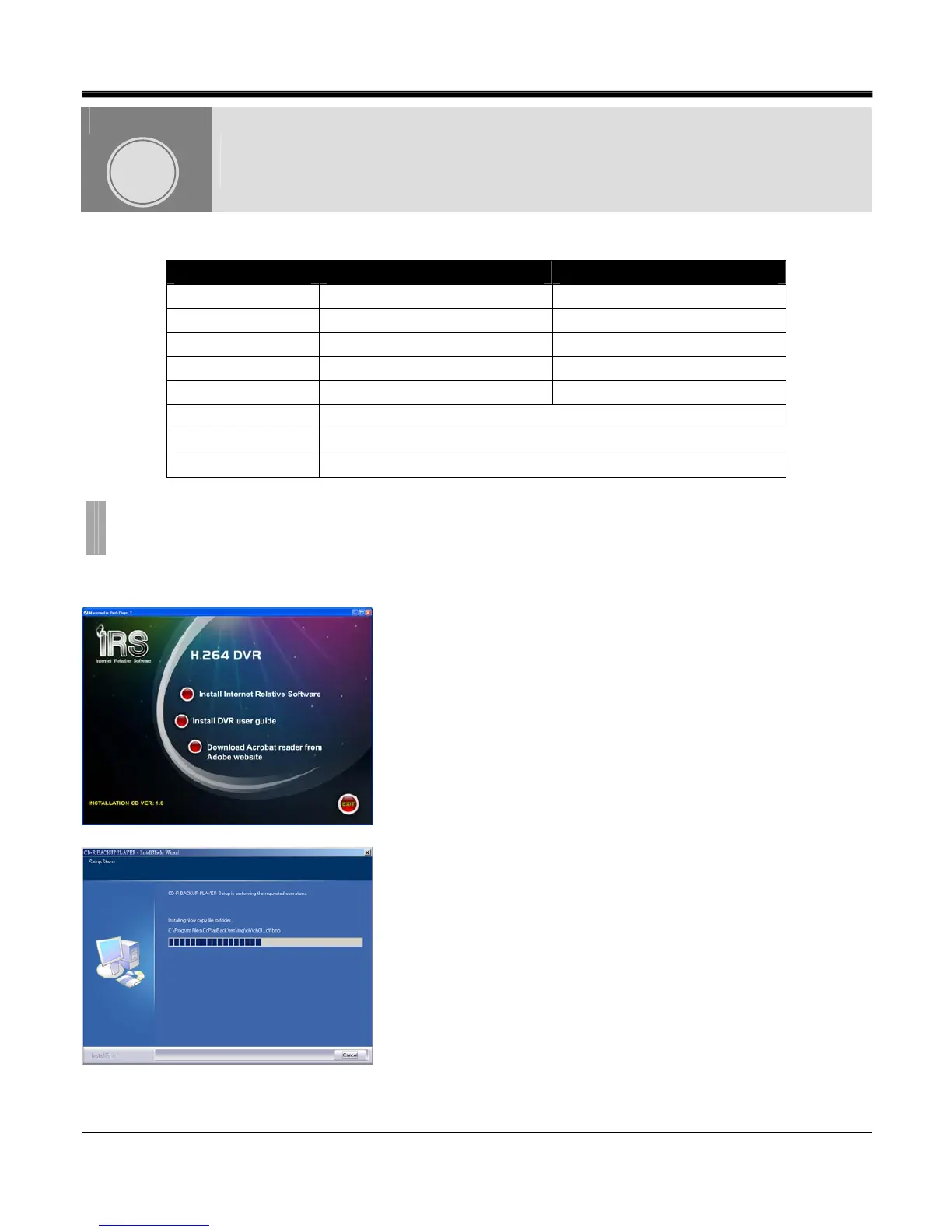
Insert the Installation CD into CD-ROM, and the computer will auto-run the Installation program.
Click [Install Internet Relative Software].
When finished, the software will create a shortcut on the desktop.
REMOTE SOFTWARE
CHAPTER 11. REMOTE SOFTWARE
1.INSTALL IRS SOFTWARE
CHAPTER
11



 To Next Page