User Manual
Page 88
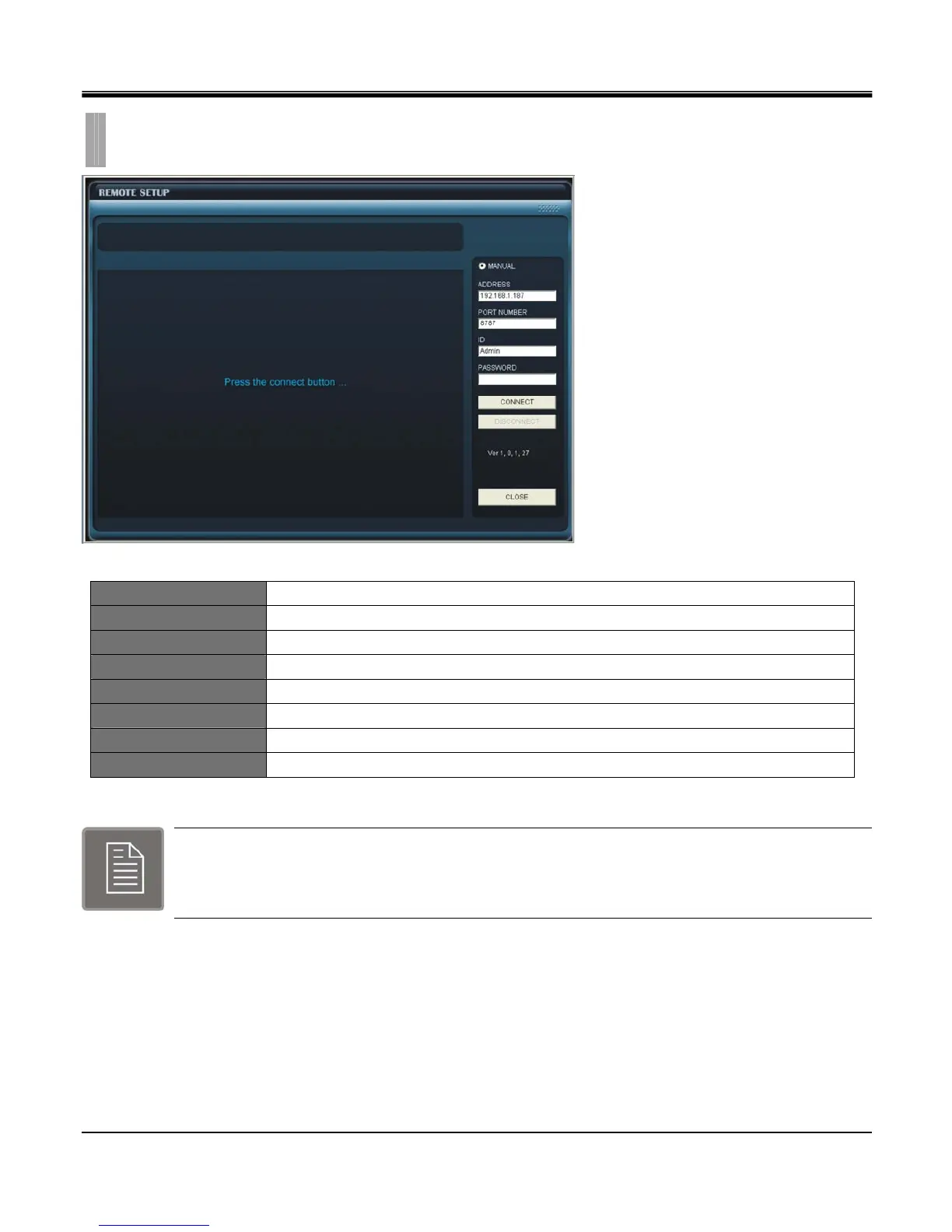
MANUAL Select to input IP address and Port number manually
ADDRESS Locate DVR IP address then enter it in this field box.
PORT NUMBER Locate DVR TCP port setting then enter it in this field box.
ID Locate ID assigned to the DVR then enter it in this field box.
PASSWORD Locate password assigned to the DVR then enter it in this field box.
CONNECT Connect to DVR
DISCONNECT Disconnect network connection.
CLOSE Exit DVR Setup and return to main page
Each menu is identical to the setup menus of the DVR
CHAPTER 12. WEB IRS
1.REMOTE SETUP



 To Next Page