User Manual
Page 61
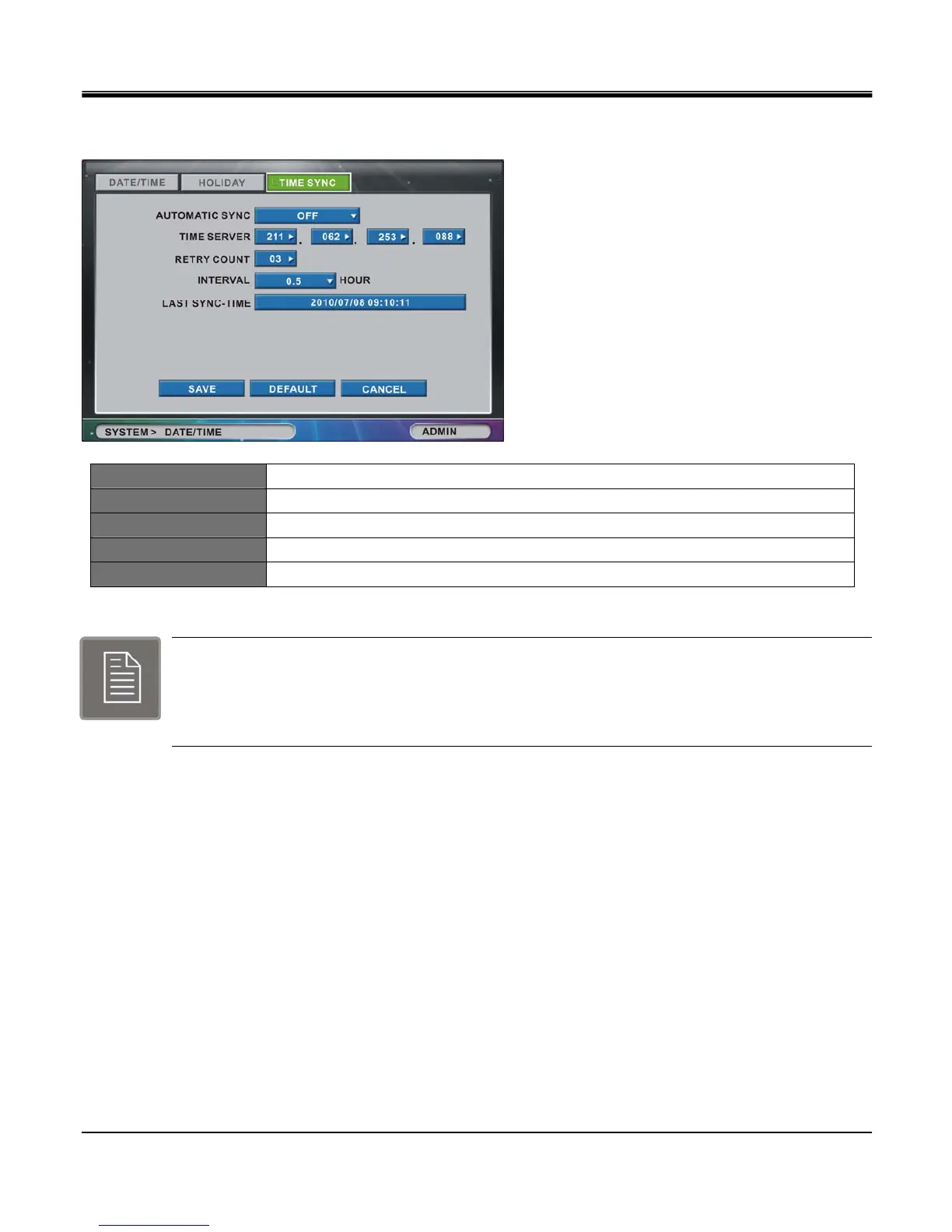
[3.TIME SYNC]
AUTOMATIC SYNC Choose between On/Off
TIME SERVER Input sync server IP address (SNTP)
RETRY COUNT Select from 1 to 30 retries.
INTERVAL Automatic Sync Interval (0.5, 1, 2, 3, 4, 5, 6, 12, 24 hours)
LAST SYNC-TIME Shows time of Last Sync.
The Time Sync function uses internet based time servers. This function requires an internet
connection if you wish to use these public time sync servers. You may also specify a local time
server if you have one setup on your local network. Please be advised that the initial time zone needs
to be selected before using the network time sync option.



 To Next Page