User Manual
Page 34
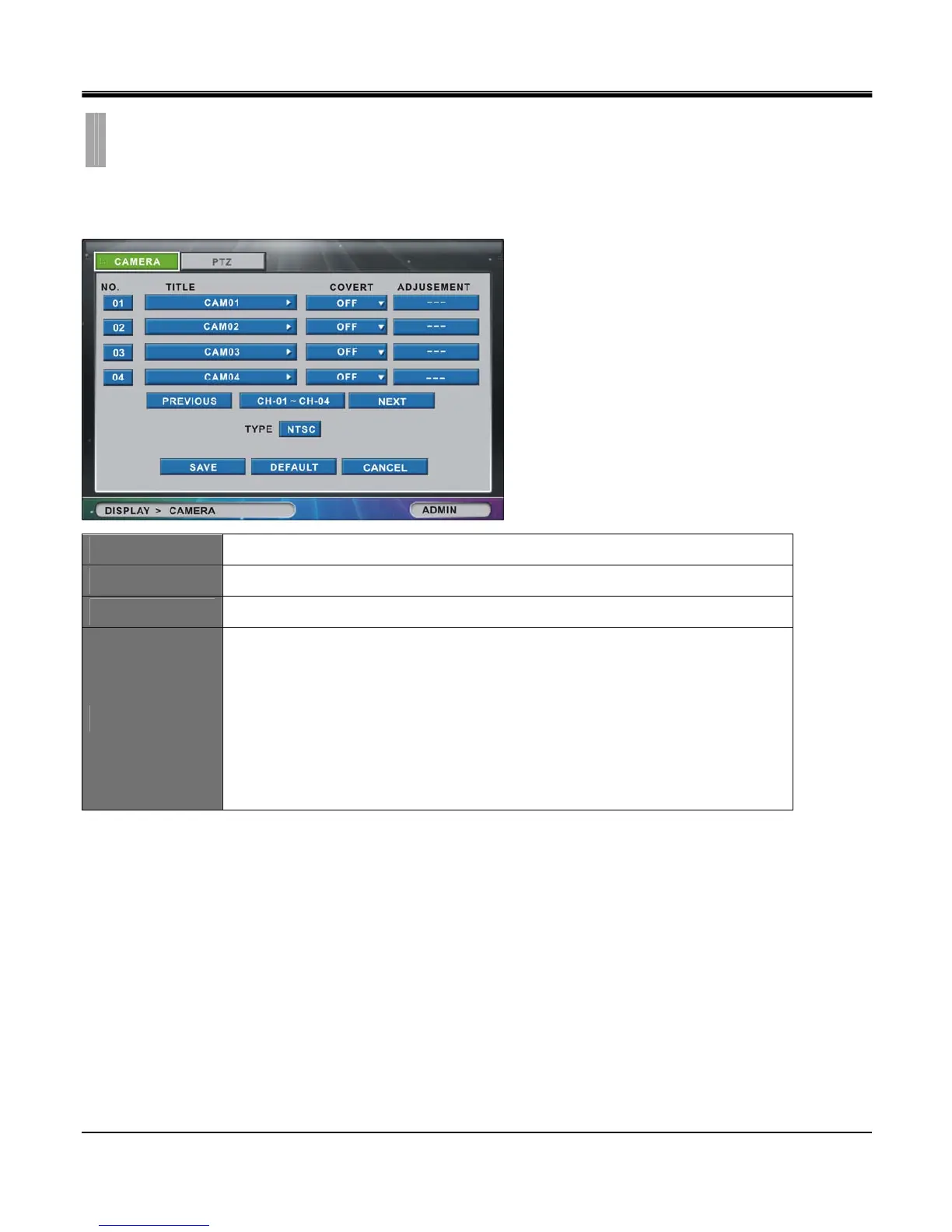
[1]CAMERA
In “CAMERA" tab window, you can set the title and adjust the color, hue, and contrast of each camera.
NO.
Click the “NO. (Number)” button to show the “COPY SETTINGS” popup menu.
TITLE
You can change the Title of each camera using the virtual keyboard (Maximum 12 letters)
COVERT
Select “ON” to hide the specific channel from displaying on the Live View screen.
ADJUSTMENT
You can adjust the brightness, contrast, saturation, hue, and horizontal position of each camera.
- Brightness : -32 ~ +31
- Contrast : -32 ~ + 31
- Saturation : -32 ~ +31
- Hue : -32 ~ +31
- Position : -16 ~ +15
CHAPTER 5. DISPLAY
2.CAMERA



 To Next Page