User Manual
Page 75
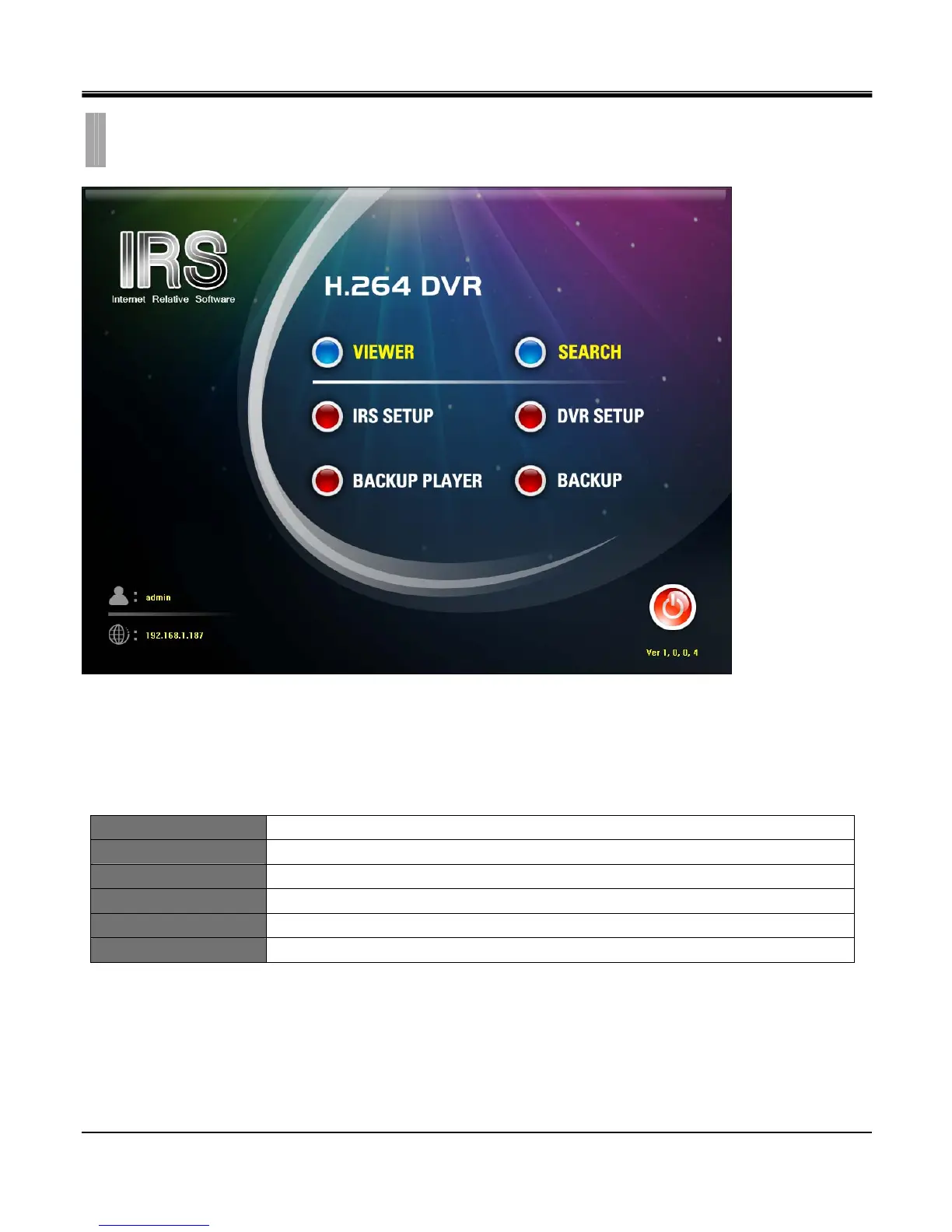
Integrated Application call buttons
IRS is suite of application software that has following applications mentioned below.
These applications are called up by clicking on the buttons seen below the main IRS screen.
VIEWER View live display of DVR.
SEARCH Search recorded data on DVR HDD.
IRS SETUP Setup a list of DVR.
DVR SETUP Change DVR setup remotely over network.
BACKUP PLAYER Playback backup file on PC.(sm4 file format)
BACKUP Backup recorded data in DVR to PC.
CHAPTER 11. REMOTE SOFTWARE
2.IRS OPERATION



 To Next Page