User Manual
Page 72
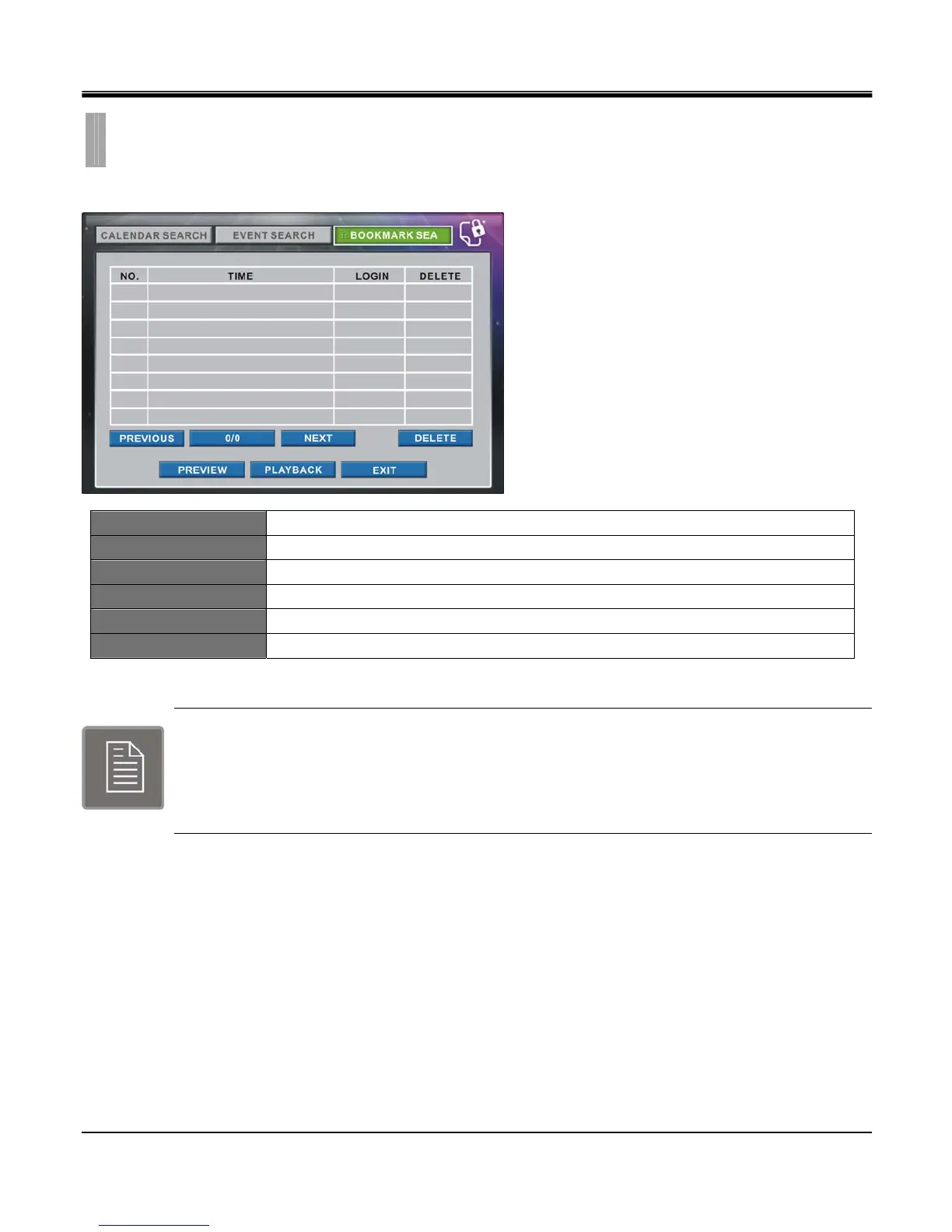
The Bookmark search screen displays a list of the video associated with bookmark in the playback mode.
TIME Shows time of the bookmarked list.
LOGIN Shows user grade that bookmarked the list.
DELETE CHECK BOX Check box of the list to delete.
PREVIEW Playback for 10 seconds from the set date/time and return to calendar search.
PLAYBACK Playback from the set date/time.
EXIT Exit search menu.
Admin or Manager can create bookmark list up to 24 lists each.
While in Playback mode, every time Admin or Manager presses the BOOKMARK button, new time
data will be created on the list.
A message “Bookmark Over!” will appear when bookmark lists are ful.
CHAPTER 10. SEARCH & PLAYBACK
3.BOOKMARK SEARCH



 To Next Page