User Manual
Page 71
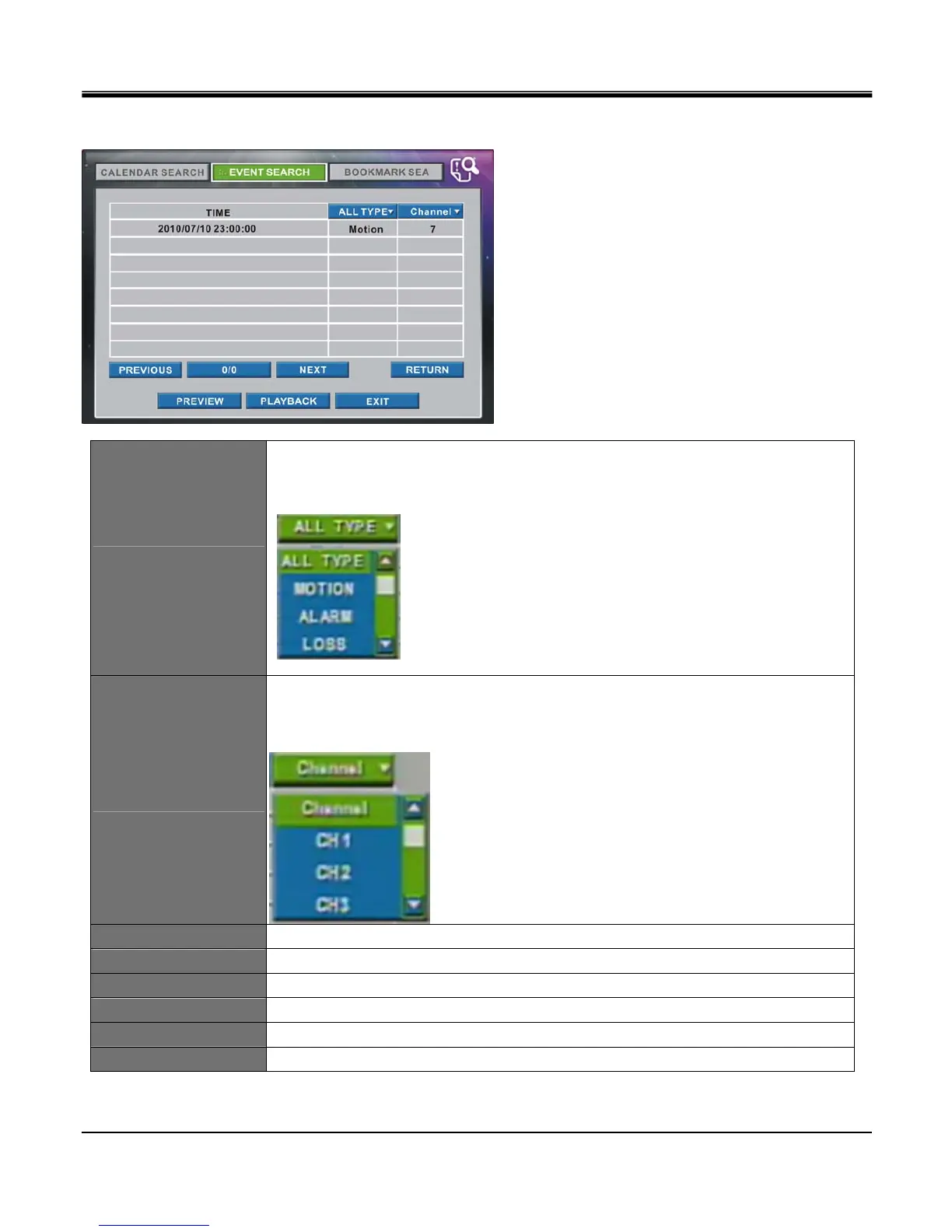
Click Time of event you wish to see and click PREVIEW or PLAYBACK.
ALL TYPE
Event selection that shows in ALL TYPE is Motion, Alarm, Loss, and Panic.
List of selected event will be shown.
Click ALL TYPE button and you can choose an event type to be listed from scroll box.
CHANNEL
Channel selection showing 1ch~16ch.
List of selected channel will be shown.
Click CHANNEL button and you can choose a channel to be listed from the scroll box.
PREVIOUS Shows previous page.
NEXT Shows next page.
RETURN Return to first page of calendar menu of the event search.
PREVIEW Starts playback from set time for 10 seconds and return to Event Search Menu.
PLAYBACK Starts playback from set time.
EXIT Exit search menu.



 To Next Page