User Manual
Page 67
The “LOGOUT" list option item is selectable from “SYSTEM" group icon.
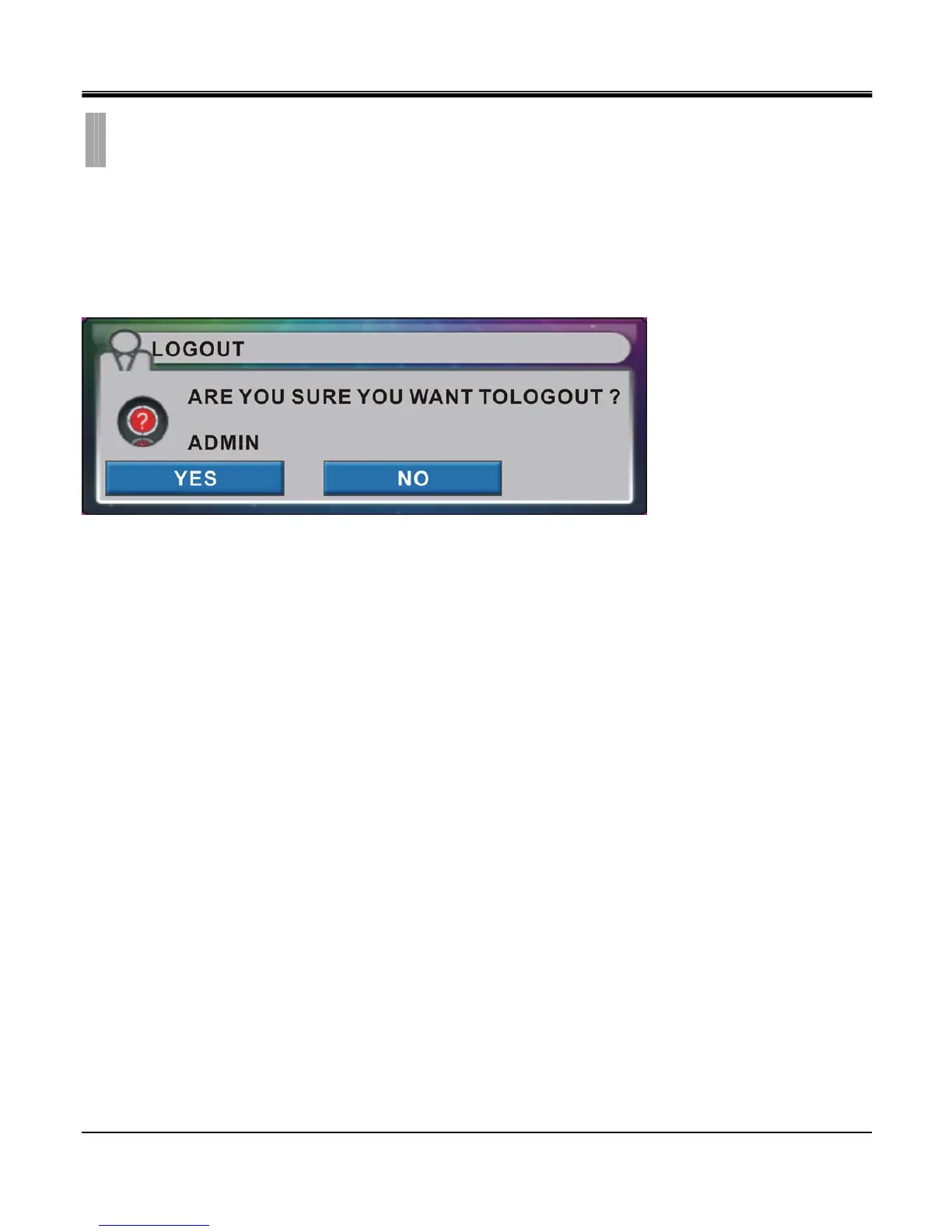
By selecting “LOGOUT" list option item, window with “LOGOUT" warning message box appears.
This message box will log out current user account used to access the system. When menu operation or search operation
is initiated system will require log in process again for access rights.
Log out is alternative way to lock certain features for unwanted access to the DVR unit.
CHAPTER 9. SYSTEM
5.LOGOUT



 To Next Page