User Manual
Page 42
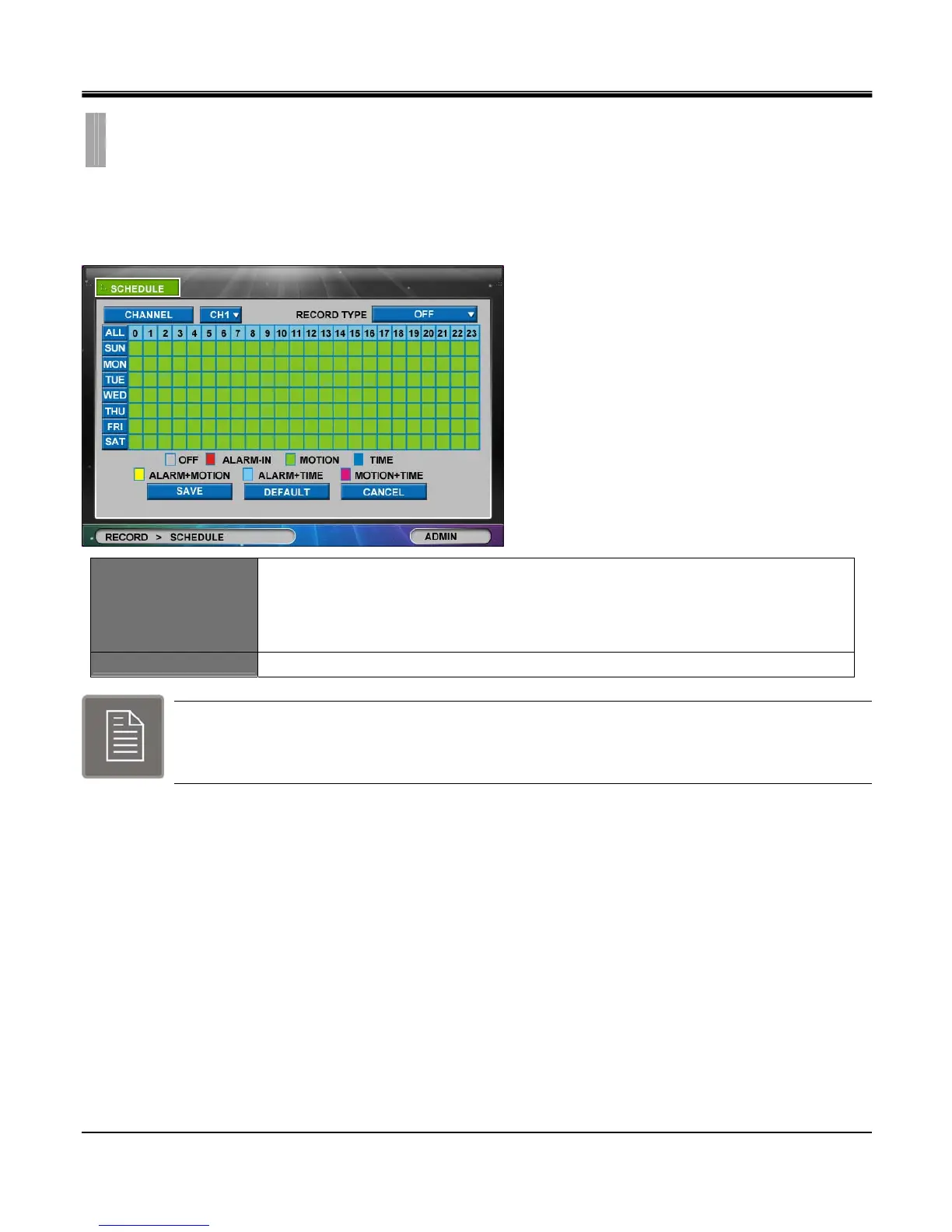
By clicking the “SCHEDULE" list option item in “RECORD" setup group icon the “SCHEDULE" tab window will
appear.
set Time and Type of Schedule recording for each channel.
RECORD TYPE
TIME : Continuous recording
ALARM-IN : Alarm recording
MOTION : Motion recording
OFF : No recording
CHANNEL
Click to popup the Copy Setting box.
Under normal circumstance (Except Panic button), DVR is recording based on the schedule
established in the Schedule setup.
The Default mode is Continuous Recording.
CHAPTER 6. RECORD
2.SCHEDULE



 To Next Page