User Manual
Page 17
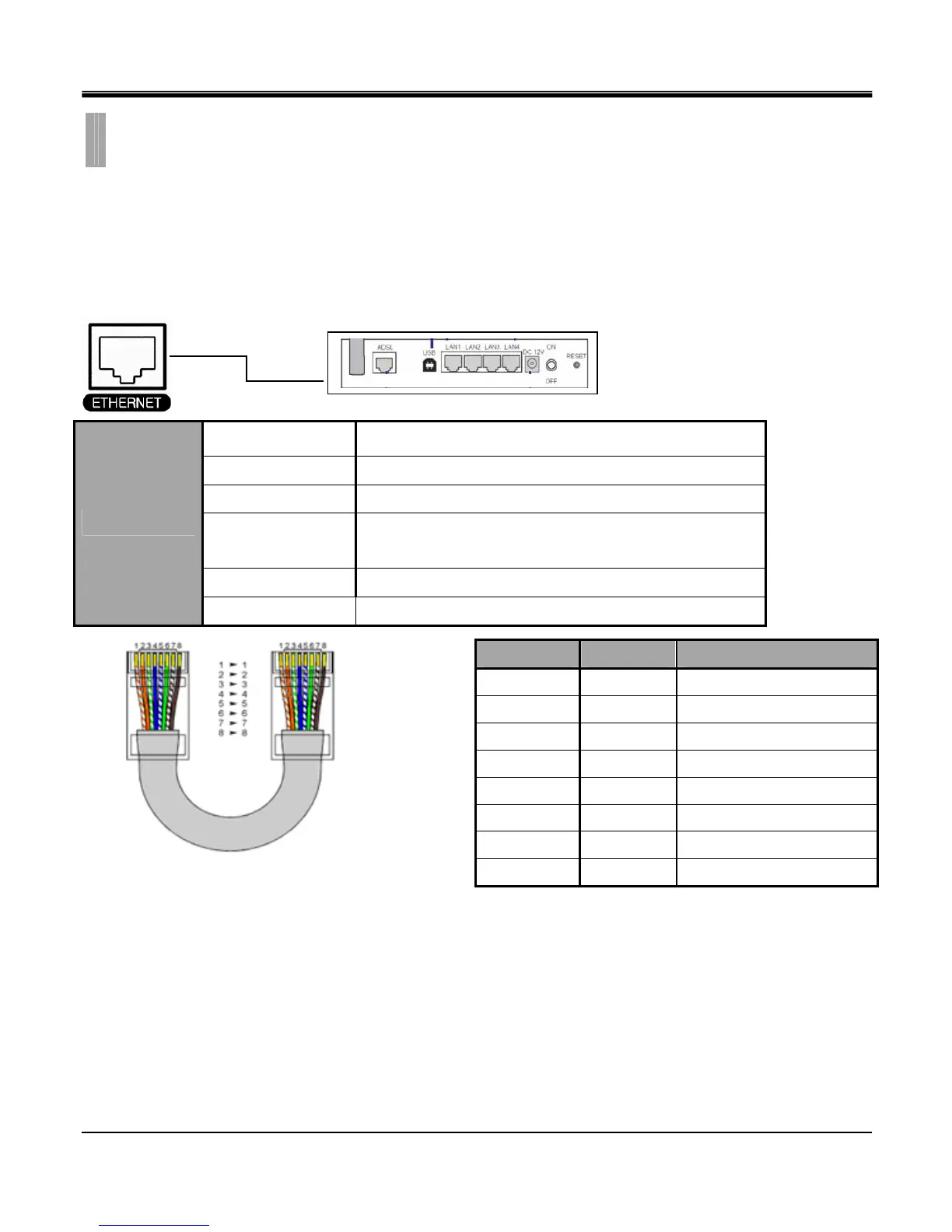
The RJ-45 port is used to connect the DVR to a network through a DTE (Data Terminal Equipment) device such as a
switch or router with an integrated switch. To connect the system to a network, please use a standard RJ-45 cable
(patch/straight through) and make sure both ends of the cable are securely connected to the proper ports. Consult your
local IT administrator for detailed configuration procedures and setup. The maximum cable length for Category 5e, RJ-45
cable is 100 meter or 300 feet.
Ethernet Connection Example
Connection
10/100 Base T, IEEE 802.3Differential signal voltage: ± 2.8 V
maximum, inputs have transient overvoltage protection
Ethernet port details EEE 802.3/802.3u - 100Base-TX/10Base-T physical layer
Auto negotiation 10/100, full/half duplex
Cable length
100 meters (100 ohm unshielded twisted pair cable or 150
ohm shielded twisted pair cable, category 5 or higher).
Impedance built-in compensation for impedance matching
Specifications
Indicators ACT, 10/100
CAT 5 cable color code for EIA/TIA E568B Configuration
CHAPTER 2. HARDWARE CONFIGURATION
9. Ethernet Connections
Signal Type Pin Number Description
LAN Tx + 1 Ethernet Transmit Positive
LAN Tx - 2 Ethernet Transmit Negative
LAN Rx + 3 Ethernet Receive Positive
N/U 4 Not Used
N/U 5 Not Used
LAN Rx - 6 Ethernet Receive Negative
N/U 7 Not Used
N/U 8 Not Used



 To Next Page