User Manual
Page 38
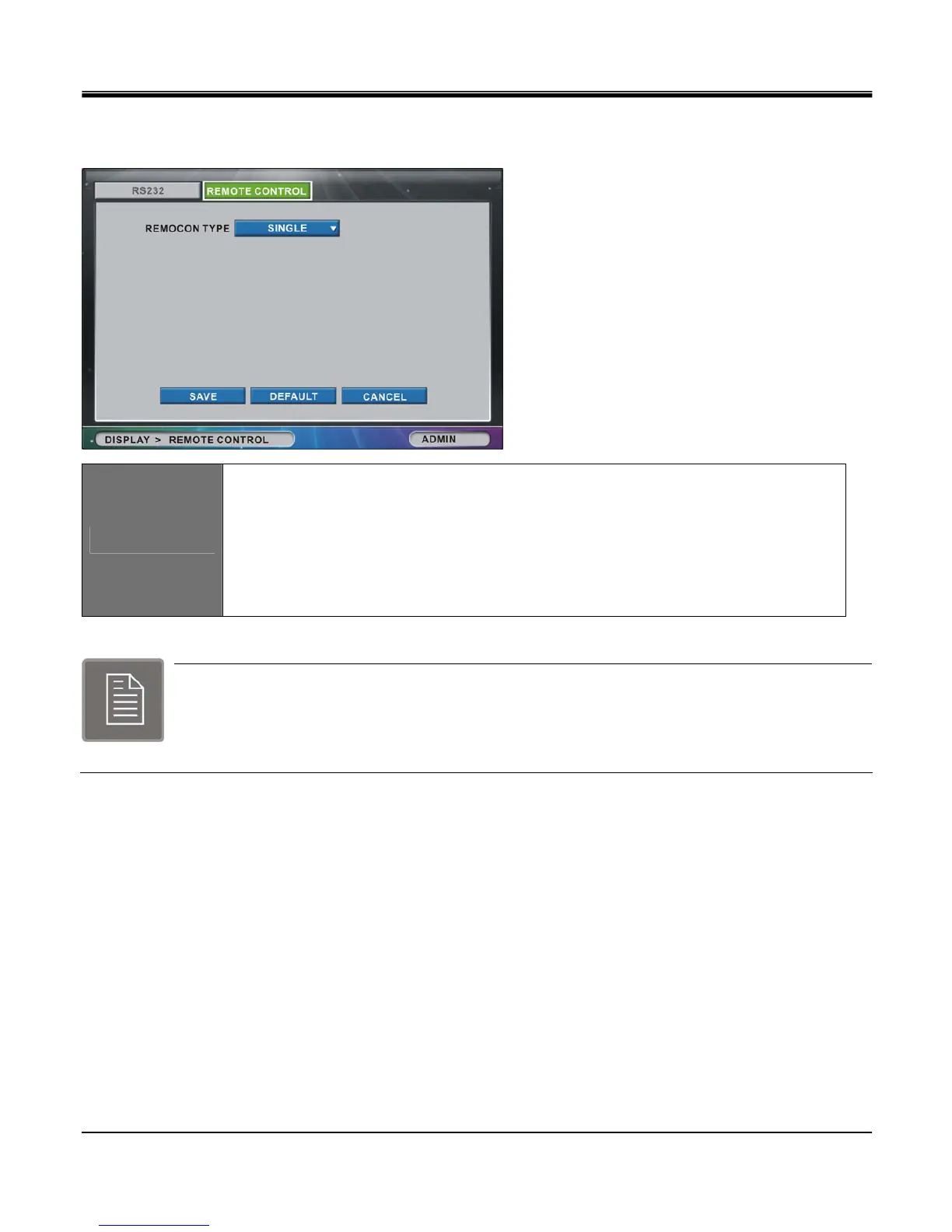
[2]REMOTE CONTROL
Configuration for remote controller is performed in “REMOTE CONTROL” tab window.
REMOCON TYPE
Set Remote Control Type to set configuration for supplied remote controller
- Set remote Control Type among 7 types: SINGLE, UNIVERSAL-1 ~ UNIVERSAL-6.
- For multiple DVR control with one remote controller, you need a universal type remote
controller.
(may be purchased optionally)
The way to use this feature is by selecting the appropriate universal remote controller ID. There are
six (6) types available, Universal 1 ~ Universal6. These ID numbers will correspond to the DVR
remote controllers DVR ID button, e.g. DVR 1 is Universal 1, DVR 2 is Universal 3, and so on. Select
the DVR button (DVR1, DVR2, DVR3) to control the corresponding DVR.



 To Next Page