User Manual
Page 58
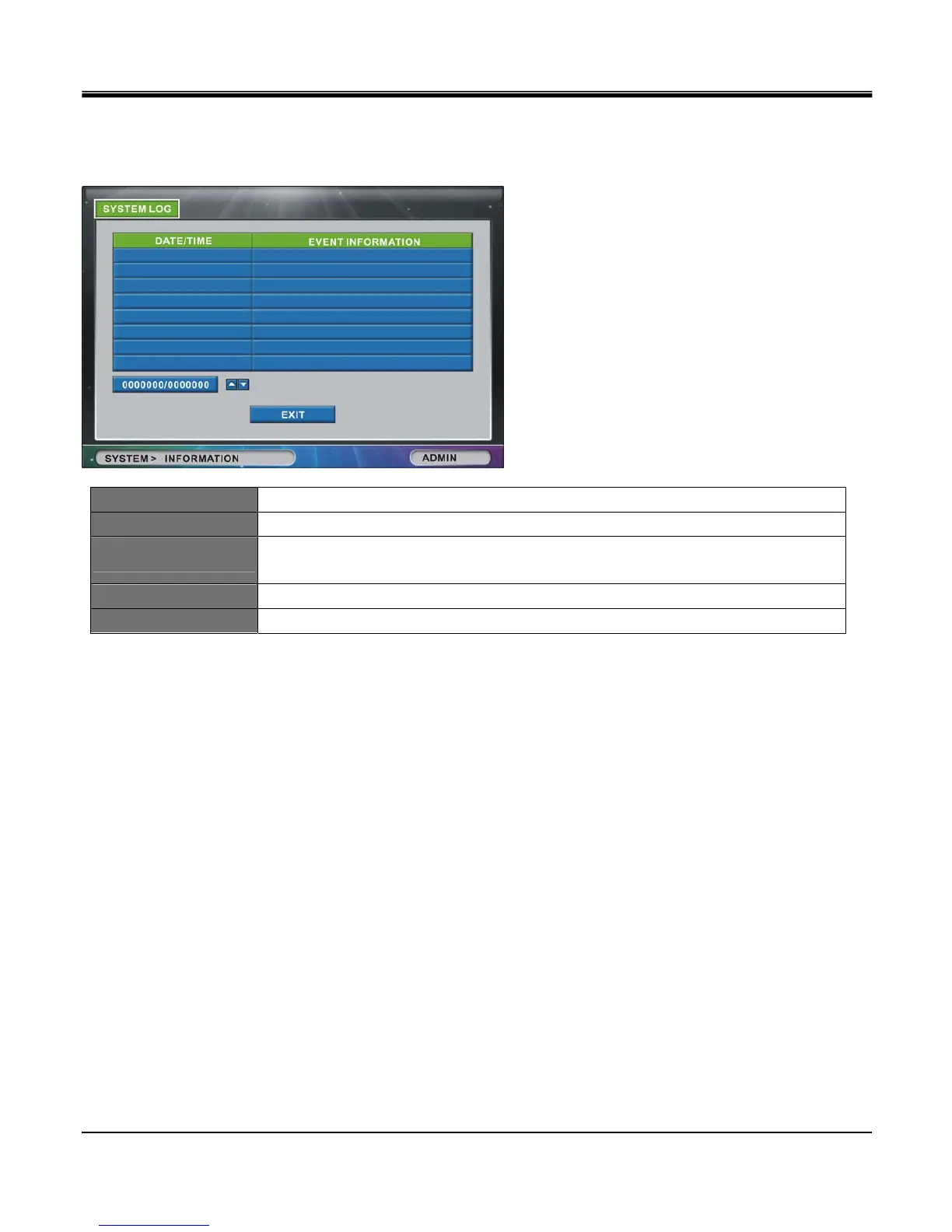
[SYSTEM LOG]
Click on SYSTEM LOG button to show systems log saved by the DVR unit.
Shows list of Start/End time of Panic Recording, Start/End time of Schedule recording, and WHO/WHEN logged in/out.
DATE/TIME Date and time of event
EVENT INFORMATION Event type (Panic record, start/stop, Schedule record start/stop, HDD full record stop, etc).
PAGE BOX
Current page / Total pages (maximum pages retained are 2,048 pages).
You can type in page number directly
UP BUTTON Navigate to previous page.
DOWN BUTTON Navigate to next page.



 To Next Page