User Manual
Page 64
Additional Articles
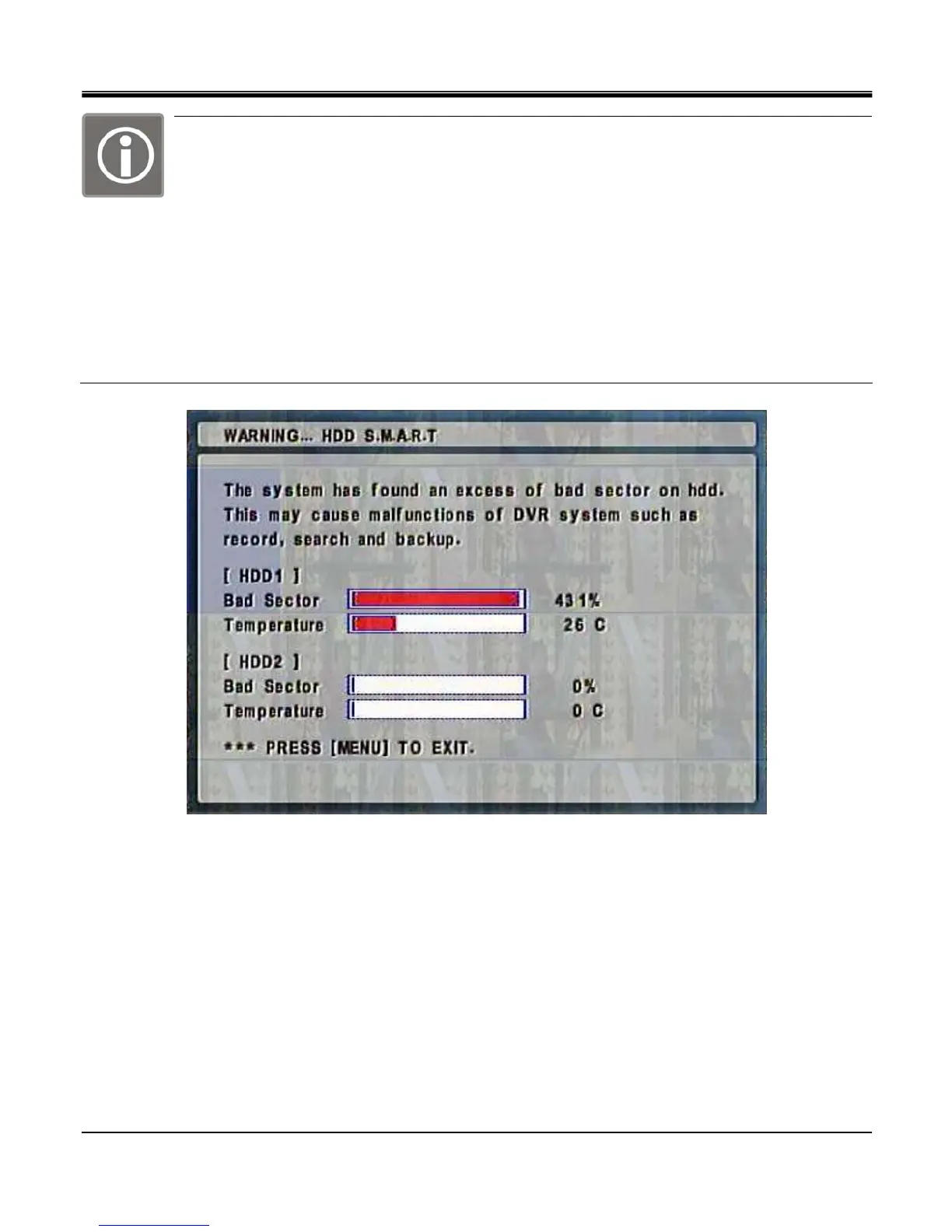
1)After performing first S.M.A.R.T function, below message is shown when Bad Sector percentage
on CURRENT STATUS go over 100%
2)The below Message is shown repeatedly when Bad Sector percentage on CURRENT STATUS go
over 100%
3)The below message is shown when user exit out of menu and Bad Sector percentage on CURRENT STATUS go
over 100% after Menu operation
4) The below message is shown Bad Sector percentage on CURRENT STATUS go over 100% at playback
operation
5)The message is not shown during Menu Operation.



 To Next Page