User Manual
Page 77
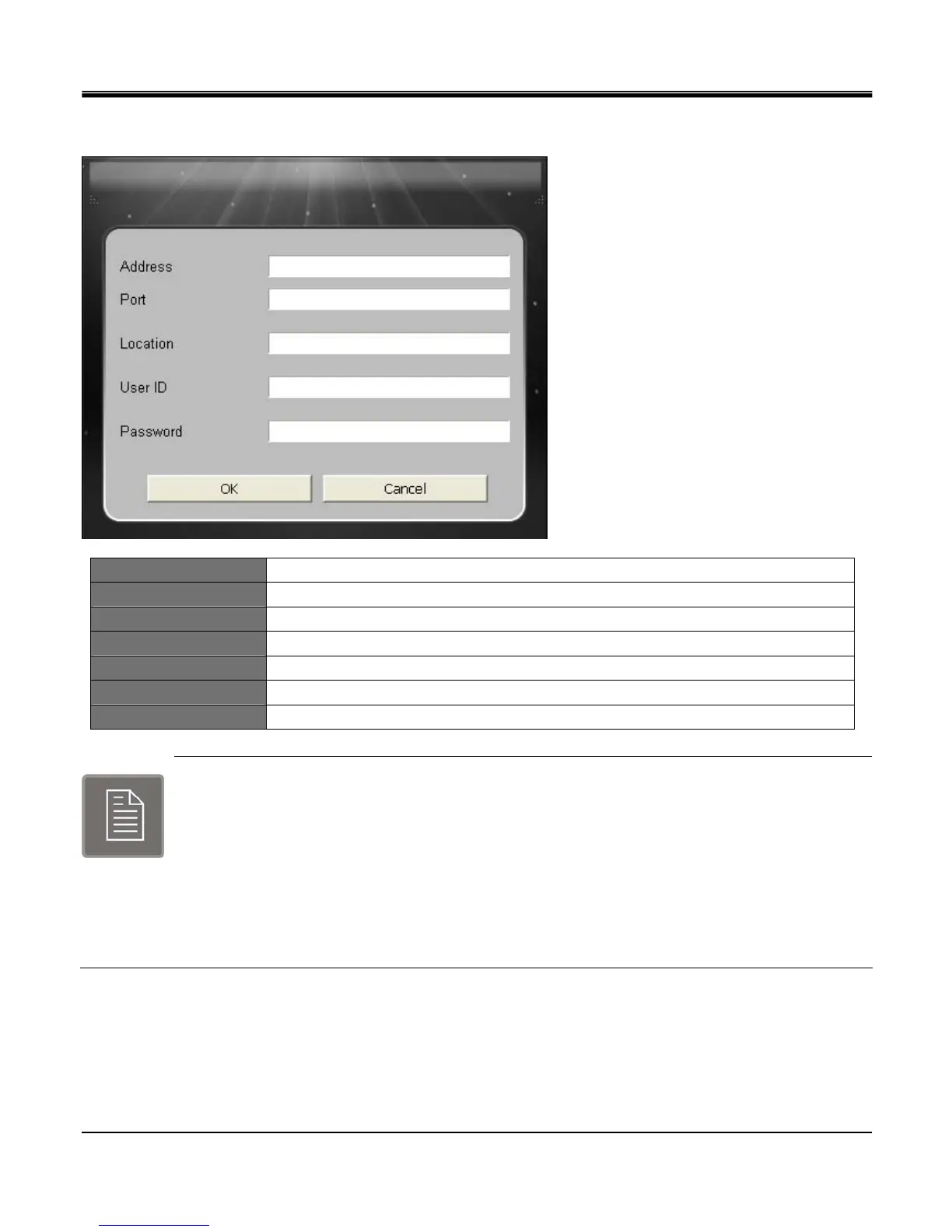
[SITE SETUP BOX]
ADDRESS Input DVR IP addressor DDNS Domain.
PORT Input same Port number set on DVR.
Location Enter DVR location.
User ID Input same ID as in DVR
Password Input same Password as in DVR
OK Save setting.
Cancel Exit
You must configure below settings before proceeding.
* IP address and Port number: [Menu]-[Network]-[LAN]-[Ethernet].
* User ID and Password: [Menu]-[System]-[User].
* Select User ID among Admin, Manager, User 1 ~8.
* Admin has authority to access all menus.
* Manager has authority to access IRS Setup, Viewer, Search, Backup and Player.
* User 1 ~ 8 has authority to access IRS Setup, Viewer, Player.



 To Next Page