-DA -107
17-3
QUEUE
19_3 O901
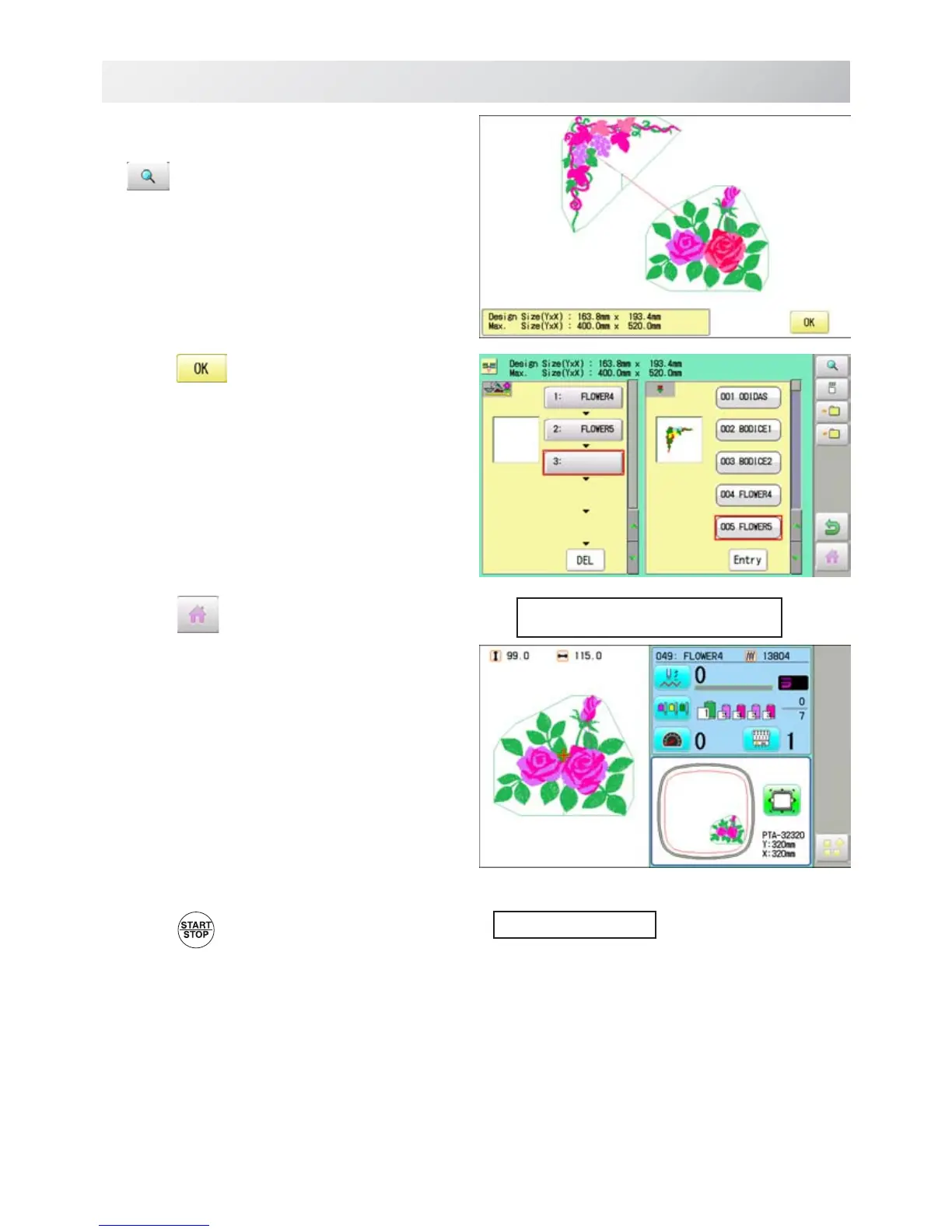
5. Combined design can be seen on Screen.
To show combined design, please press
.
Illustrationofthepatternselectedwillbedis-
played.
In case you do not need to check combined
design, please go to step no.7.
6. Press
.
7. Press
.
8. Press
.
The machine will start a Queue embroidery with
Queue operation in registered order.
After finishing your last design, the display will
show ">>End" and the machine will stop.
--- Check pattern data ---
>>End



 To Next Page