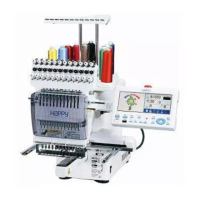
-SA -82
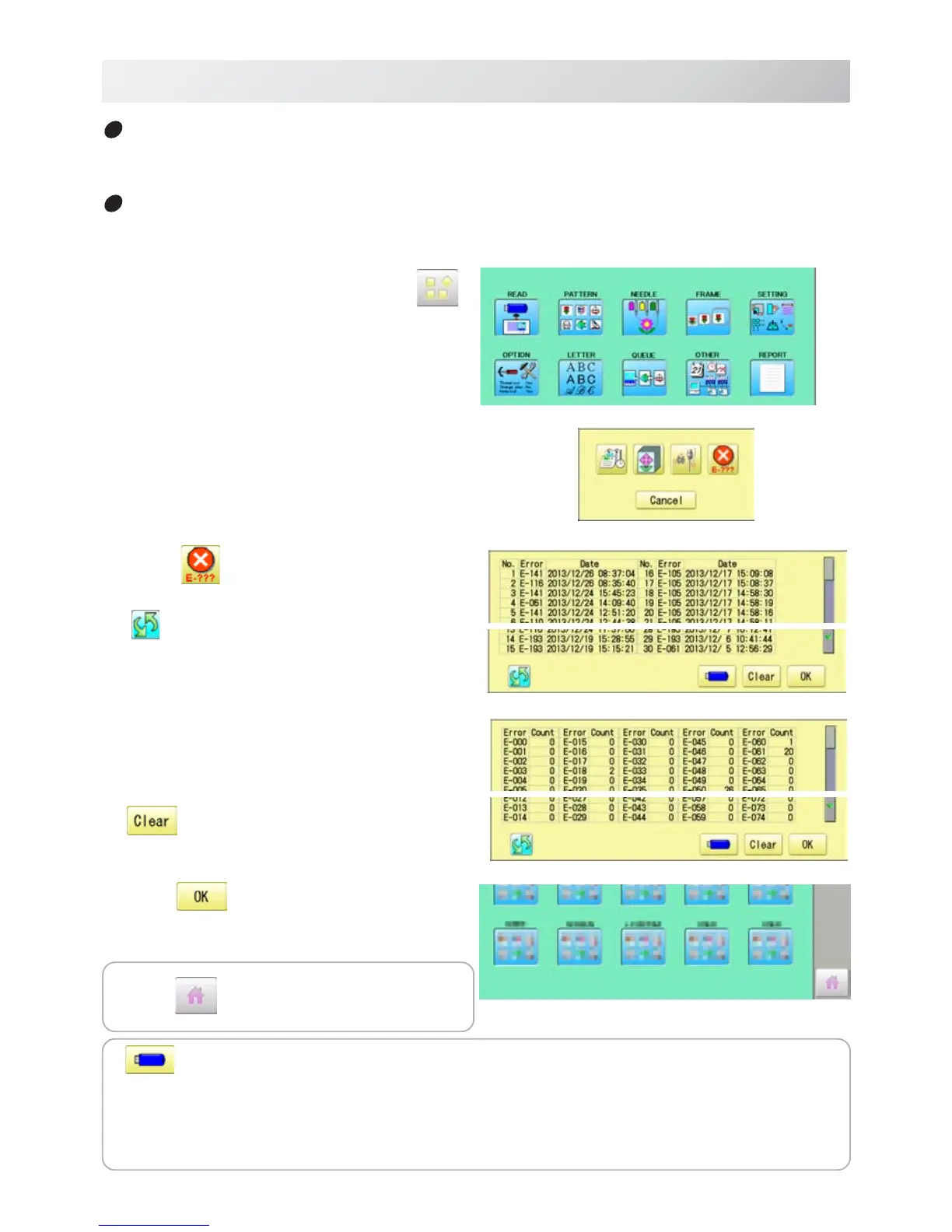
1. When the machine is stopped, press .
2. Select “REPORT”.
3. Select
.
The screen is switched to
date
or
number
.
4. In order to exit the mode, proceed to the
step 5.
If you want to delete the record, press
.
5. Press
.
The display returns to MENU.
19-1e
REPORT
22_4e O901
The date and time of error message
You can view code and time of the error message and last 100 times of the data will be held.
The number of error message
You can view the total number of each error messages which is occurred in the embroidery
machine.
Press to return to Drive mode.
Save the report
You can save the displayed records in CSV format.
Insert the USB memory into the machine, Insert the USB memory into the machine and
press [] button then, new folder named "Production Report" will be made and the following
files will be saved.
The date and time of error message
The number of error message


 To Next Page