-DA -146
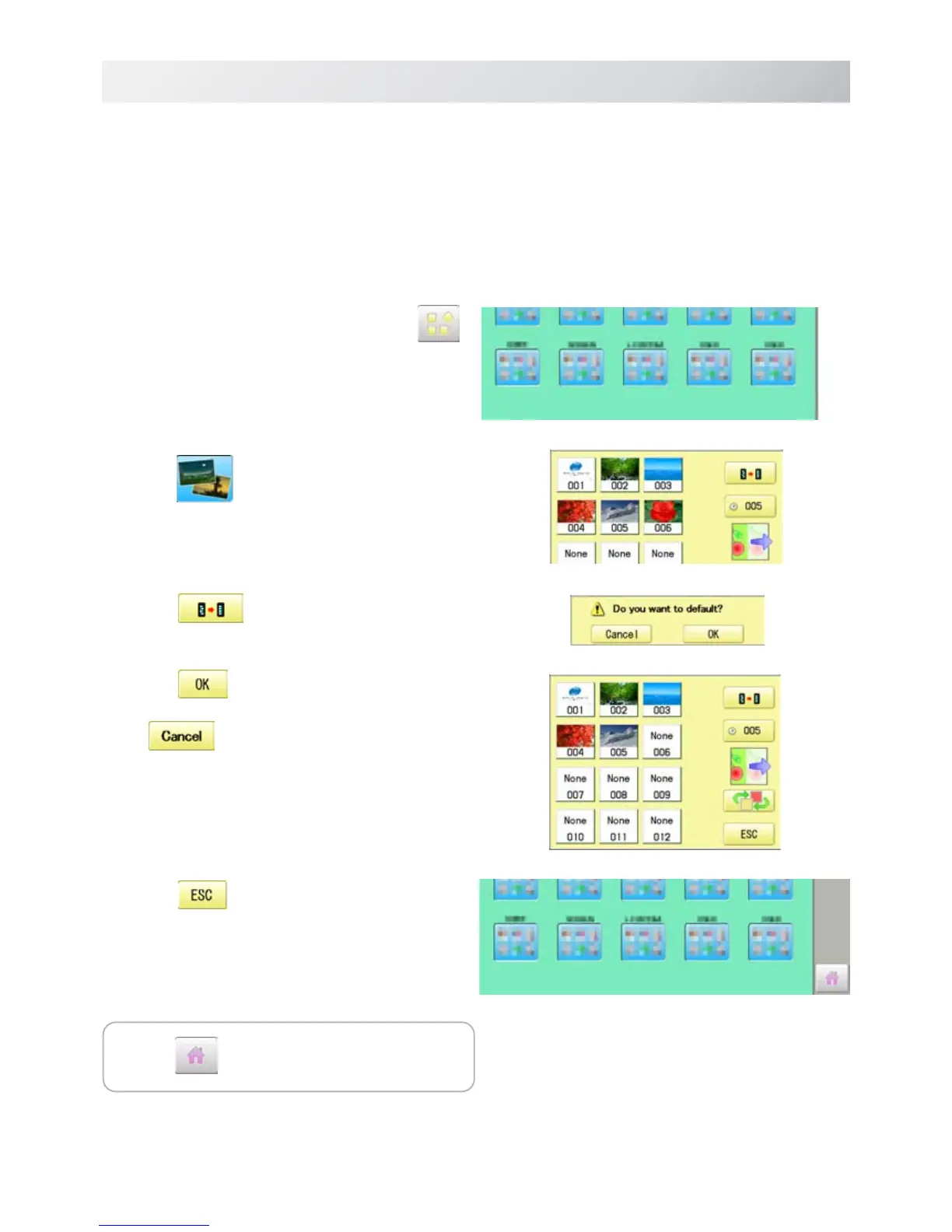
1. When the machine is stopped, press .
2. Select
“SCREEN”.
3. Press
.
4. Press
.
Initialization is cancelled.
5. Press .
The setting is fixed and display returns to MENU.
21-4
SCREEN SAVER
22_A O901
Initialization of registered images in the machine
Screen saver images to set current status to initial status (factory setting).
Original images in 001 to 005 are restored although they are deleted.
All the images saved in 006 to 012 are deleted.
Press to return to Drive mode.


 To Next Page
 Loading...




