-D2 -158
21-5
SCREEN SAVER
22_B M412
How to make the screen saver image
You can display any image(s) in addition to pre-installed images.
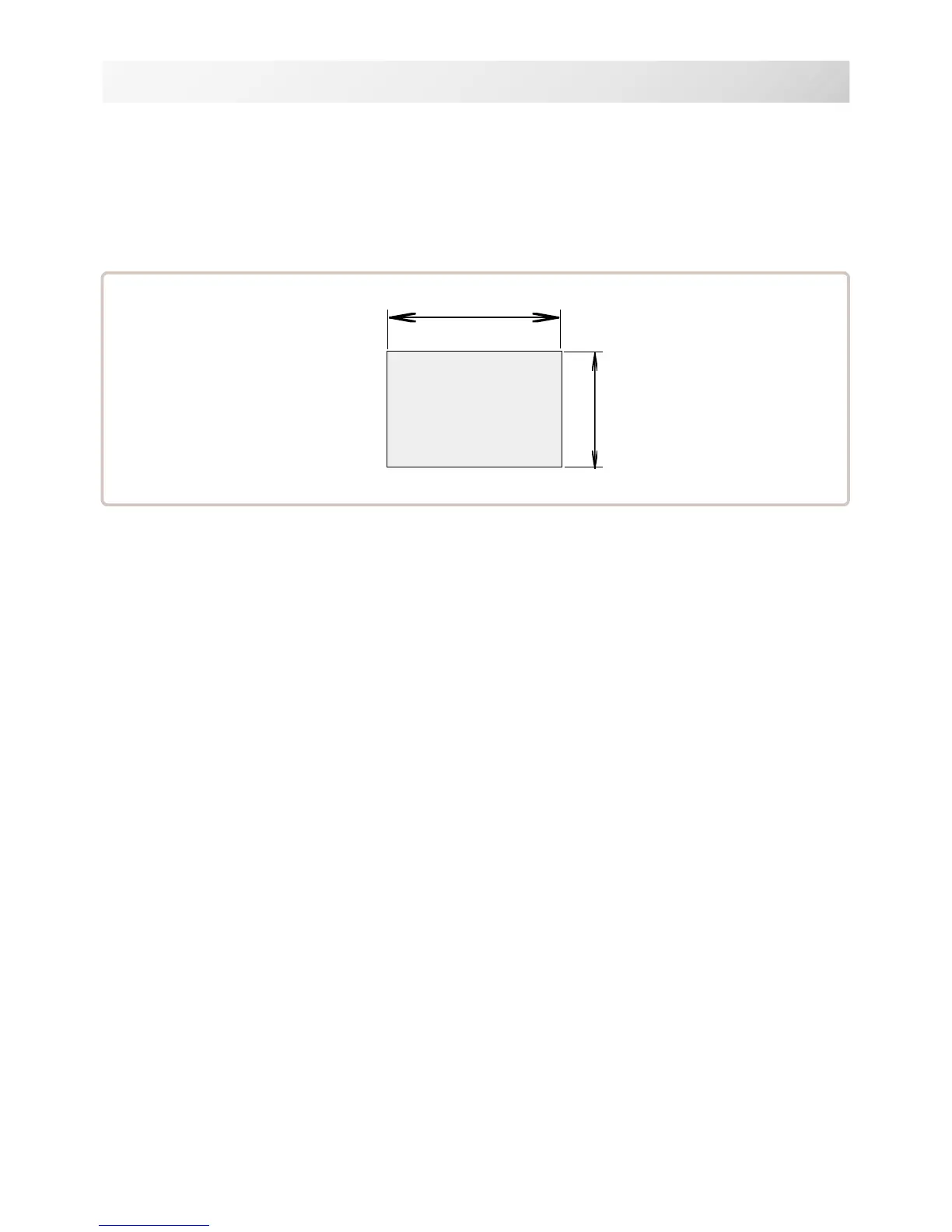
Create image(s) to meet the following specifications by using your image editing software.
Save the image(s) in USB flash memory.
800 pixels
480 pixels
Pixelsof Image file
File format
BMP format
Ex : "********.bmp"
Pixels
800 x 480 is recommended.
1600 x 1200 can be displayed. However, capacity of the file is larger and the machine
consumes the memory for pattern data.
The number of color
Maximum 24 bits color (full color)



 To Next Page