-RA -91
LAYOUT
22-E
21_E O901
Saving
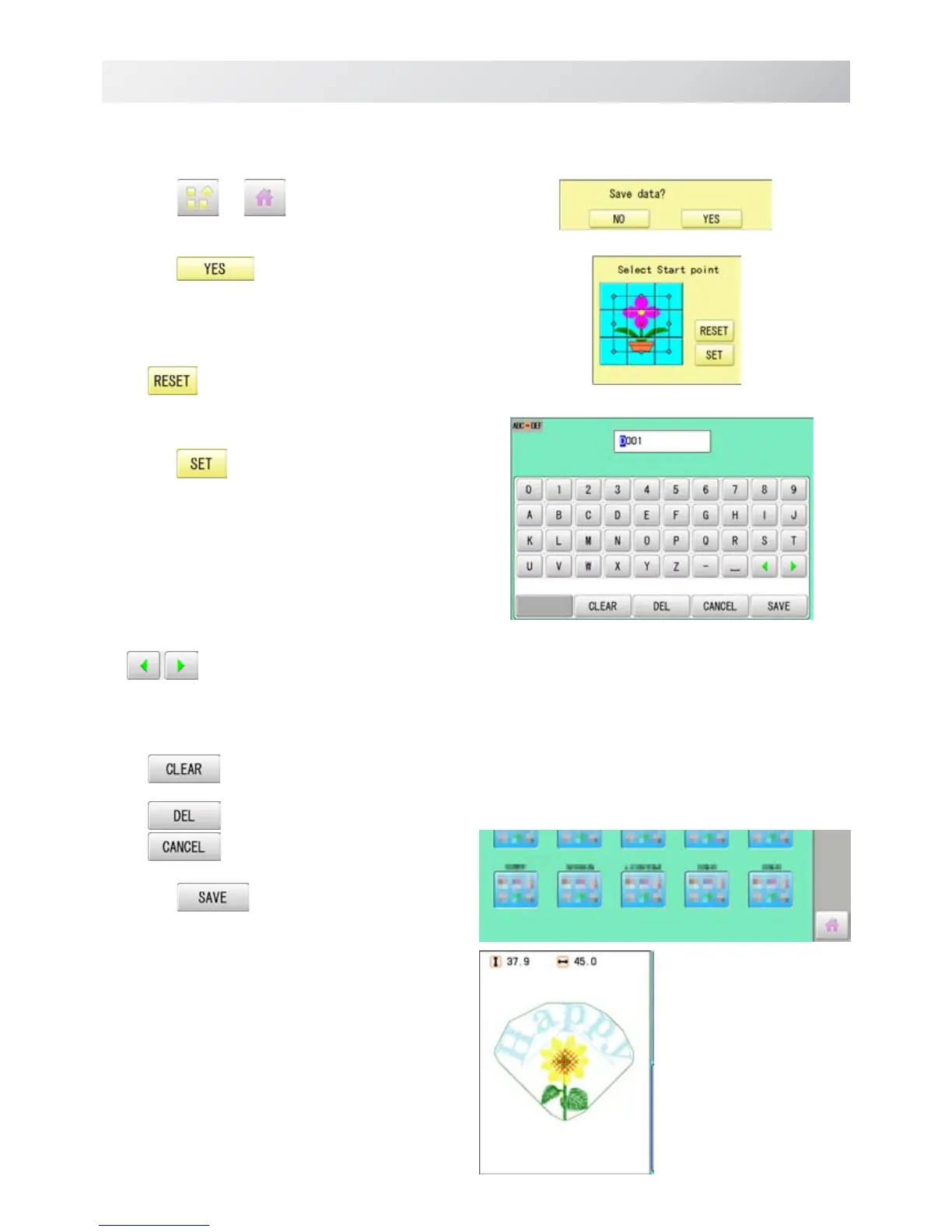
Save the laid pattern data.
14.Press or .
15.Press
.
Select start point of embroidery from 9 preset
points which are located around or center of the
pattern.
The start point of first selected pattern will
be set as the start point of combined
deign.
16.Press .
Saving pattern name is displayed.
17.Go on to next step, if the pattern name is
not to be changed.
When you would like to change the letters,
select each digit in the existing name with
.
Then select each digit in the existing name.
Select word.
The maximum number of characters in a design
name is eight letters or numbers.
All the letters and/or numbers are
deleted.
Selected letter or number is deleted.
Renaming is cancelled.
18.Press .
The new design is saved and the display return to
Menu mode or Drive mode.



 To Next Page