-RA -94
LAYOUT
22-H
21_H O901
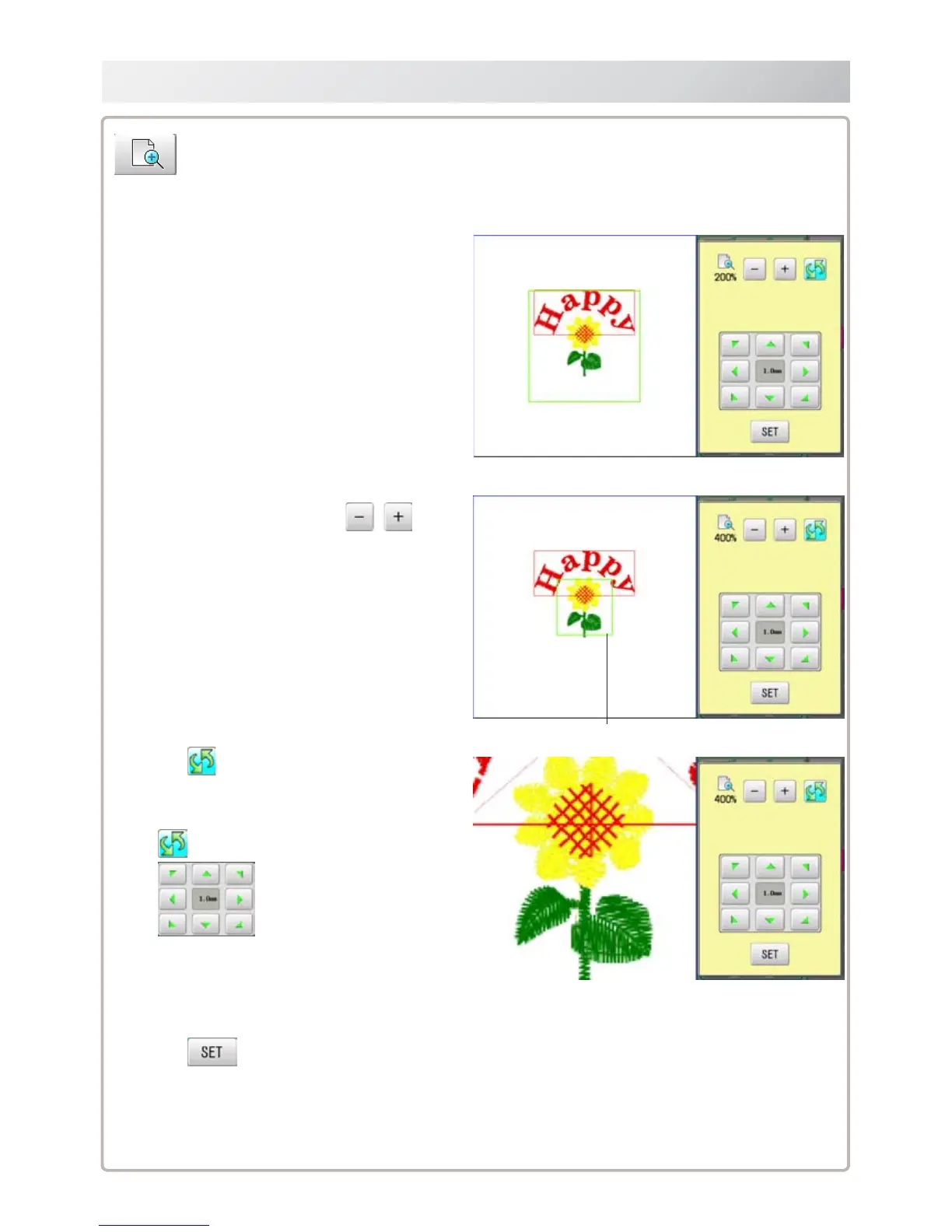
1. Change display scale with .
2. Press .
The pattern is displayed with desired scale.
Switch zoom function between on and off.
Move selected pattern.
3. Press .
Exit from zoom function.
It is the area to display design after zooming function.
Zoom
Zoom in and zoom out the display of pattern.
The selected patterns can be moved with keeping desired display scale.



 To Next Page