-RA -93
LAYOUT
22-G
21_G O901
Layout area
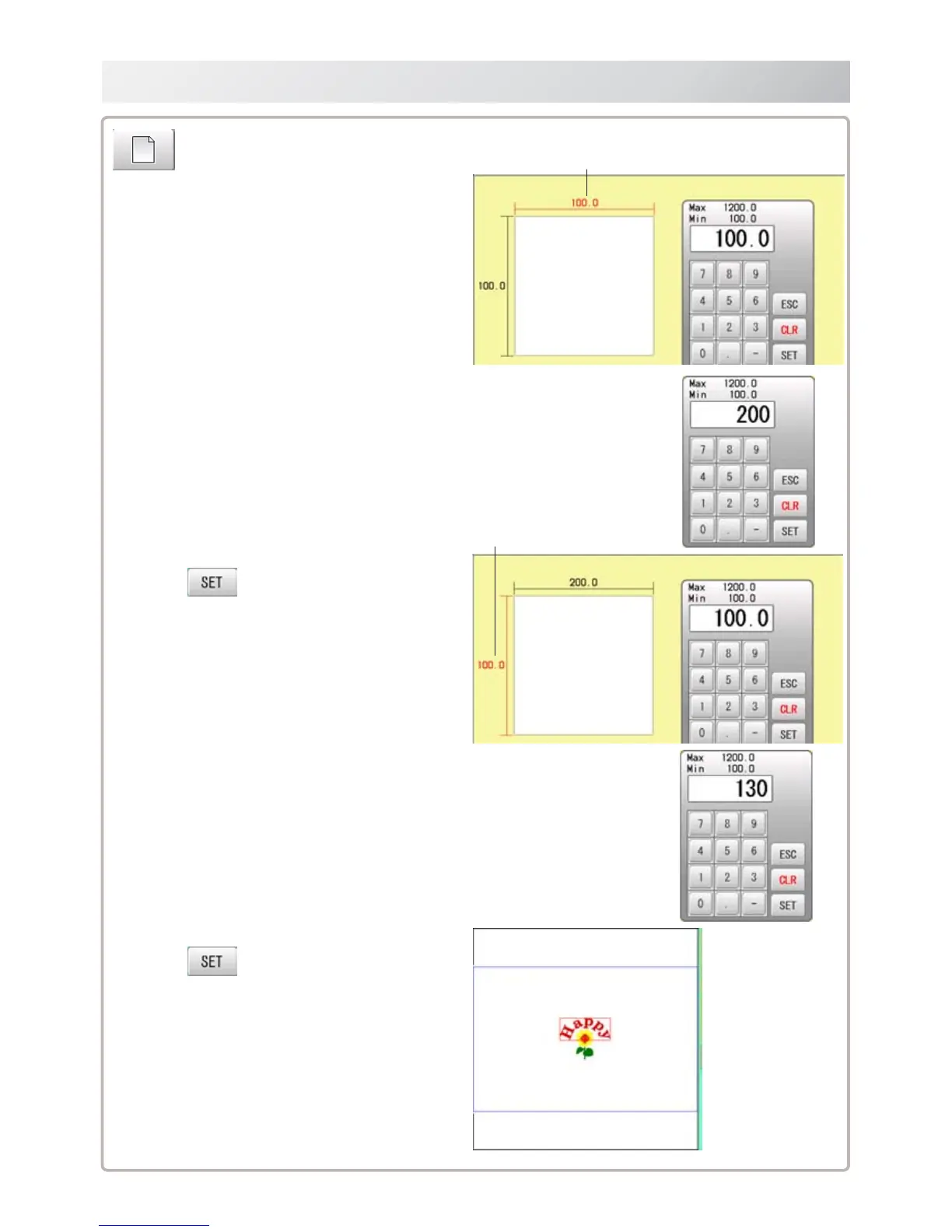
Change the size of layout area.
1. Enter X axis distance.
2. Press
.
3. Enter Y axis distance.
4. Press
.
The size of layout area is changed.
X direction is displayed in red. (It is ready to enter figure)
選択されている柄に枠が表示されます。
Y direction is displayed in red.
(It is ready to enter figure)



 To Next Page