-SA -35
7-4
CAP FRAME (OPTION)
7_4 O901
CAUTION: To prevent accidents.
The frame moves quickly.
Keep hands away from the frame.
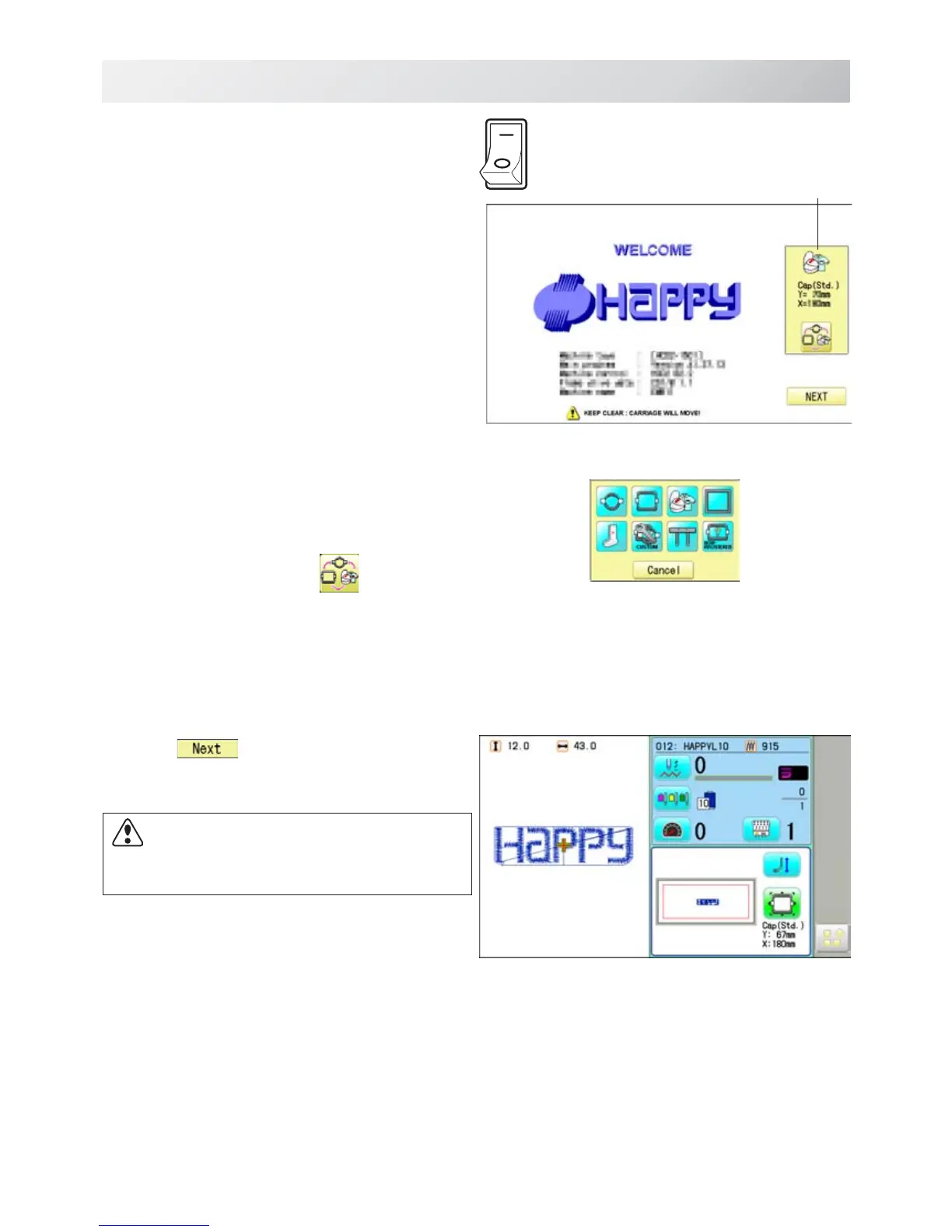
7. Turn on the power switch.
Selected frame is indicated.
8. In case required Cap frame is already
selected, please jump to operation no.10.
In case selected frame type is not same as
your requirement, Press
.
9. Select the desired frame.
10.Press
.
The embroidery frame will move to the center
automatically.
ON
OFF
Selected frame



 To Next Page