360179-A/B 11
Installation & Conguration
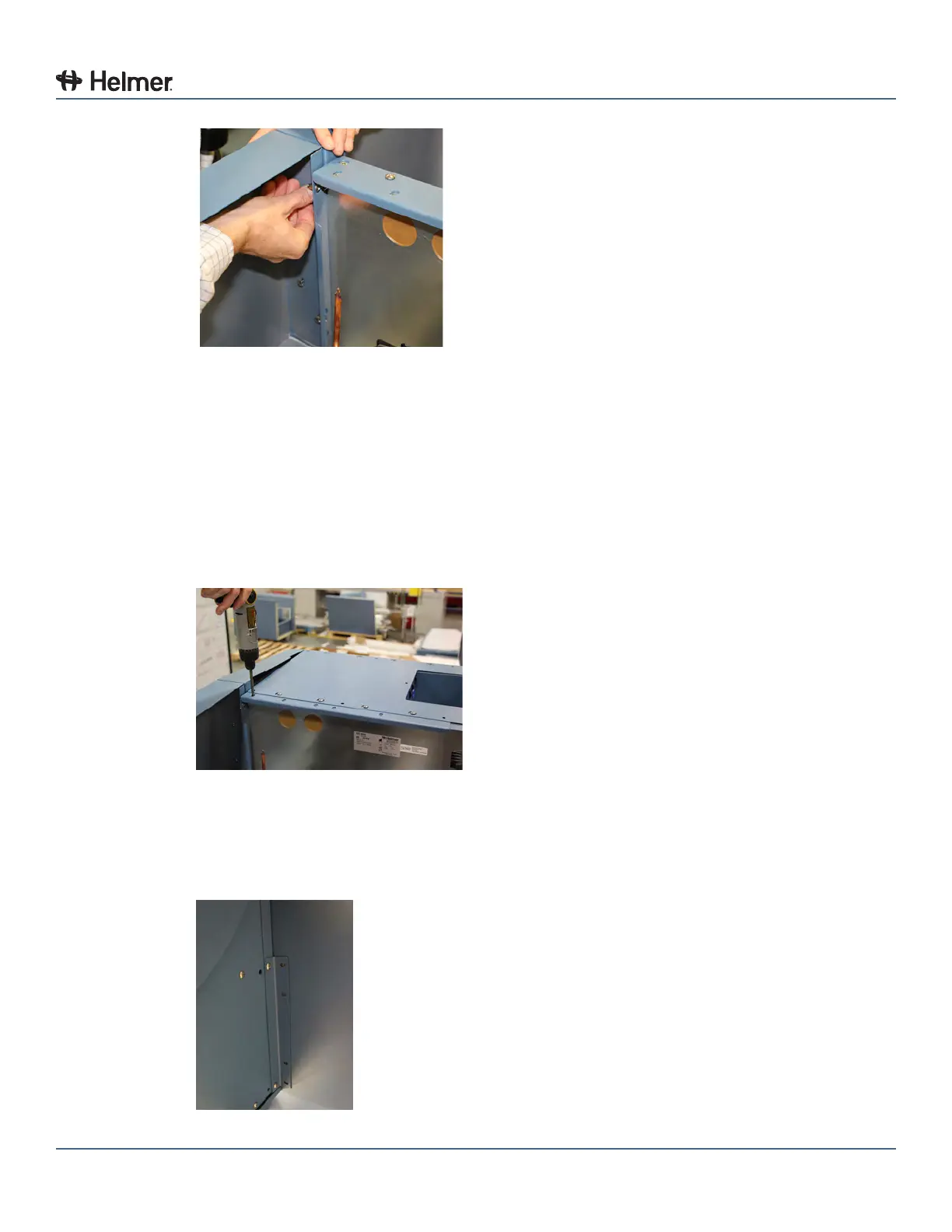
d. Hand-thread four screws in the Access Console bezel and into the corresponding threaded holes.
on the HaemoBank™ bezel.
Attach Access Console bezel to Compartmental Access Refrigerator bezel
e. Using a screwdriver, tighten the four screws.
f Hand-thread four screws in the Compartmental Access Refrigerator bezel and into the
corresponding threaded holes on the Access Console bezel.
g Using a screwdriver, tighten the four screws.
h Replace the cover on top of the Access Console.
4 Attach the upper bracket to the Compartmental Access Refrigerator.
a Hand-thread ve (5) screws through the upper Access Console bracket and into the threaded
holes on the Compartmental Access Refrigerator.
b Using a screwdriver, tighten the ve screws.
Attach upper bracket to Compartmental Access Refrigerator
5 Attach the lower bracket to the Compartmental Access Refrigerator.
a Hand-thread two (2) screws through the lower Access Console bracket and into the threaded
holes on the Compartmental Access Refrigerator.
b Using a screwdriver, tighten the two screws.
Attach lower bracket to Compartmental Access Refrigerator



 To Next Page