360179-A/B 41
Troubleshooting
11.1.3 Check Proximity Sensor Status
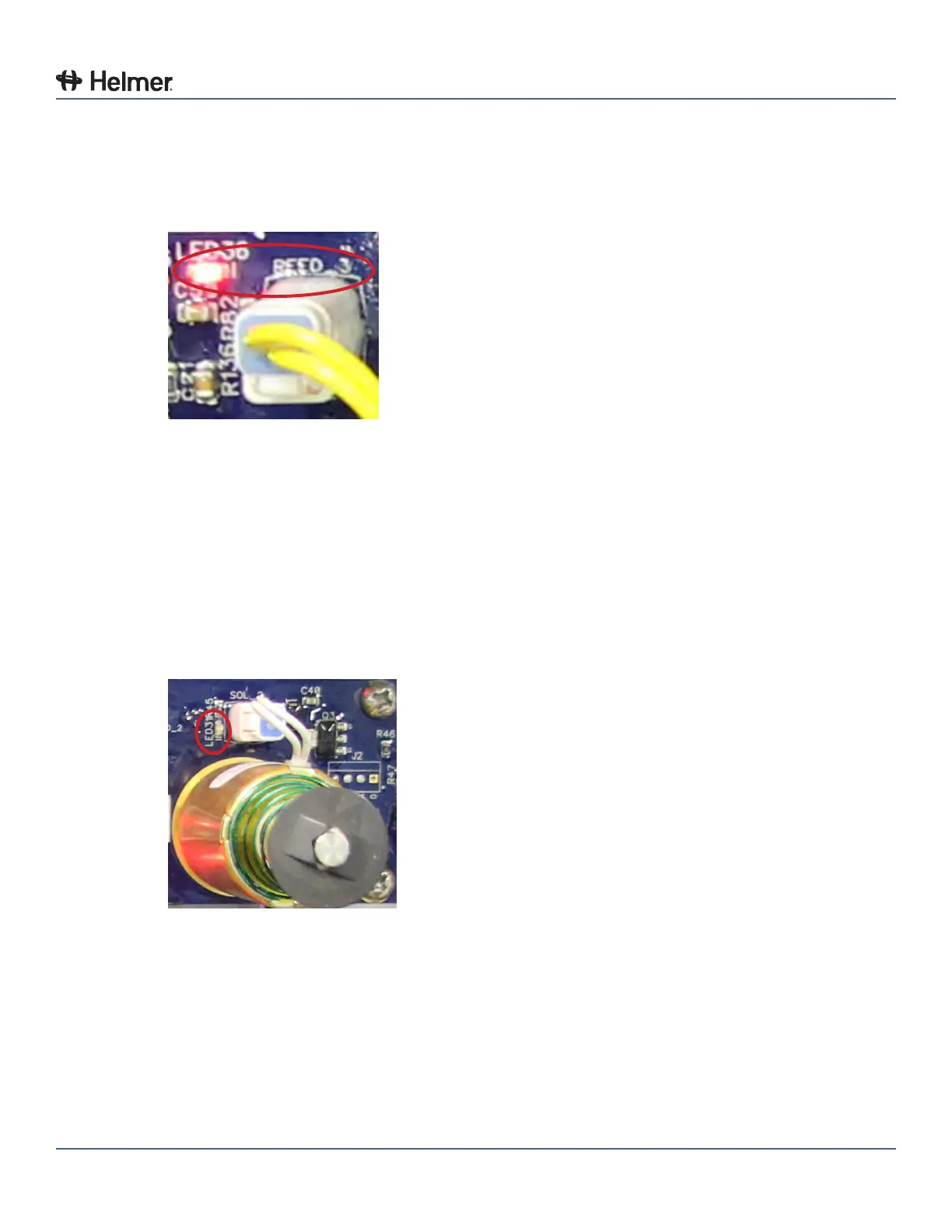
The “reed switch” LED indicates the status of the tray proximity sensor. Each proximity sensor connector
includes a status LED (labeled “REED_1”, “REED_2”, “REED_3”, or “REED_4”).
REED_3 with LED illuminated
► If the “REED_1”, “REED_2”, “REED_3”, or “REED_4” LED is on, the proximity sensor status LED is
indicating that a tray is detected in the compartment location.
► If the “REED_1”, “REED_2”, “REED_3”, or “REED_4” LED is o, the proximity sensor status LED is
indicating that a tray is not installed (or is partially removed) in the compartment location.
11.1.4 Check Solenoid Status
The circuit board includes multiple LEDs to indicate whether the individual solenoids are energized or not
energized. An LED (labeled “LED32“, “LED31“, “LED30“, or “LED29“) above each solenoid indicates the
status of the solenoid.
LED31
► If the “LED32”, “LED31”, “LED30”, or “LED29” LED is on, the solenoid circuit is energized and the tray
is unlocked.
► If the “LED32”, “LED31”, “LED30”, or “LED29” LED is o, the solenoid circuit is not energized and the
tray is locked.



 To Next Page