360179-A/B 20
Installation & Conguration
7.2.1 Chart Recorder Access
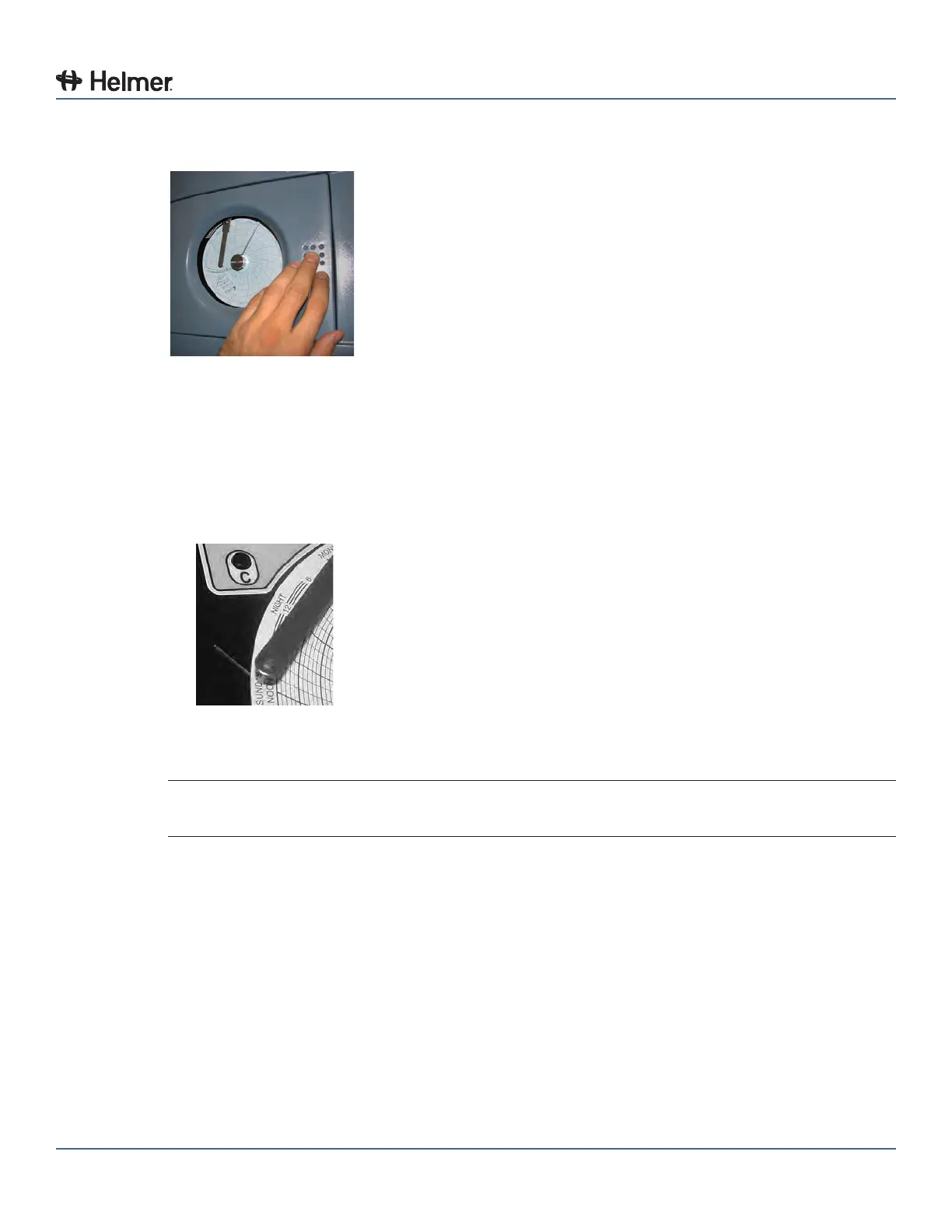
Open door by pressing and releasing the door.
Chart recorder door
7.2.2 Install Chart Paper
1 Press and hold C button. When stylus begins to move left, release button. The LED ashes.
2 When stylus stops moving, remove chart knob then move knob up and away.
3 Place chart paper on chart recorder.
4 Gently lift stylus and rotate paper so current time line corresponds to time line groove.
Chart recorder stylus and time line groove
5 Hold chart paper and reinstall chart knob.
NOTE For accurate temperature reading, ensure that the current time is aligned with time line
groove when chart knob is tightened.
6 Press and hold C button. When stylus begins to move right, release button.
7 Conrm stylus is marking temperature correctly.
7.2.3 Reorder Chart Paper
Contact Haemonetics
®
Corporation BloodTrack
®
Customer Support. Chart paper: Part number 220366
(52 sheets)



 To Next Page