360179-A/B 37
Maintenance & Service
10.3 Maintaining Tray Assembly
10.3.1 Remove and Install a Tray and Cover
NOTICE Please refer to the BloodTrack Courier
®
User Guide for details on preparing the
HaemoBank™ refrigerator for service.
Remove a tray:
1 Open the exterior door, unlock, and rotate the Bypass Release handle counterclockwise 90 degrees.
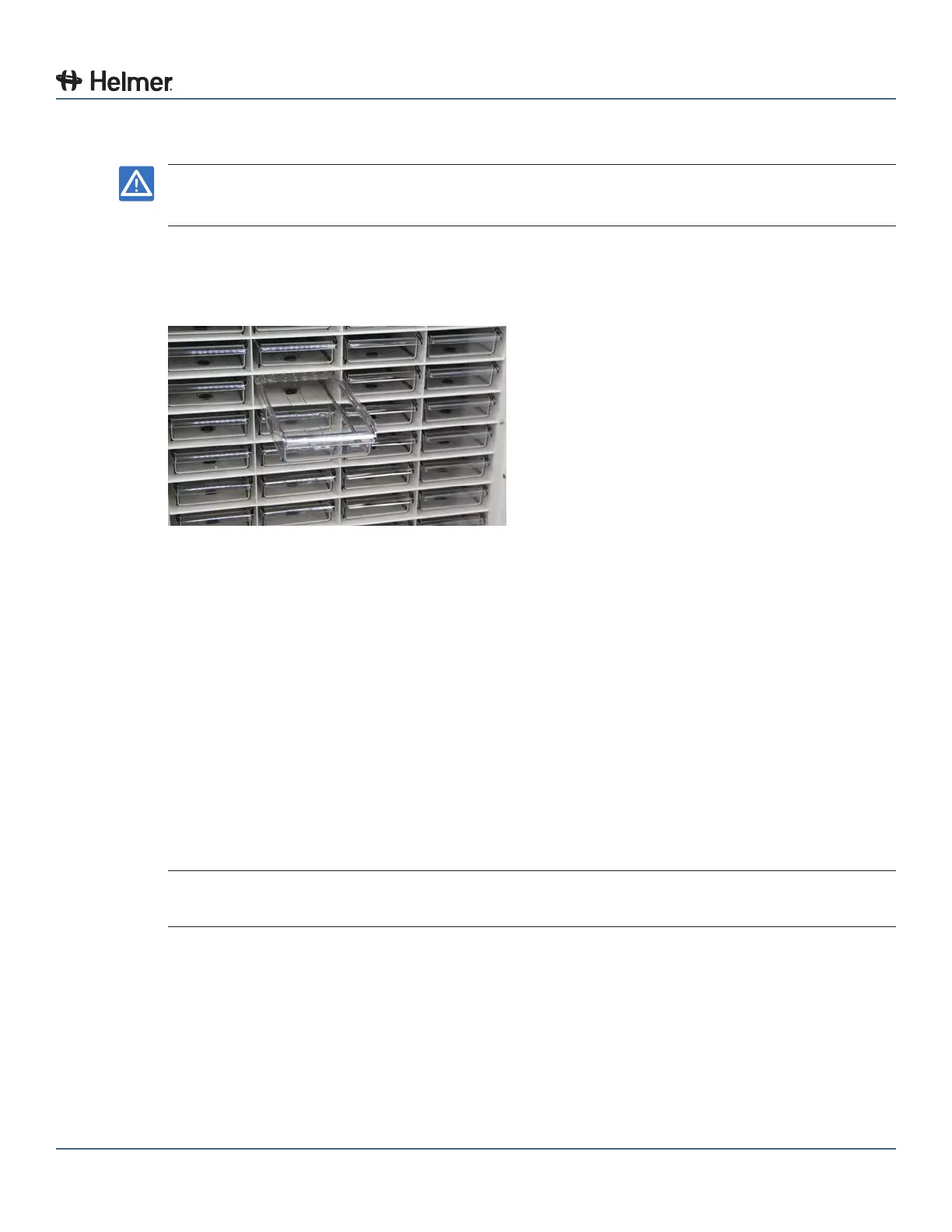
2 Pull the tray out until it stops.
Tray fully extended
3 With one hand on each side of the tray, near the cover (at the rear of the tray), gently spread the top
edges of the tray outward.
4 While holding the top edges of the tray outward, use your thumbs to press the forward edge of the
tray cover upward.
► The tabs on the outer edges of the tray cover will disengage from the corresponding slots on the
top edges the tray
► The front of the tray cover will lift from the tray
5 Lift the tray cover upward.
► The rear of the tray cover will lift from the tray
6 Remove the tray cover from the tray.
7 While keeping the tray level, lift the tray upward in the compartment location.
8 Pull the tray out of the compartment location.
Install a tray:
NOTE The tray must be partially installed in the compartment location before the cover can be
installed.
1 While keeping the tray level, slide the tray partially into the compartment location until the groove on
the bottom of the tray crosses the tray bumper.
2 Set the tray down in the compartment location.



 To Next Page