360179-A/B 32
Maintenance & Service
9.5 Inspect and Secure Electrical Wiring and Terminals
WARNING Disconnect HaemoBank™ from AC power when inspecting and securing wiring terminals.
Required tools:
► #2 Phillips screwdriver
► small blade screwdriver
► 4’ ladder or step stool
Inspect components and secure terminals:
1 Switch the Compartmental Access Refrigerator and Access Console battery ON/OFF switches OFF.
Switch the AC ON/OFF switch OFF. Disconnect the power cord from AC power.
2 Using a #2 Phillips screwdriver, loosen the screws securing the cover to the electrical box.
3 Lift the cover upward and remove from the electrical box.
4 Visually inspect the wiring in the electrical box for discoloration.
► If any discoloration is found, contact Haemonetics
®
Corporation BloodTrack
®
Customer Support
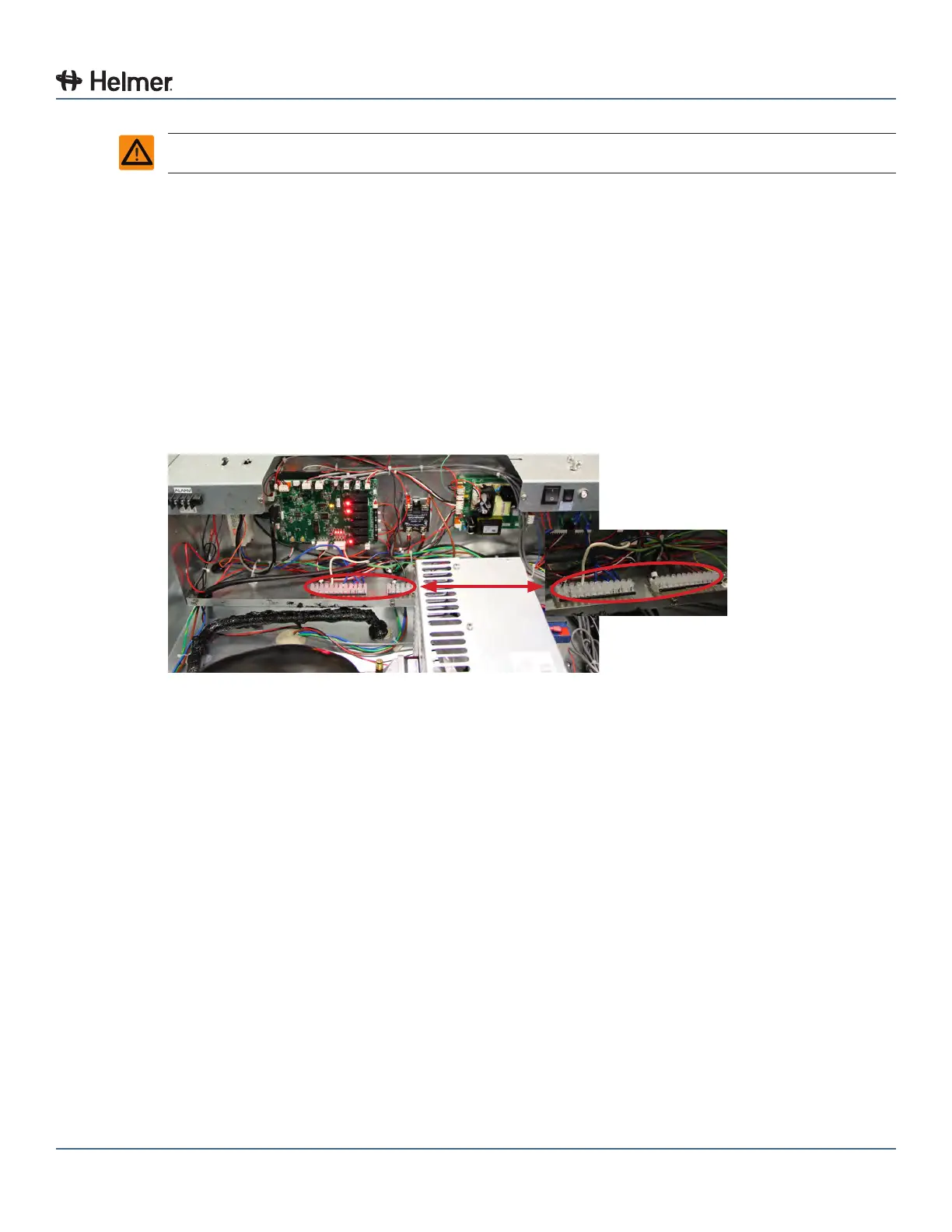
Terminal Strips
5 Gently pull on all wires which are terminated with a connector.
► If any wires are loose in the terminal connector, replace the connector
► If any terminal connectors are loose in the terminal strip(s), use a small blade screwdriver to
tighten the screw in the terminal strip
6 Replace the cover on the electrical box.
7 Using a #2 Phillips screwdriver, tighten the screws securing the cover.
8 Reconnect the power cord to AC power. Switch the AC ON/OFF switch ON. Switch the
Compartmental Access Refrigerator and Access Console battery ON/OFF switch ON.



 To Next Page