360179-A/B 18
Installation & Conguration
NOTE If AC power is lost, the monitoring system will automatically disable some features to
prolong battery power. Data collection will continue until battery power is depleted.
6.7.2 Power-up Access Console
Backup Battery
NOTE Backup power is available when the main Compartmental Access Refrigerator AC power
is turned on.
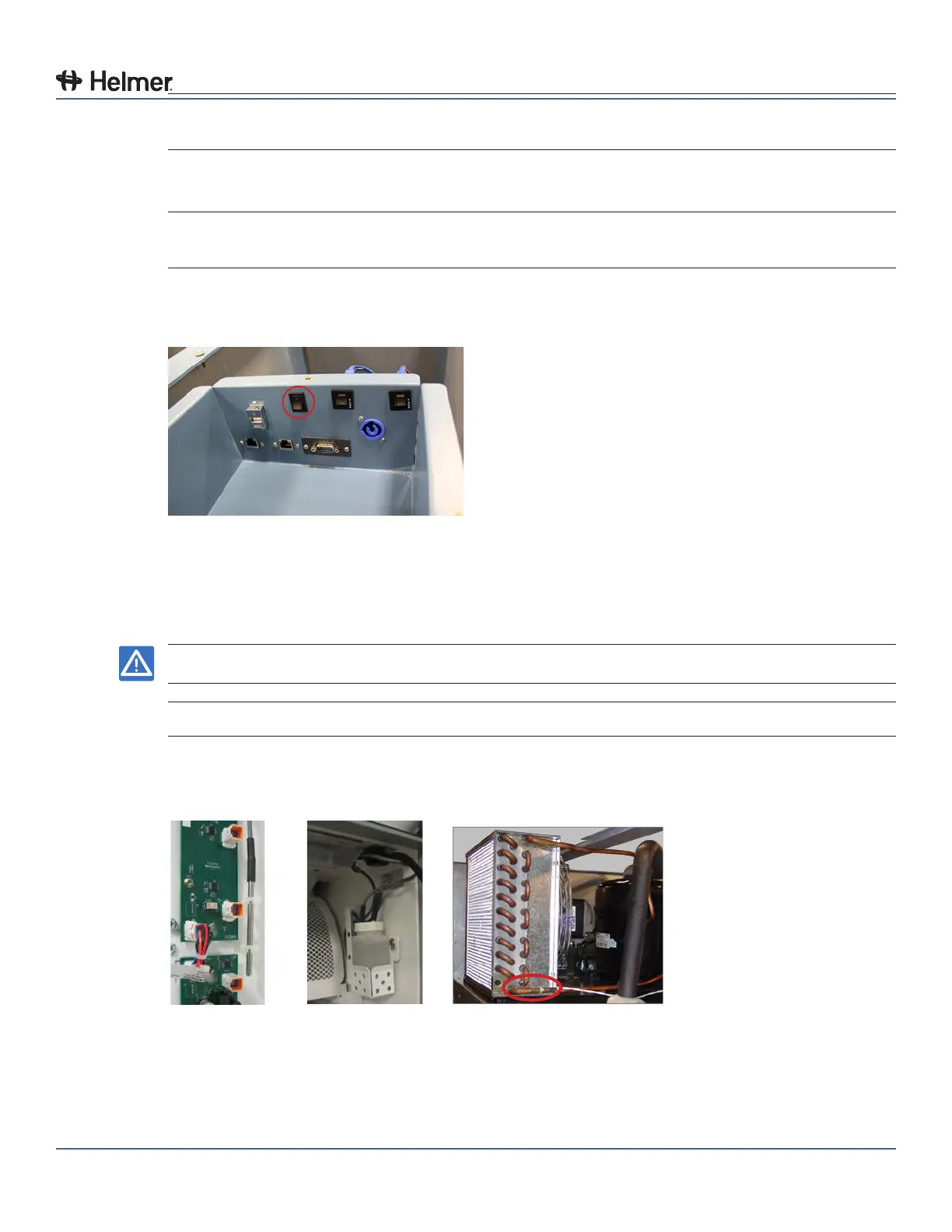
1 Switch the Access Console backup battery ON/OFF switch ON to provide backup power to the
Access Console.
Access Console backup battery ON/OFF switch (circled)
7 Prepare For Monitoring
7.1 Temperature Probes
NOTICE Temperature probes are fragile; handle with care.
NOTE Remote probes may also be introduced through the existing top port.
Three types of temperature probes are included on the Compartmental Access Refrigerator, air probe,
upper chamber probe and condenser probe.
Air probe (left)
Upper chamber probe, probe bottle and bottle holder (center)
Condenser probe (right)



 To Next Page