360179-A/B 12
Installation & Conguration
CAUTION ► Amperage for printer should not exceed 2.5 A.
NOTE Printer is not included with the Compartmental Access System.
6 Place the printer in the Access Console drawer.
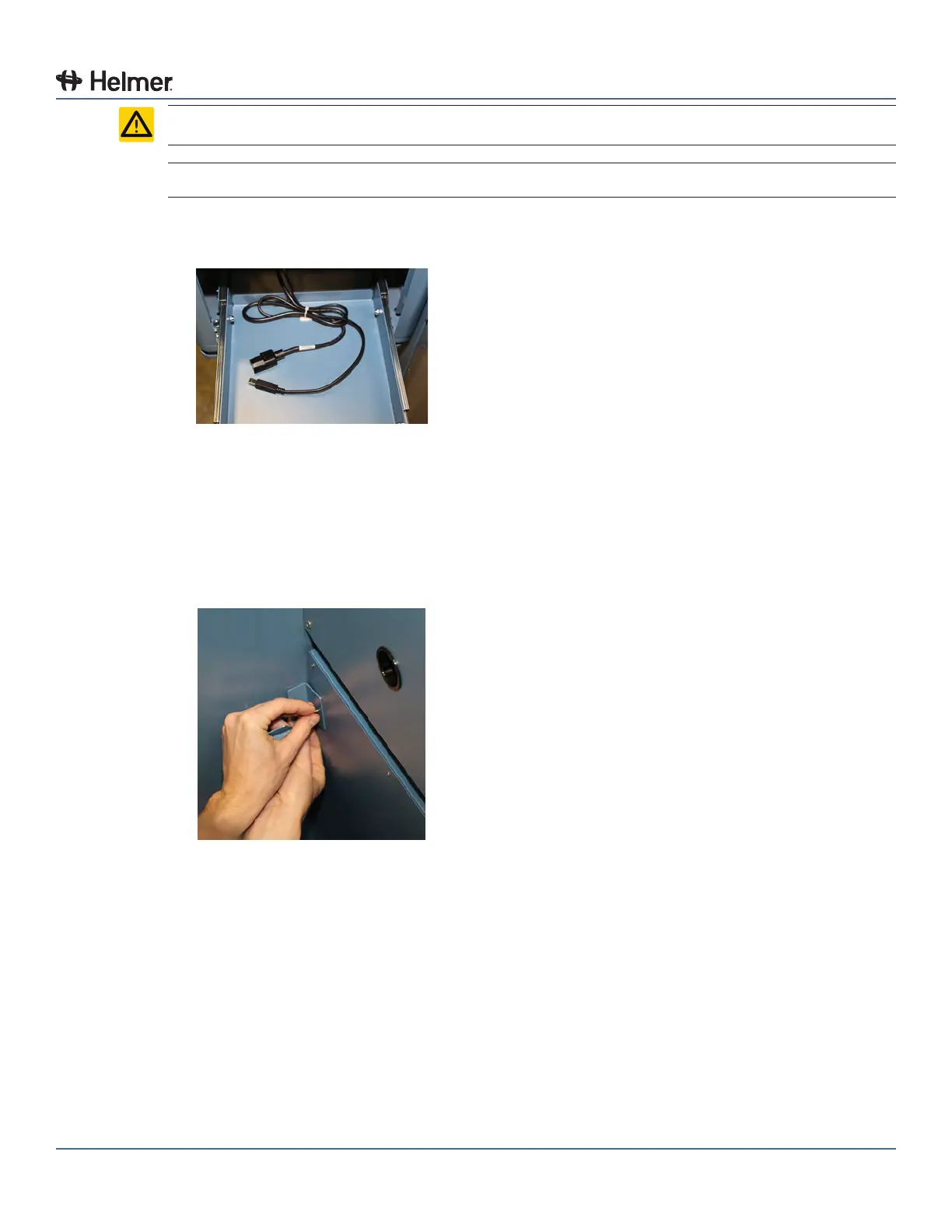
a Open printer drawer and attach the cables provided to the printer.
Cables provided for printer
6.3.2 Place the Consumable Cart
1 Remove the Consumable Cart from the shipping carton.
2 Attach the two (2) L brackets to the back of the cart.
a Hand-thread one (1) screw through the L bracket into the threaded hole in the cart.
b Using a #2 Phillips screwdriver, tighten the screw.
Attach L bracket to cart



 To Next Page