360179-A/B 23
Installation & Conguration
8.3.1.1 Temperature Setpoint
NOTE ► Default chamber temperature setpoint is 4.0 ºC.
► Setpoint can be changed from the i.C
3
and from the Haemonetics
®
BloodTrack
®
interface.
The temperature setpoint is the desired temperature of the HaemoBank™ for stored product.
Change the temperature setpoint if:
► Your organization requires a chamber temperature other than 4.0 ºC
Perform the following:
1 Touch Home, i.C³ APPS, Settings.
2 Enter the Settings password.
3 Touch + or – on the Temperature Setpoint spin box to select desired setting.
4 Touch Home.
8.4 Sensor Calibration
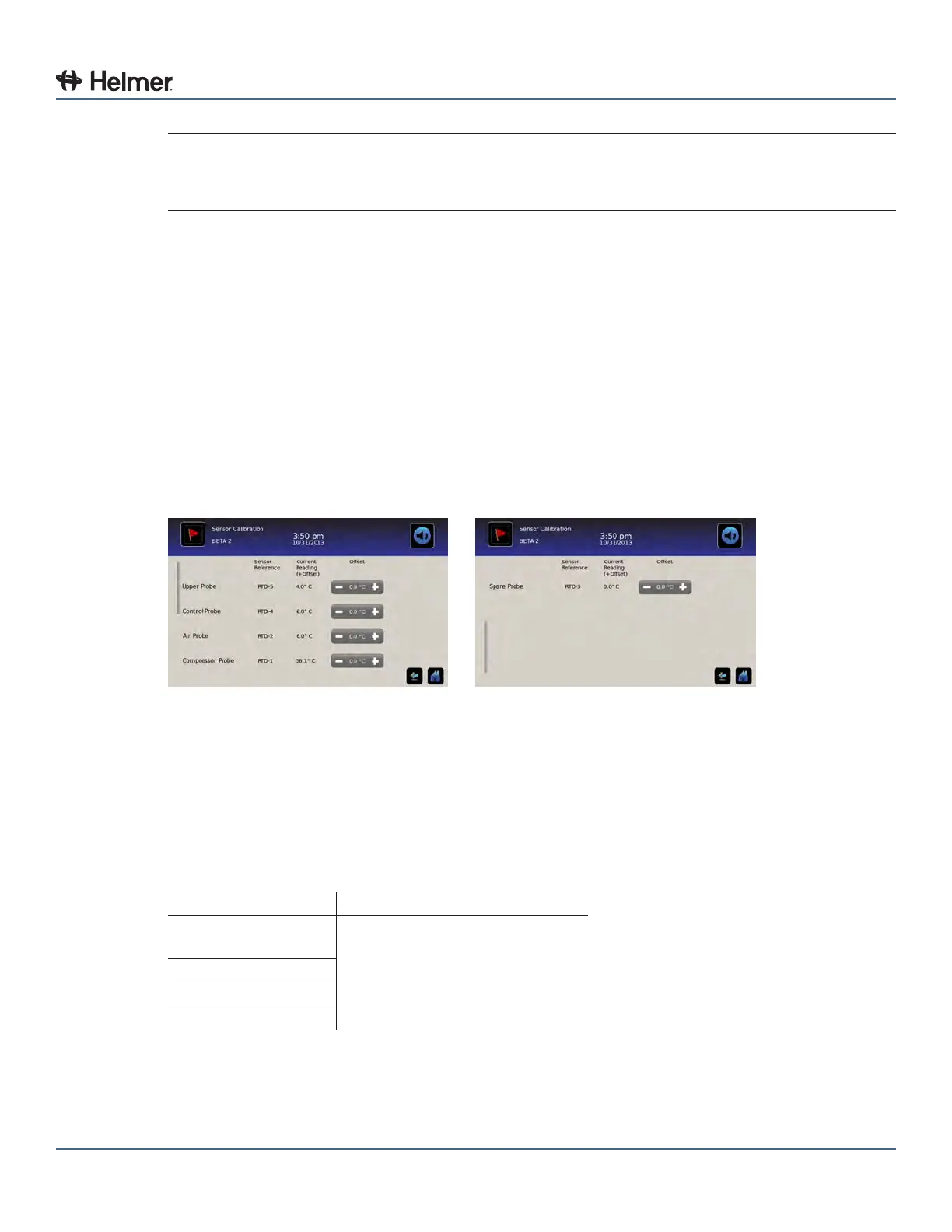
Sensor calibration values are programmed at the factory. Calibration values can be viewed through the
i.C³ Sensor Calibration screen.
Sensor Calibration screens
8.4.1 View Sensor Calibration Values
1 Touch Home, i.C³ APPS, Settings.
2 Enter the Settings password.
3 Touch Sensor Calibration.
► Sensor oset values and their current temperature readings are displayed
4 Touch Home.
Setting Initial Factory Value
Simulated product
probe
Varies (set at the factory to match
a NIST traceable independent
thermometer)
Control probe
Air probe
Compressor probe



 To Next Page