EasyManua.ls Logo

Hitachi 65 - Serial Port Settings; Table 5-13 Interrupts List (IRQ Assignment When the APIC Is Disabled); Table 5-14 Serial Port Default Settings

Hitachi 65
281 pages
Print Icon
To Next Page IconTo Next Page
To Previous Page IconTo Previous Page
Loading...
5. SPECIFICATION
5-10
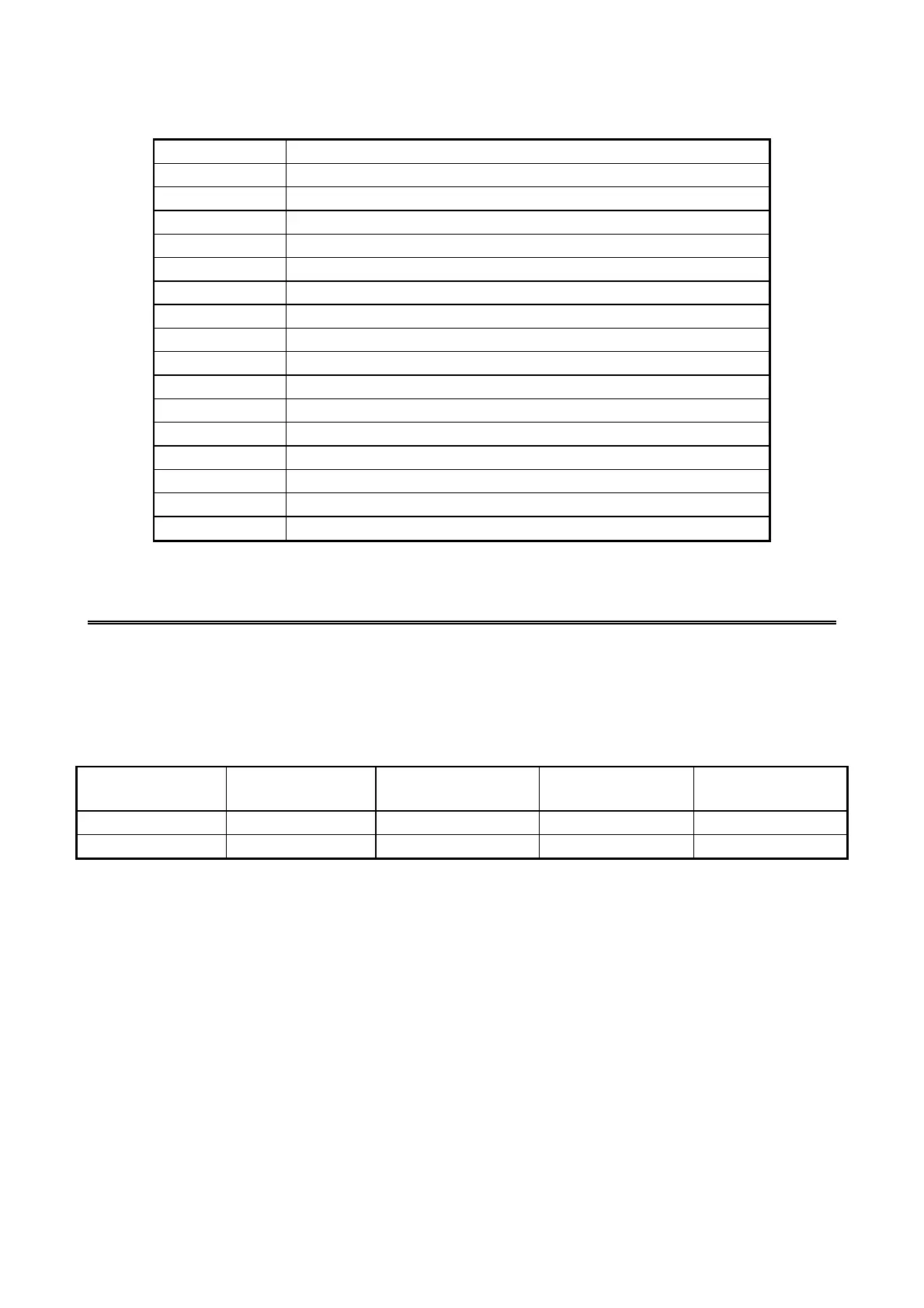
Table 5-13 Interrupts list (IRQ assignment when the APIC is disabled)
Interrupt pin
Description
IRQ0
Timer
IRQ1
Not used
IRQ2
Cascade
IRQ3
Serial port 2 (COM2): B
IRQ4
Serial port 1 (COM1): A
IRQ5
Not used
IRQ6
Not used
IRQ7
Not used
IRQ8
Real-time clock
IRQ9
SATA, SCI, All PCI devices
IRQ10
Not used
IRQ11
Not used
IRQ12
Not used
IRQ13
Coprocessor
IRQ14
Not used
IRQ15
Not used
5.5 Serial Port Settings
The factory default settings for the serial ports are as follows. Do not change those settings.
If you do, the equipment may not work properly.
Table 5-14 Serial port default settings
Name recognized
by the BIOS
I/O address (*1)
IRQ assignment (*1)
Name recognized
by the OS
Note
Serial port A
3F8h
IRQ 4
COM1
Standard feature
Serial port B
2F8h
IRQ 3
COM2
Option (*2)
(*1) Automatically assigned by the BIOS.
(*2) When there is not an option board, COM2 is always displayed in device managers.

Table of Contents

Related product manuals