6. CHECKUP AND MAINTENANCE
6-24
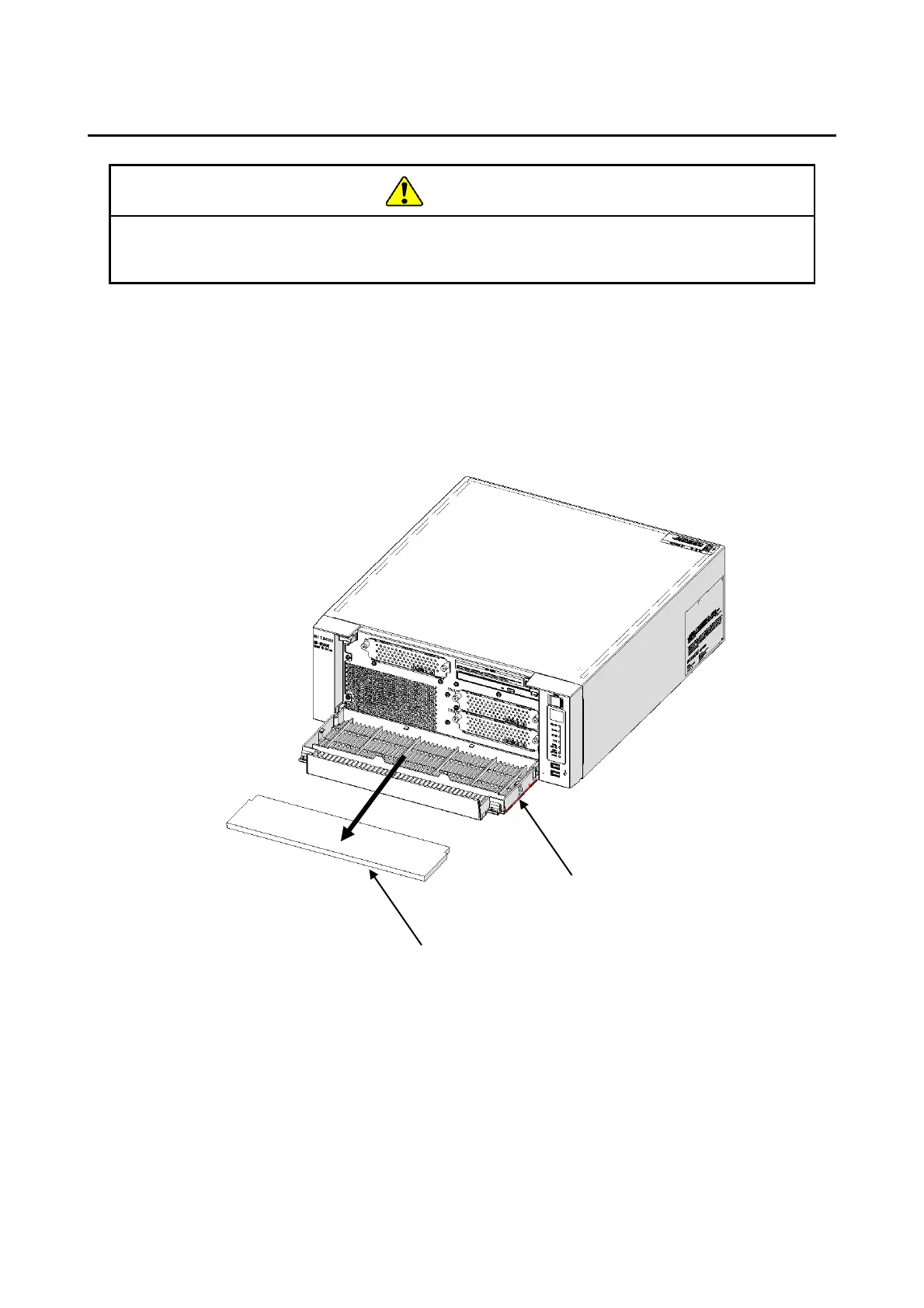
6.3.10 Replacing a dust filter
[1] Follow the instructions in “6.3.6 Installing and removing an HDD (2) Removing
an HDD” to open the front cover.
[2] Remove the dust filter from the front cover.
[3] When you install a dust filter, follow the above procedure in reverse.
Figure 6-15 Replacing a dust filter
Make sure to install a dust filter to equipment. If you do not, dusts enter into the
equipment and the short circuit fire may occur as a result.



 To Next Page