2. OPERATION
2-23
2.9 Setting Up the Screen
For screen settings, you can configure resolution (the number of dots that constitutes the
screen), refresh rate (the number of screen refreshes per second), and the single- display and
multiple-display settings.
(The display image assumes Windows® 10 but it is similar under other OS.)
(1) Configuring screen settings for a single display
When one display is connected, follow the procedure below to configure the screen
settings.
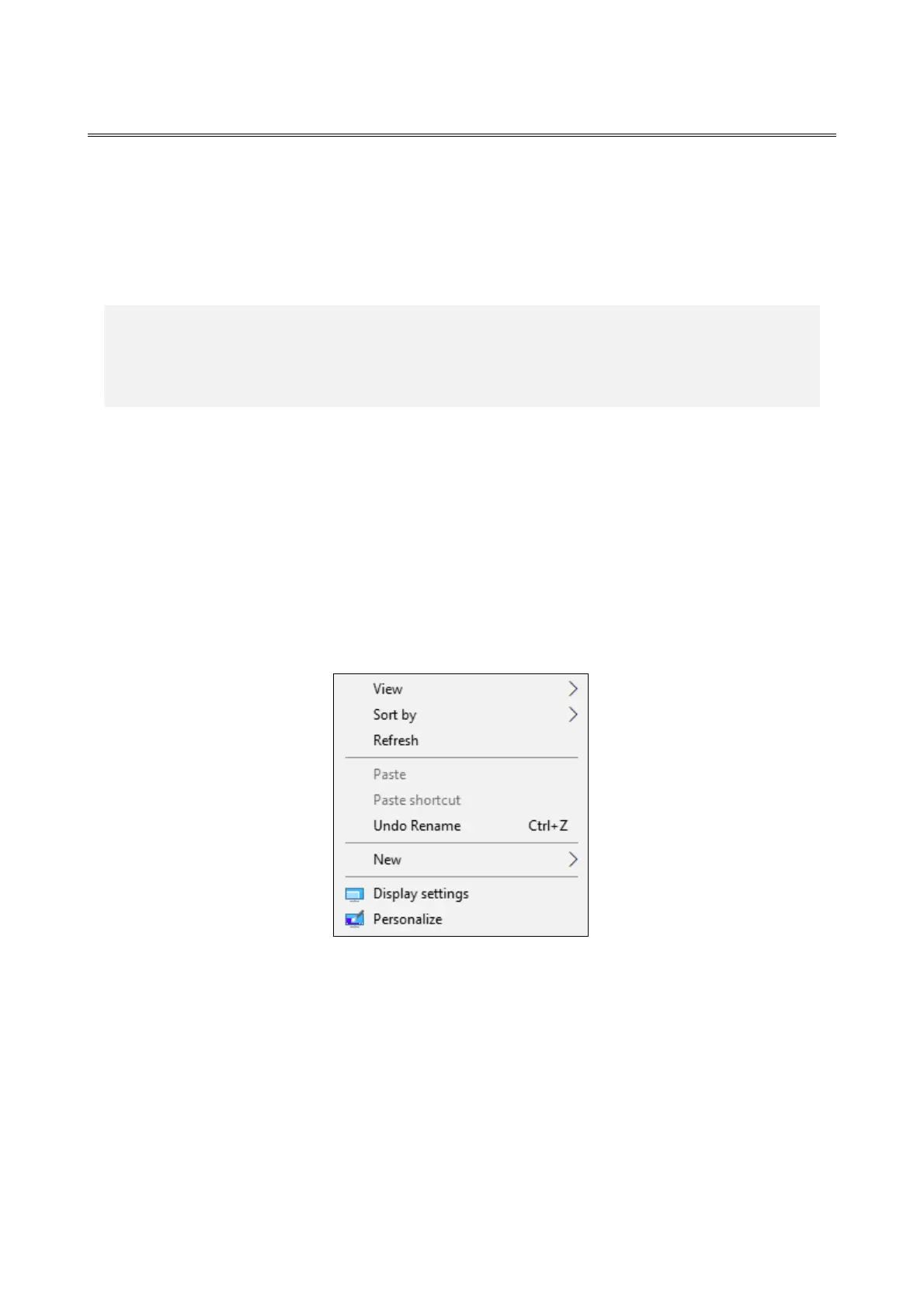
1. Right-click on the desktop to display a menu. From the menu, click Display settings.



 To Next Page