9. TROUBLE SHOOTING
9-27
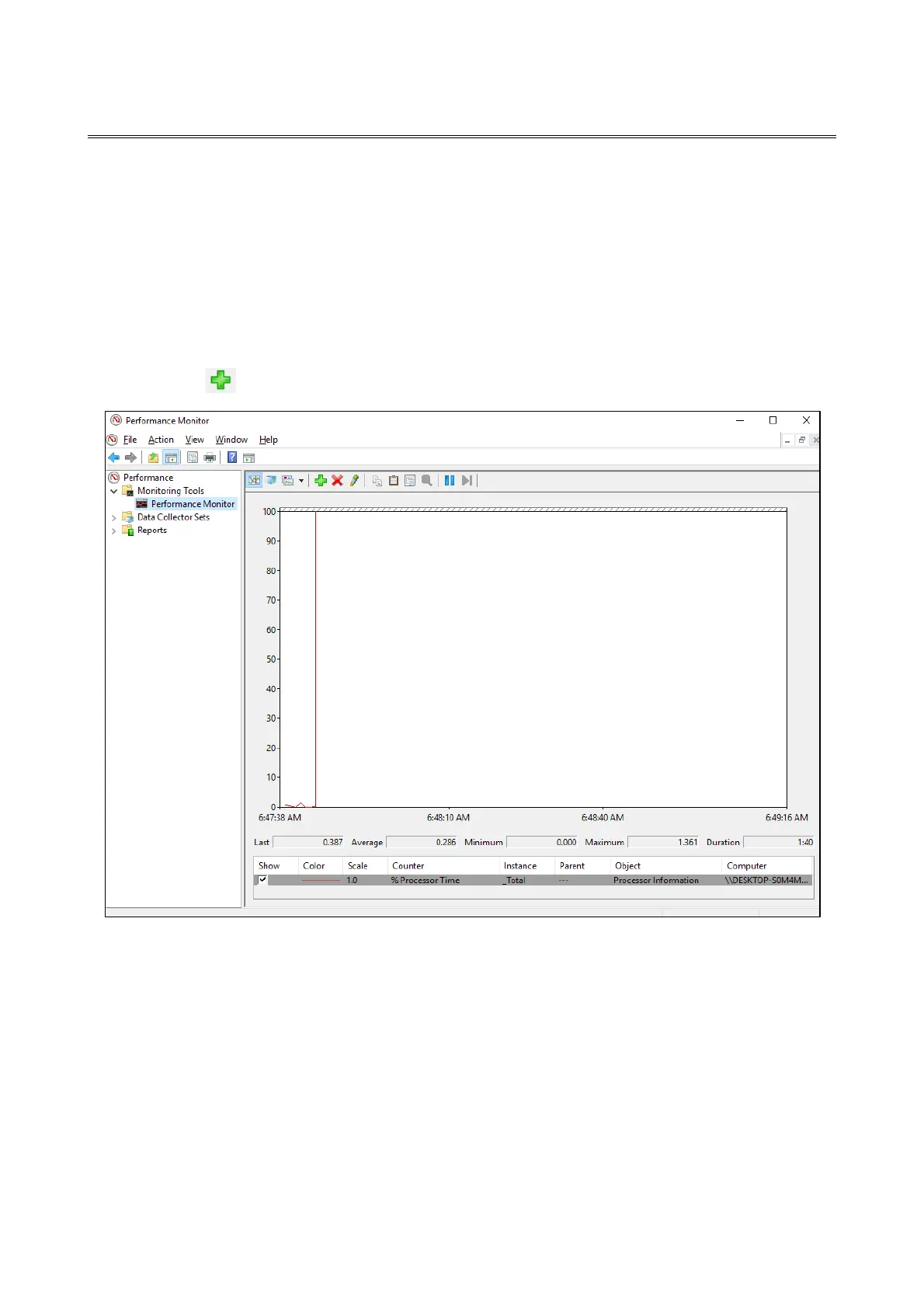
9.5 Checking the System Load by Using Performance Monitor
Performance Monitor that comes with Windows® is used for monitoring the usage of the
CPU and memory. Use this tool, for example, when you analyze the system load.
The following shows how to start the performance monitor:
1. Display Control Panel, and then click System and Security > Administrative Tools.
2. Double-click Performance Monitor.
3. The Performance Monitor window opens. Click Performance Monitor and then
click ..



 To Next Page