2. OPERATION
2-11
2.8 Setting Up the LAN Interface
This equipment has two built-in 1000BASE-T/100BASE-TX/10BASE-T LAN ports.
For information about the location of the LAN port connector (1000BASE-T/100BASE-TX
/10BASE-T), see “1.5 Name and Function of Each Part”.
● Automatic recognition of the network transfer speed or transfer mode
The LAN port has an auto-negotiation function to automatically recognize the network
transfer speed or transfer mode. For normal use, enable the auto-negotiation function.
(Especially when you use the WOL function. If the speed is fixed to 1000Mbps (auto-
negotiation), the WOL function cannot be used.)
If there is a compatibility issue with the connected hub, the auto-negotiation function may
not work properly and that may affect the communication with other terminals.
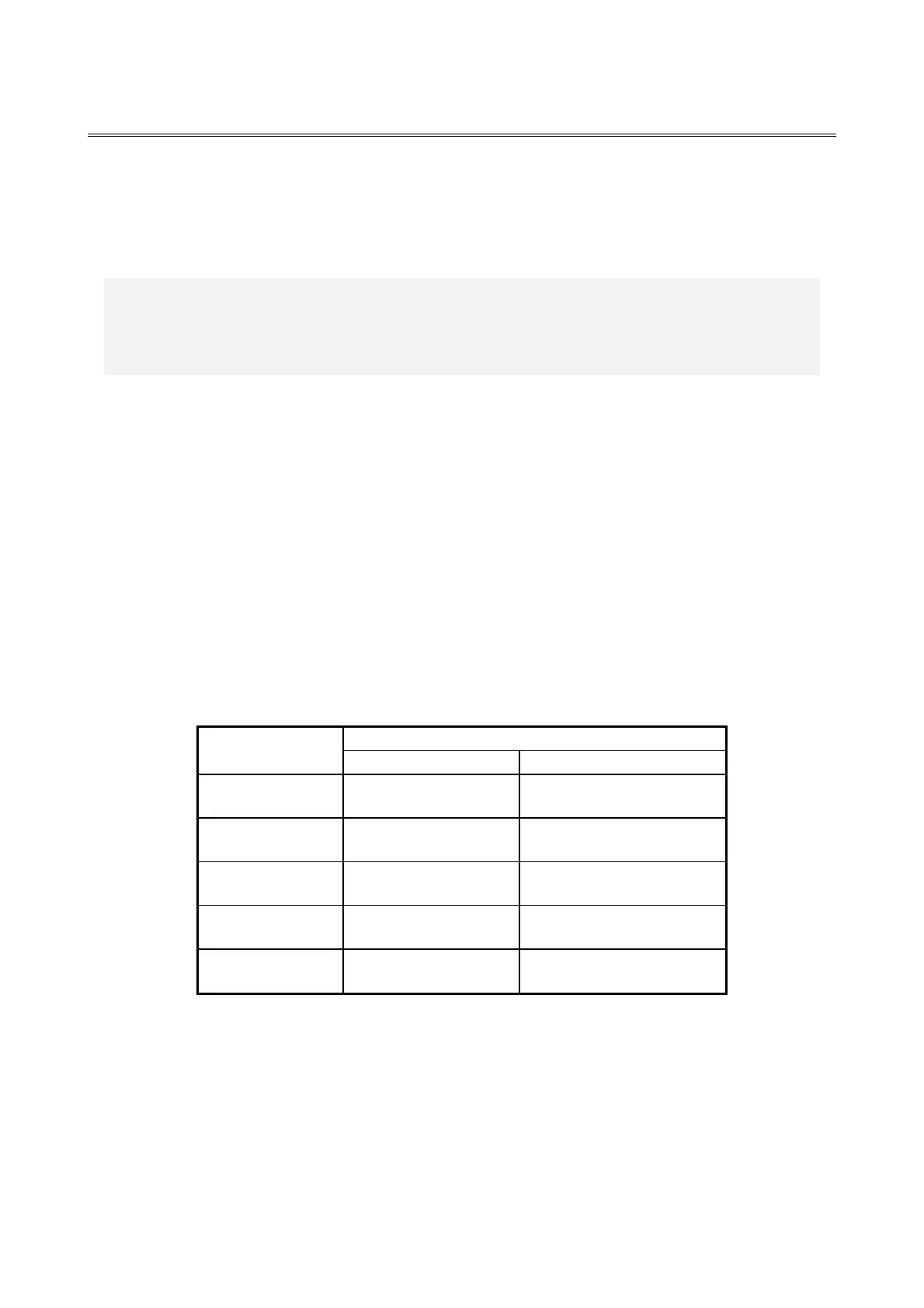
If the auto-negotiation function does not work properly, configure the LAN interface as
follows.
Table 2-1 Specification of the LAN setting
(*) How the setting is displayed is different depending on the OS and the
LAN port (including the optional LAN adapter) in use.



 To Next Page