2. OPERATION
2-6
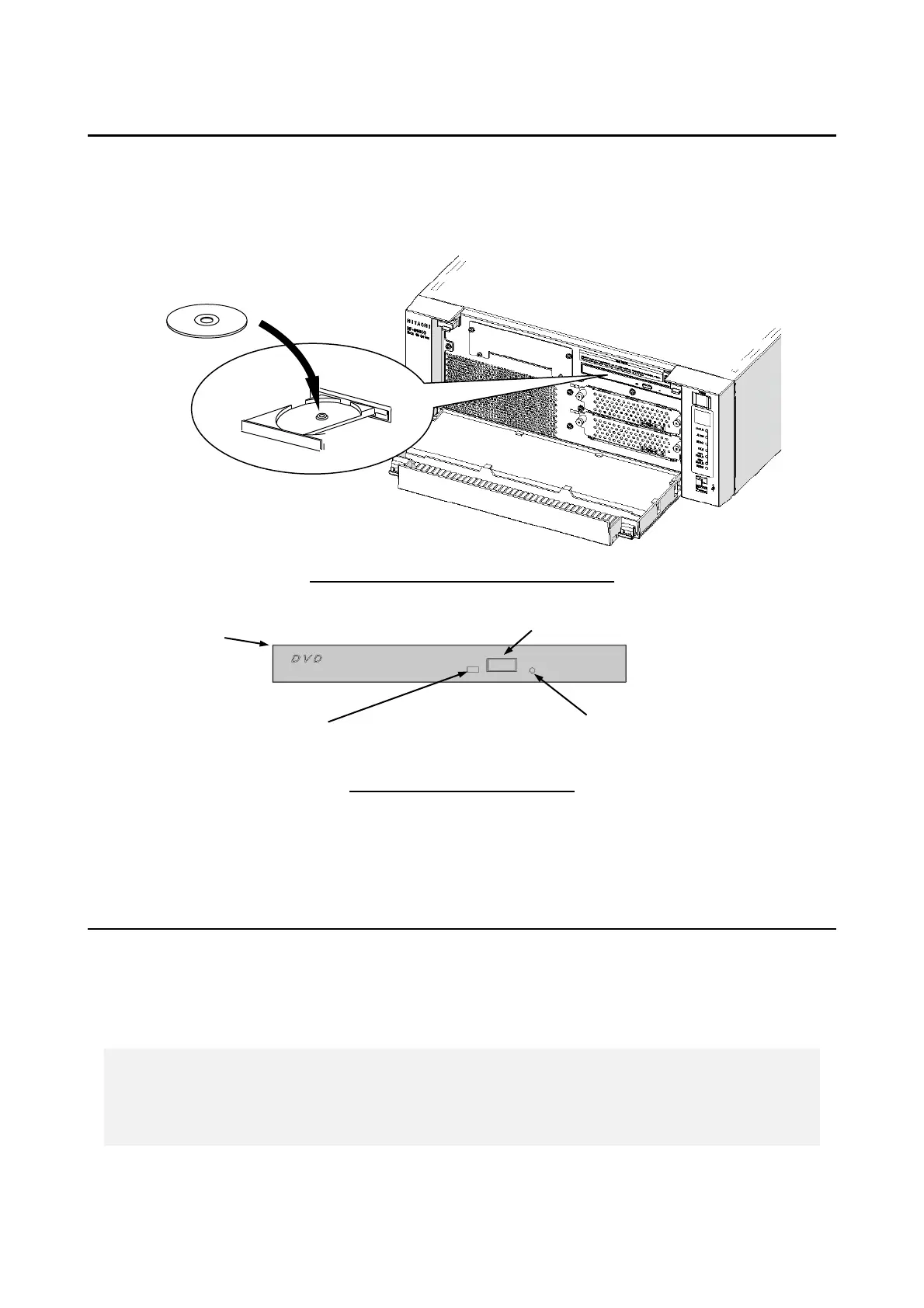
2.6.1 Inserting an Optical disc
1. Press the eject button gently to open the disc tray.
2. Set the Optical disc on the disc tray with the label side facing up.
3. Push the disc tray to load the disc into the DVD drive.
Front View When the Disc Tray Is Open
Front View of the DVD Drive
Figure 2-1 DVD Drive (Front View)
2.6.2 Ejecting an Optical disc
1. Confirm that the lamp is neither on nor flashing (the drive is operating).
2. Press the eject button gently to open the disc tray.
3. Pick up the Optical disc.
< NOTE >
・ When you are writing to an Optical disc, use the OS to eject the disc. If you
press the eject button, writing to the disc may fail.



 To Next Page