5. SPECIFICATION
5-23
5.9.2 External control specifications
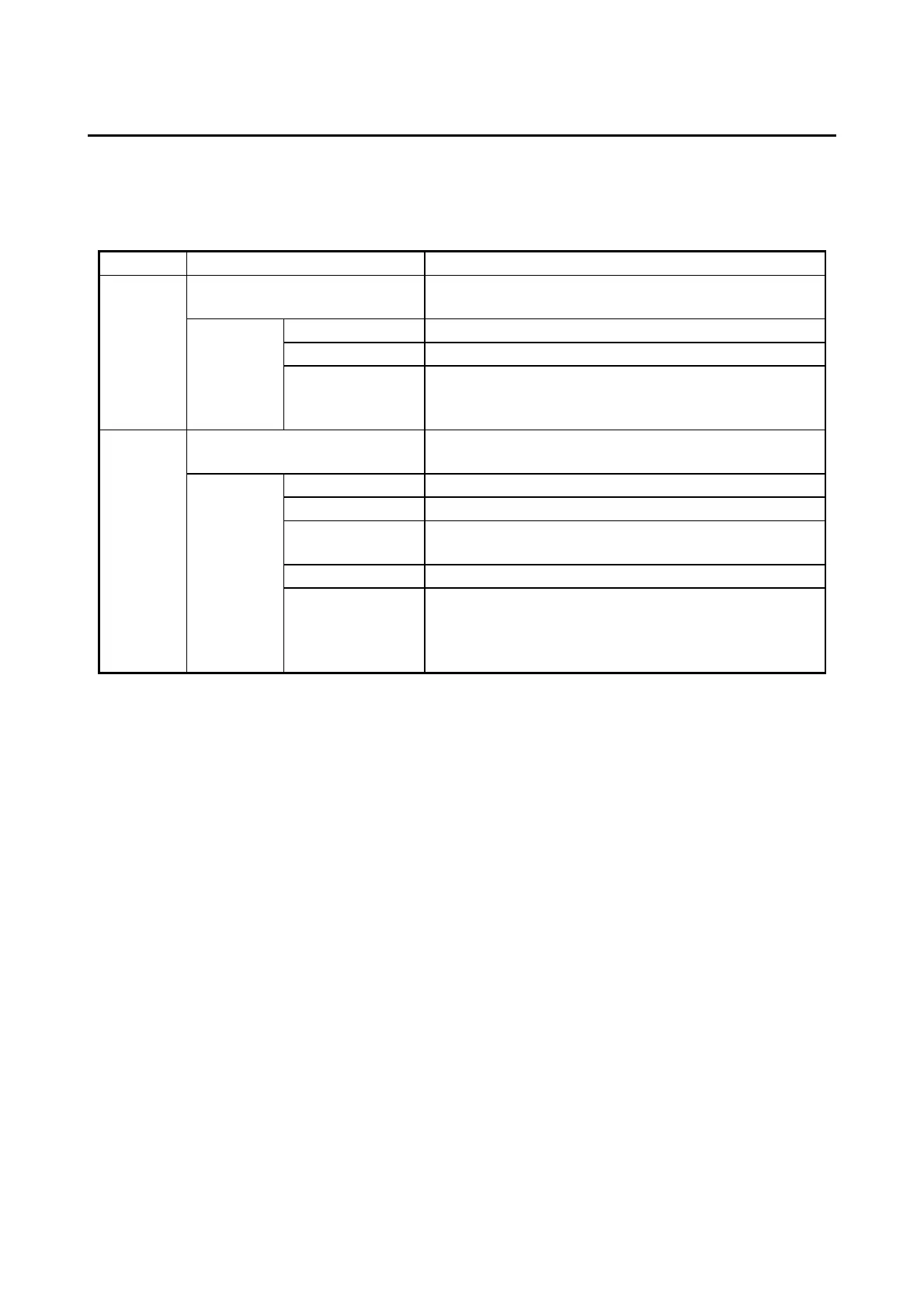
(1) External control I/O port (EXT) specifications
Table 5-20 External control I/O port specifications
RMTRESET, RMTSHTDN (GENDI), GENDI0,
GENDI1, and GENDI2 (RMTPWRON) (*1) (*2) (*3)
CPUSTOP, WDTTO, PSDOWN, MCALL, GENDO0,
GENDO1, and GENDO2
Steady-state : Up to 0.1 A/point
Inrush : Up to 0.6 A/point, 100 ms
(*1) RMTSHTDN and GENDI use the same contact (switched by the RAS software setting).
RMTPWRON and GENDI2 use the same contact (switched by the jumper pin setting). For details,
see “6.6 Enabling the Remote Power On Function”.
(*2) When you use the RMTPWRON function, make sure no noise is added to the external contact.
If the contact is closed for 15 ms or more during the soft power off mode due to noise or other
reasons, the power may be turned on unexpectedly. As a side note, while the OS or BIOS is running
after power on, the RMTPWRON function is disabled and the contact can be used as a GENDI2
input.
(*3) When using the RMTPWRON function, the equipment will start up from the standby state, but note
that the RMTPWRON function will not operate in the following cases.
• The RMTPWRON function will not operate in the case that “After AC Power On” setting of the
BIOS is “Power On” or “Auto”, and the AC input turned OFF / ON after pressing the power switch
for 4 seconds to enter the standby state.



 To Next Page