6. CHECKUP AND MAINTENANCE
6-19
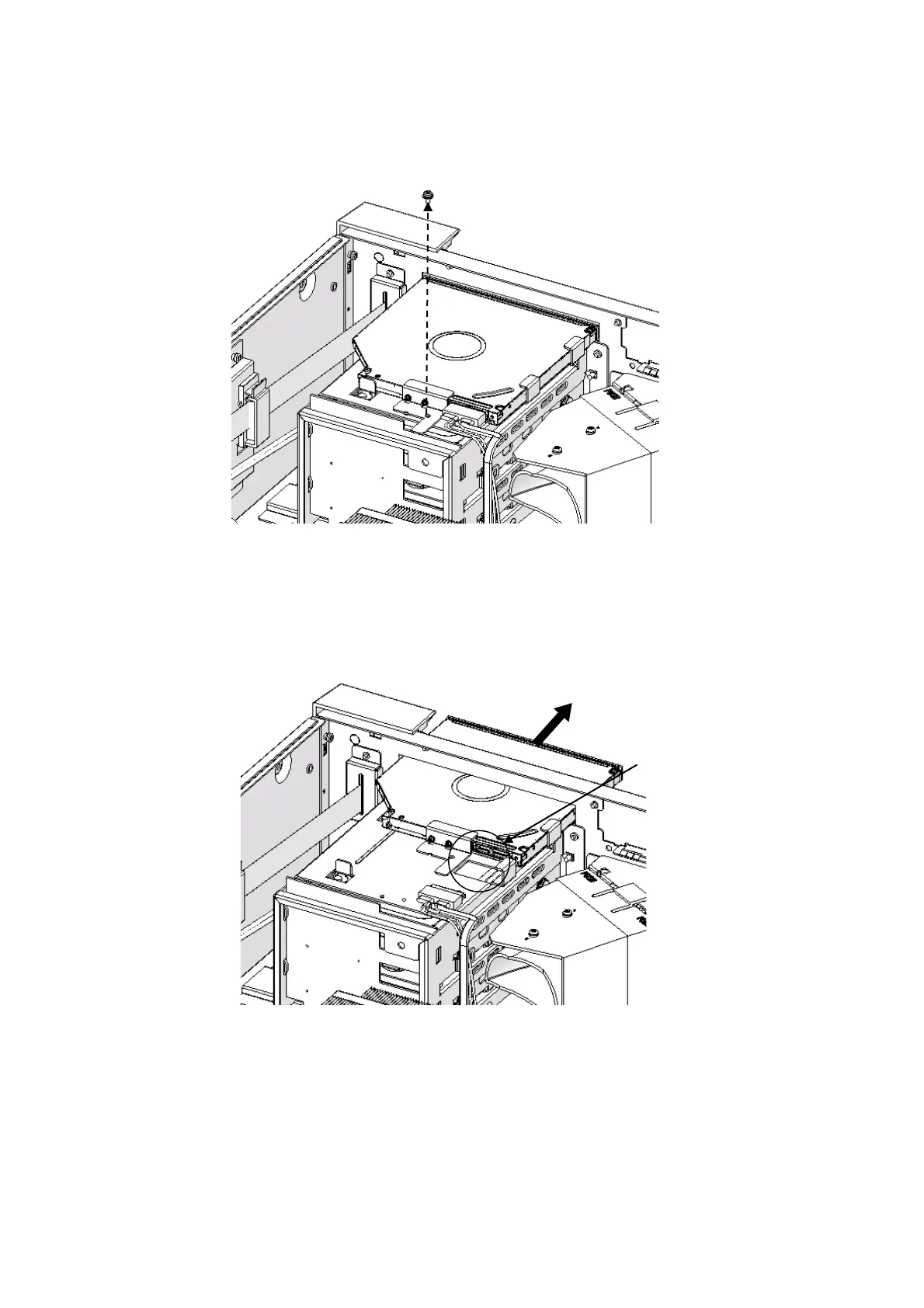
[6] Remove the screw fixing the equipment and the DVD drive.
(Use a Phillips screwdriver JIS #2)
Figure 6-10 Removing the screw fixing the DVD drive
[7] Pull the DVD drive lightly toward the front of the equipment and remove the DVD
drive cable from the DVD drive.
[8] Remove the DVD drive from the equipment.
Figure 6-11 Removing the DVD drive
(3) Installing a DVD drive
Follow the procedure described in “(2) Removing a DVD drive” in reverse to installing a
DVD drive.



 To Next Page