6. CHECKUP AND MAINTENANCE
6-23
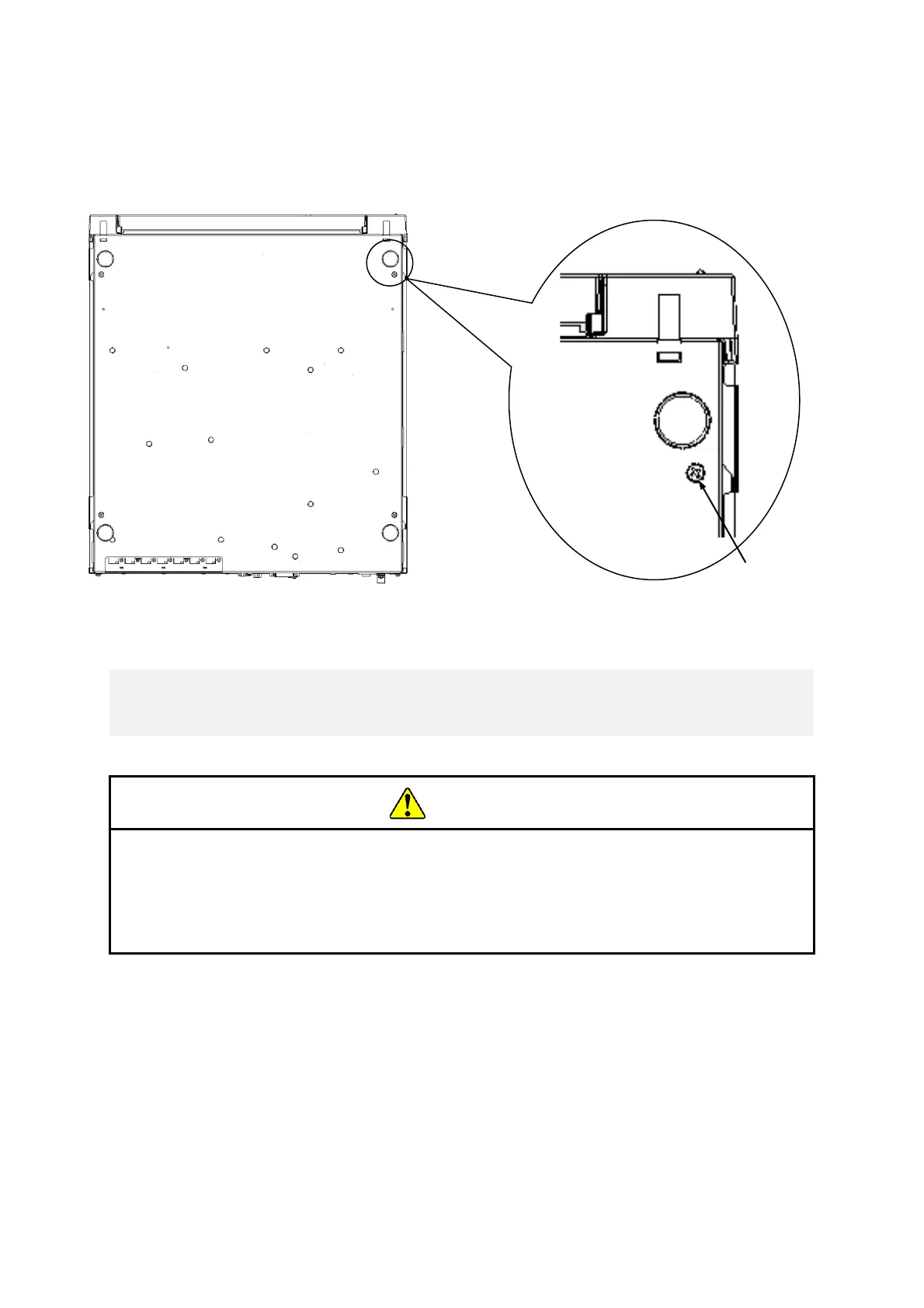
(3) Removing cover screws
[1] Remove the four cover screws using a Phillips screwdriver.
Figure 6-14 Removing cover screws
When you install the equipment on the mounting metal fitting for vertical
installation, do not use set screws for the cover to secure the equipment. If you
use the set screws for the cover, the equipment may fall and personal injury may
result.
(4) Installing rubber feet and cover screws
[1] Align the rubber feet with the holes on the bottom of the equipment and push down
the cap at the center of each rubber foot.
[2] Install the cover screws by following the reverse of the procedure used to remove
them.
< NOTE >
・ Save the rubber feet, and keep them in place for later use.



 To Next Page