5. SPECIFICATION
5-27
5.9.3 External interface cable length specifications
The recommended maximum cable length for each interface of this equipment is as follows.
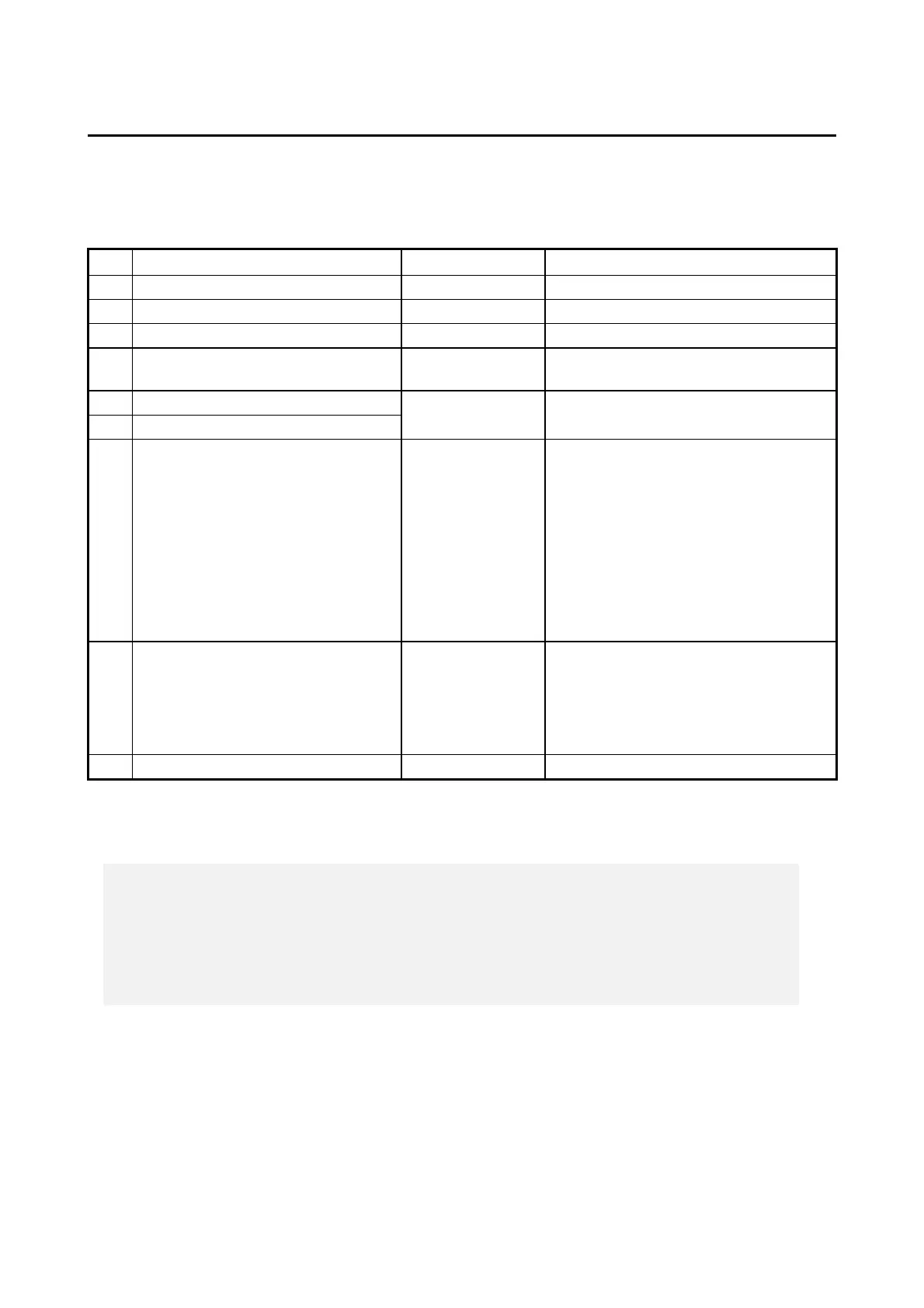
Table 5-22 External interface cable length specifications
UTP Category 5e or better
External control I/O port (Optional)
For information about the cable
specifications, see “5.9.2 (3)”.
Serial port (COM2) (Optional)
Front USB2.0/1.1 (2 ports)
Use a USB 2.0 compliant shielded cable.
Rear USB3.0/2.0/1.1 (6 ports)
Depending on a device to connect, use a
USB 3.0 compliant shielded cable or a
USB 2.0 compliant shielded cable.
(*1) The cables of the mouse and keyboard defined as options are one meter or longer. However,
this is not a problem, because their operation has been checked.
< NOTE >
If you use cables longer than the recommended maximum cable length or if
you use an extension cable, it may not operate properly.
A connected device or a conversion connector may not work properly
depending on them. Check proper operation of them before you use it.



 To Next Page