7. RESTORING THE FACTORY-SHIPPED CONDITION USING A RECOVERY DVD
7-3
7.3 Restoring the System Drive Back to the Factory-Shipped Condition
7.3.1 Procedure for restoring the system drive back to the factory-shipped condition
Follow the procedure below to restore the system drive of an HF-W7500 Model 65/60 back
to the factory-shipped condition using a recovery DVD.
1. Turn on the power to the equipment, and insert a recovery DVD “HITACHI HJ-756x****
Product Recovery DVD” to the DVD drive. If the number of recovery DVDs is multiple,
insert a first disc (For example, if the number of recovery DVDs two insert the disc
number : 1/3).
(NOTE) The underlined part is the model number of the equipment you purchased, and
therefore the part indicated as * is different depending on the model. In the
following description of the procedure, replace the “HJ-655x-****” with the actual
model number of the equipment you purchased.
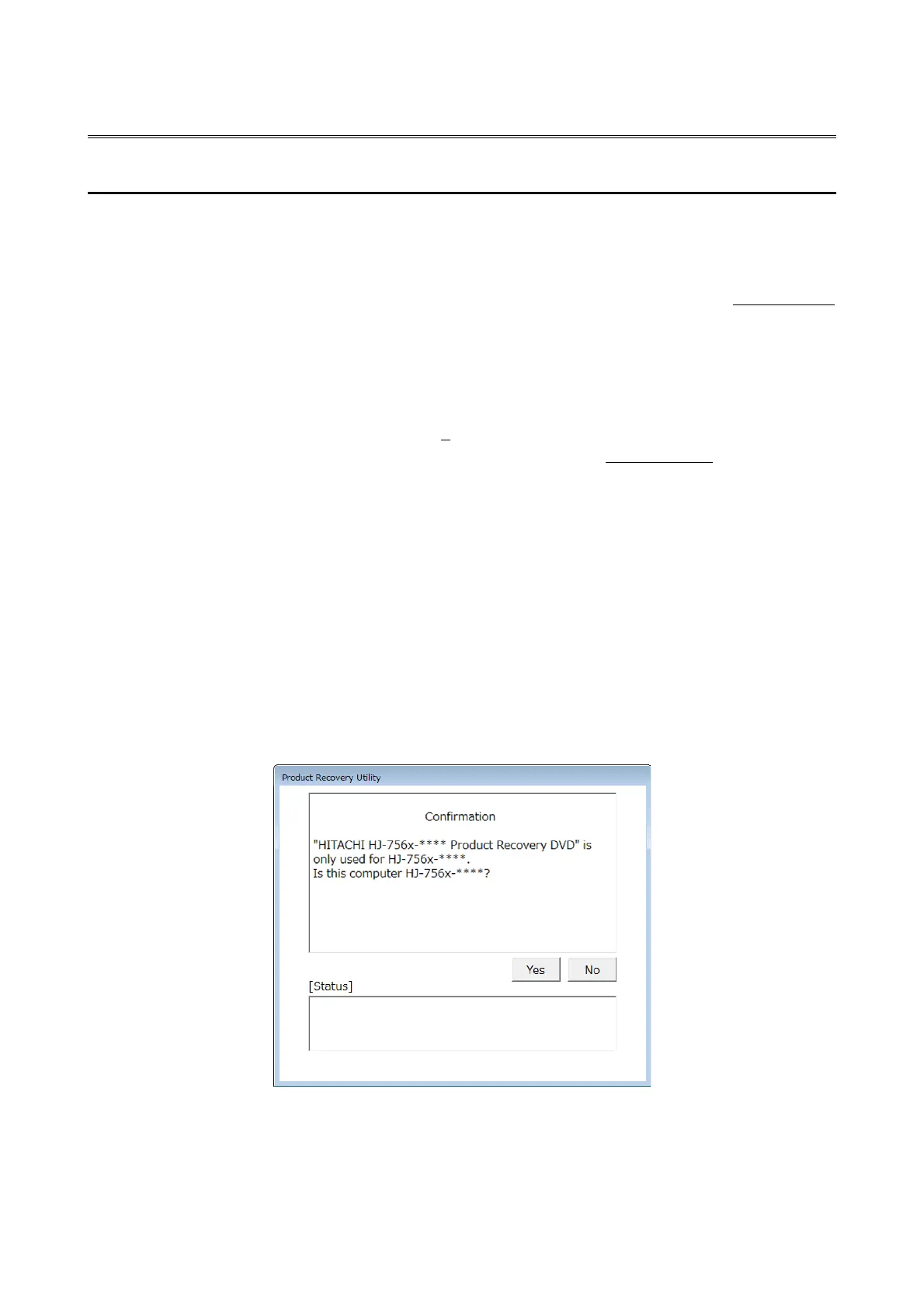
2. When you boot from the recovery DVD, the confirmation message is displayed.
(NOTE) If you cannot boot from the recovery DVD, turn off the equipment, and then turn
it back on.
・When the model name displayed in the confirmation message is the same as
the model name of the equipment you use, click Yes.
・When the model name displayed in the confirmation message is different from
the model name of the equipment you use, click No.



 To Next Page